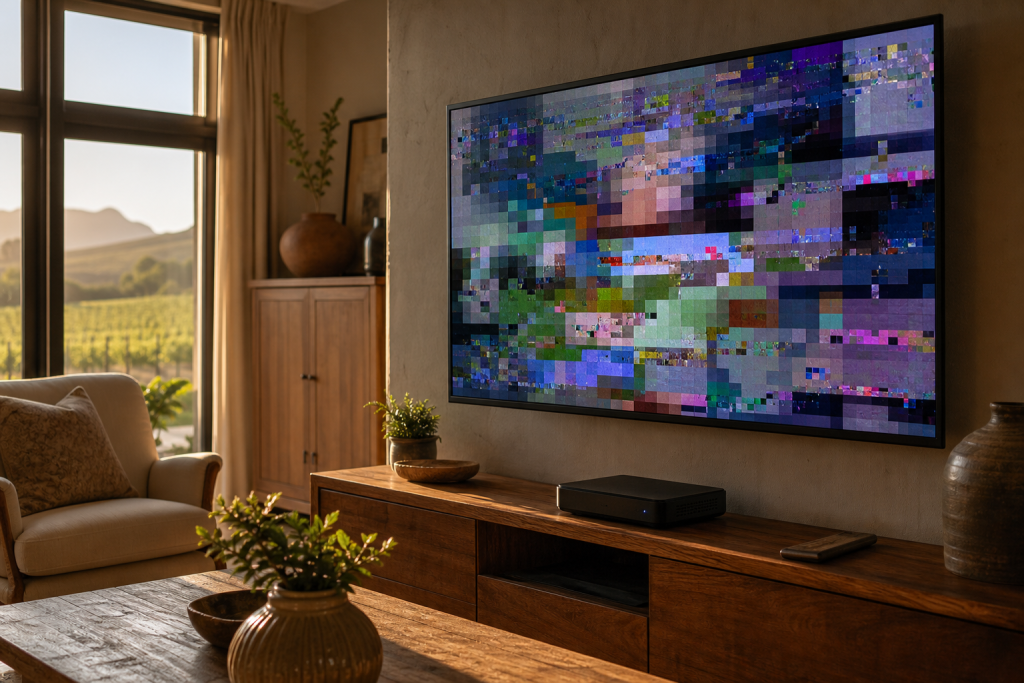
A DSTV picture freezing mid-scene, breaking into blocky squares, or dropping out during the big match is one of the most common complaints we hear across Franschhoek and the wider Cape Winelands. The frustrating part is that it usually comes and goes, which makes it hard to pin down. In almost every case, though, freezing and pixelation point to one thing: your decoder isn’t receiving a clean, stable signal. This guide explains why that happens and how to work through it step by step.
Why Does DSTV Freeze or Pixelate?
Unlike old analogue TV, which faded to snow when the signal weakened, digital satellite TV either shows a perfect picture or falls apart into frozen frames and pixel blocks. When the signal dips below a usable threshold, the decoder simply runs out of data to display. The most common culprits are:
- Weak or variable signal strength reaching the decoder
- A dish that has drifted slightly out of alignment
- A failing or degraded LNB (the arm on the front of the dish)
- Loose, corroded, or ageing coaxial cabling and connectors
- Heavy weather passing over the Winelands
- A loose or faulty HDMI connection to the TV
Working through these in order will either fix the problem or tell you clearly that it’s time for a technician.
Step 1: Check Your Signal Strength and Quality
Your decoder has a built-in diagnostics screen that shows both signal strength and signal quality. On most decoders you can reach it through the settings or installation menu. Note both readings. If signal quality is low or fluctuating, that’s your smoking gun: the freezing is a signal issue, not a decoder fault. If the numbers are healthy and steady but the picture still freezes, the problem is more likely at the TV end or with the decoder itself.
Step 2: Inspect the Cabling and Connections
Loose or corroded cabling is a surprisingly frequent cause, especially in coastal and mountain air. Work through the following:
- Check the coaxial cable where it screws into the back of the decoder. Finger-tighten it snugly, but don’t overtighten.
- Follow the cable to any wall plates or splitters and check those connections too.
- Look for visible damage: cracked outer sheathing, rust on the connector, or a cable that’s been kinked or pinched.
- If you have a multiswitch or extra view setup, a fault on one line can affect the picture.
Ageing cable that has been baking in the Franschhoek sun for years can degrade internally even when it looks fine. If tightening connections briefly improves things, worn cabling is a strong suspect.
Step 3: Consider the Dish and LNB
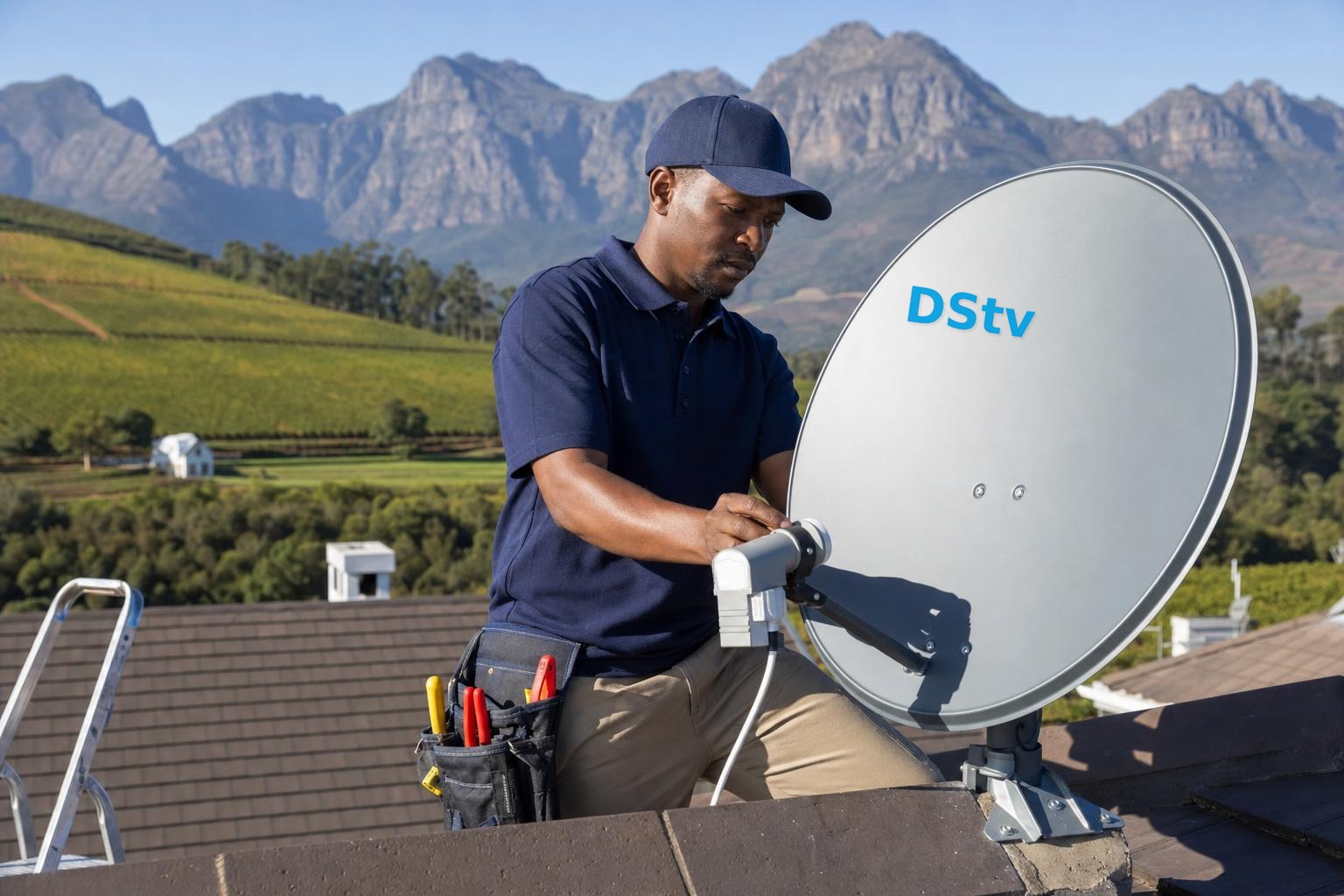
If the signal quality reading is low, the issue is usually at the dish. Satellite dishes are precise: even a few millimetres of movement from wind, a bumped mounting, or a slipped bracket can knock the signal down enough to cause freezing. The LNB on the end of the dish arm can also degrade over time, or fill with moisture, giving a signal that’s fine in dry weather but fails intermittently.
We strongly advise against climbing onto a roof to adjust the dish yourself. Realignment needs a signal meter to get right, and guessing usually makes things worse. This is proper dish alignment work, and a technician can restore a rock-solid signal in one visit. If the LNB is the problem, replacing it is quick and inexpensive compared to the frustration of ongoing dropouts.
Step 4: Rule Out the Weather
Digital satellite signals can be briefly disrupted by very heavy rain or thick cloud, often called “rain fade.” If your picture only pixelates during a genuine downpour and recovers the moment it clears, that’s normal and there’s nothing to fix. However, if you’re losing the picture in light drizzle or even on clear days, your system has too little signal margin, and one of the causes above needs attention. A well-aligned dish should ride out all but the most extreme Winelands weather.
Step 5: Check the HDMI and TV Side
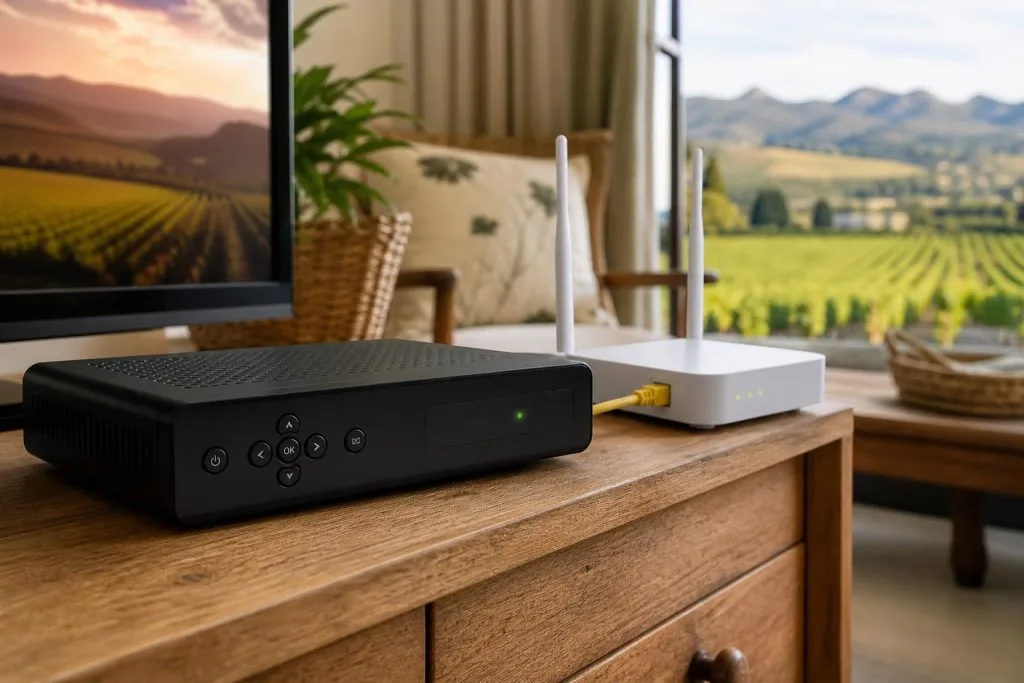
If your signal readings are strong but the image still freezes or flickers, look at the connection between the decoder and TV. Reseat the HDMI cable at both ends, try a different HDMI port on the TV, and if you have a spare cable, swap it in to rule out a faulty lead. Occasionally a failing HDMI cable mimics a signal problem, so it’s worth eliminating before assuming the worst.
When to Call a Technician
If you’ve checked your cabling and connections and the signal quality is still low or unstable, the fix lies at the dish or LNB, and that needs a professional with a signal meter. Persistent pixelation, freezing across all channels, or dropouts in fair weather are all signs to book a visit. Our team handles both realignment and DSTV signal repairs, and the local DSTV installers in Franschhoek know exactly how the terrain and weather here affect reception. If your decoder is also throwing error codes alongside the freezing, our guide to the E48-32 error may help you narrow it down.
Don’t put up with a picture that keeps dropping out. Call or WhatsApp us on 079 754 5527, or visit our contact page. We offer same-day service throughout Franschhoek and the Cape Winelands and will get your picture crisp and stable again.
Related troubleshooting guides
- DSTV Error E30-2 & No Signal When It Rains: Causes and Fixes
- DSTV Error 51: Why It Happens and How to Clear It
- DSTV Error E16: What It Means and How to Fix It
Related DSTV Troubleshooting Guides
Need a DSTV technician?
Same-day DSTV installation, signal repair and Explora setup across Franschhoek and the Cape Winelands.