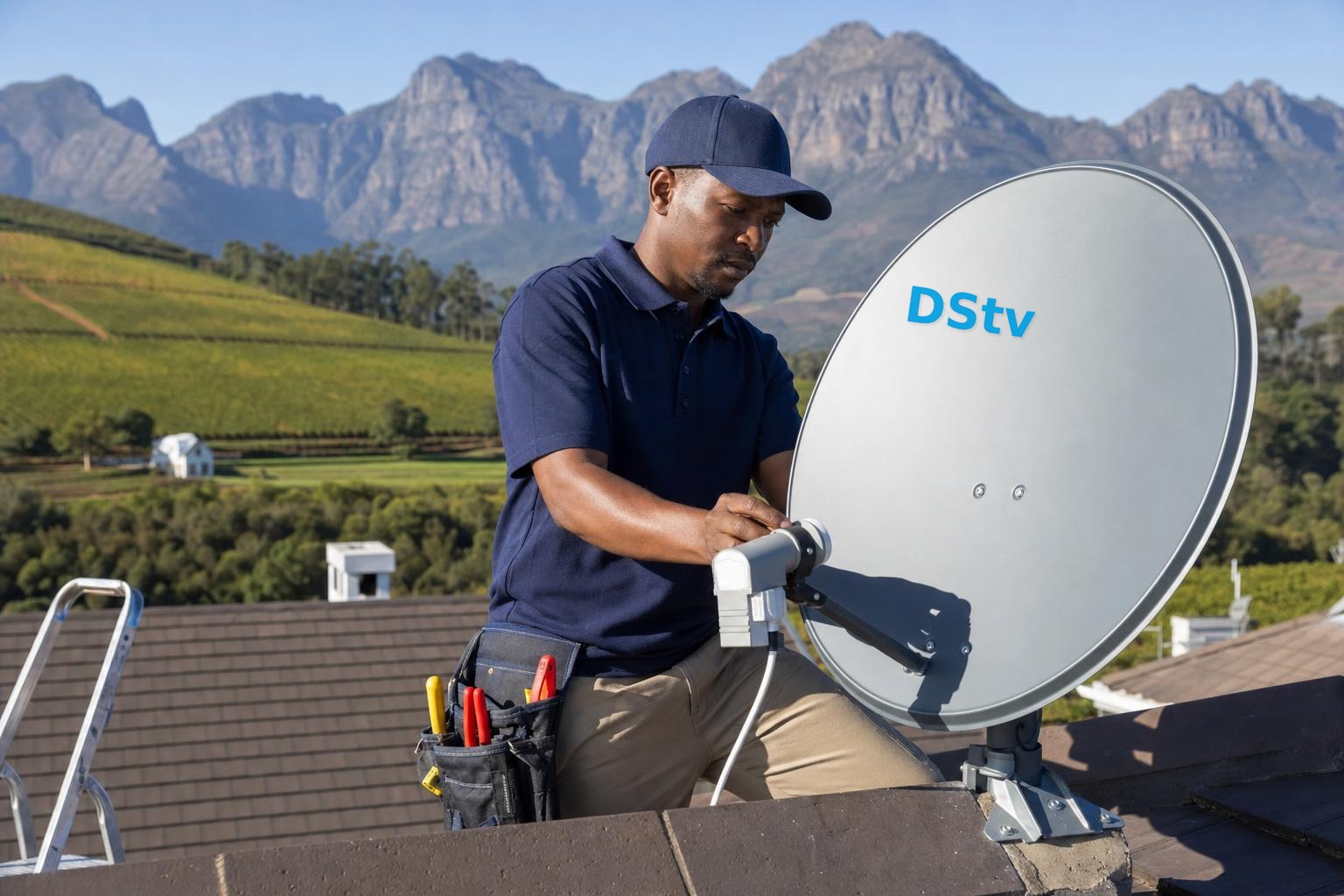
Few things are more frustrating than settling in for the rugby or a movie on a cool Franschhoek evening, only to be met with a blank screen and the message E16 on your DSTV decoder. The good news is that DSTV error E16 is one of the most common and most fixable faults you’ll ever run into. In most cases it has nothing to do with your dish or the weather at all: it’s simply your decoder waiting to be re-authorised. Below we explain exactly what E16 means and walk you through the fixes you can try yourself before calling in a professional.
What does DSTV error E16 actually mean?
Error E16 tells you that the channel you’re trying to watch is not currently authorised on your decoder. In plain terms, the decoder is receiving a signal but the specific channel is scrambled and hasn’t been “unlocked” for your smartcard. You’ll usually see a message along the lines of “This channel is currently not available on your smartcard (E16-4)”.
This typically happens for one of a few reasons:
- Your decoder has been off (or unplugged) for a while and has lost its authorisation “handshake” with the broadcaster.
- A recent payment or package change hasn’t fully synced to your smartcard yet.
- The channel falls outside your current subscription package.
- Your smartcard has drifted out of sync and simply needs a fresh reset signal.
The key thing to remember is that E16 is almost always an authorisation issue, not a hardware failure. That’s why the first fixes are quick and free.
Quick fix 1: Send a re-authorisation reset
The single most effective fix is to resend the authorisation signal to your decoder. MultiChoice makes this easy, and you don’t need to phone a call centre. You have a few options:
- DStv app: Open the app, go to the self-service or “Fix errors” section, choose your decoder and tap the reset / “Clear error” option. It sends a fresh signal over the satellite to your decoder.
- DStv website: Log in to your account online and use the self-service tools to reset the smartcard for your affected decoder.
- USSD / WhatsApp: MultiChoice offers a self-service line you can message to trigger a reset from your phone.
After sending the reset, leave the decoder switched on and tuned to the affected channel for a few minutes. The decoder has to be on to receive the new authorisation over the air. Don’t switch it off halfway: that’s the number one reason a reset appears to “fail”.
Quick fix 2: Reboot the decoder properly
If the reset alone doesn’t clear it, do a full power cycle:
- Switch the decoder off at the plug (not just the remote).
- Wait about 30–60 seconds so it fully powers down.
- Switch it back on and let it boot completely before selecting the channel again.
A clean reboot forces the decoder to re-read its smartcard and re-check its authorisation, which often finishes the job the reset started. This is the same first step our technicians use for almost any decoder setup or fault call.
Quick fix 3: Check your subscription and smartcard
If the error persists on a specific channel, confirm the basics:
- Is your account paid up? An overdue balance will suspend channels. Once you pay, send a reset so the decoder updates immediately rather than waiting.
- Is the channel in your package? E16 can simply mean the channel sits in a higher-tier bouquet than you’re subscribed to.
- Is the smartcard seated correctly? Gently remove the smartcard, check the gold chip is clean and undamaged, then reinsert it firmly the right way round and reboot.
It’s also worth making sure your account details and decoder’s smartcard number match: a mismatch after swapping decoders or cards is a classic cause of stubborn E16 messages.
When E16 is actually a signal problem
Occasionally an E16 masks a weak or dropping signal. If a reset works briefly and the error keeps returning, or if you’re also seeing patchy pixelation, the culprit may be reception rather than authorisation. Here in the Cape Winelands, tall oaks, mountain shadowing around Franschhoek and the odd knocked dish can all chip away at signal strength. In that case the fault is closer to what we cover in our guides on DStv signal problems in the Winelands and general DSTV signal repairs.
Warning signs that it’s a signal issue and not just authorisation:
- The E16 appears alongside errors like E48 or E30 that point to signal loss.
- Multiple channels drop out, not just one bouquet.
- The problem worsens in wind or rain, suggesting a loose dish or LNB that may need dish alignment.
If that sounds familiar, a quick signal-strength check on the decoder’s self-test screen (usually a low value where it should read high) confirms it, and that’s a job best handled on-site.
When to call a professional
Try the resets and reboot first: they solve the vast majority of E16 cases in minutes. But it’s time to bring in an expert if you’ve sent multiple resets with no change, the smartcard looks damaged, or the error is tangled up with genuine signal drop-outs. As experienced DSTV installers in Franschhoek, we can confirm whether it’s an account sync issue, a faulty smartcard, or reception that needs realigning: and get you sorted the same day.
Still stuck on E16? Call or WhatsApp us on 079 754 5527, or head to our contact page. We offer fast, same-day DSTV service across Franschhoek and the Cape Winelands, so you’re back to watching in no time.
Related troubleshooting guides
- DSTV Error E30-2 & No Signal When It Rains: Causes and Fixes
- DSTV Error 51: Why It Happens and How to Clear It
- DSTV Smartcard Error (E141-4): What It Means and How to Fix It
Related DSTV Troubleshooting Guides
Need a DSTV technician?
Same-day DSTV installation, signal repair and Explora setup across Franschhoek and the Cape Winelands.