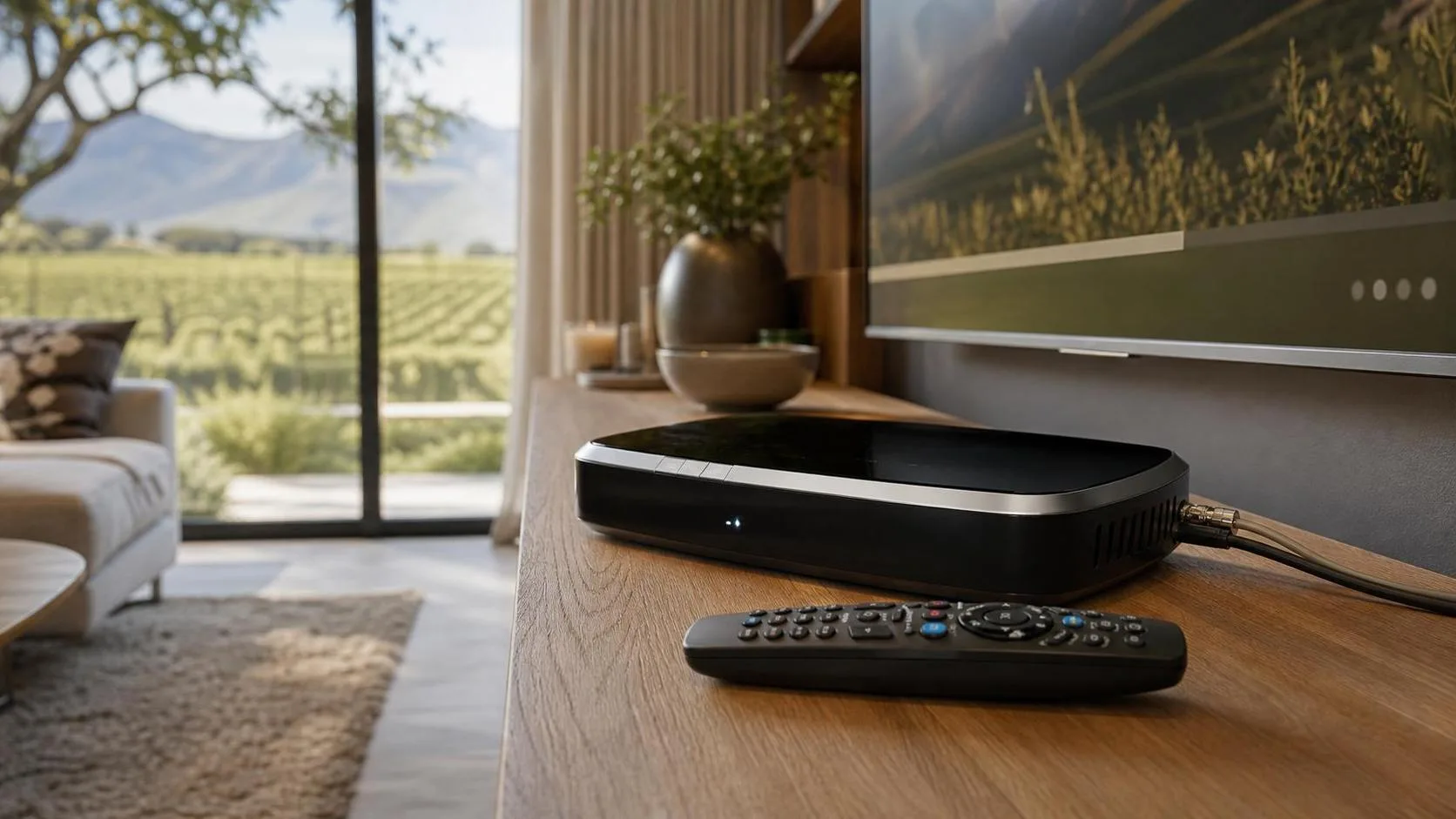
DSTV Explora and Explora Ultra unlock a different level of home entertainment: recording, pause live TV, Catch Up, BoxOffice, Showmax, apps and Extra View linking with up to two other decoders. We install and configure them properly across Franschhoek, Stellenbosch and the rest of the Cape Winelands so every feature actually works.
Why Explora installation needs a Smart LNB
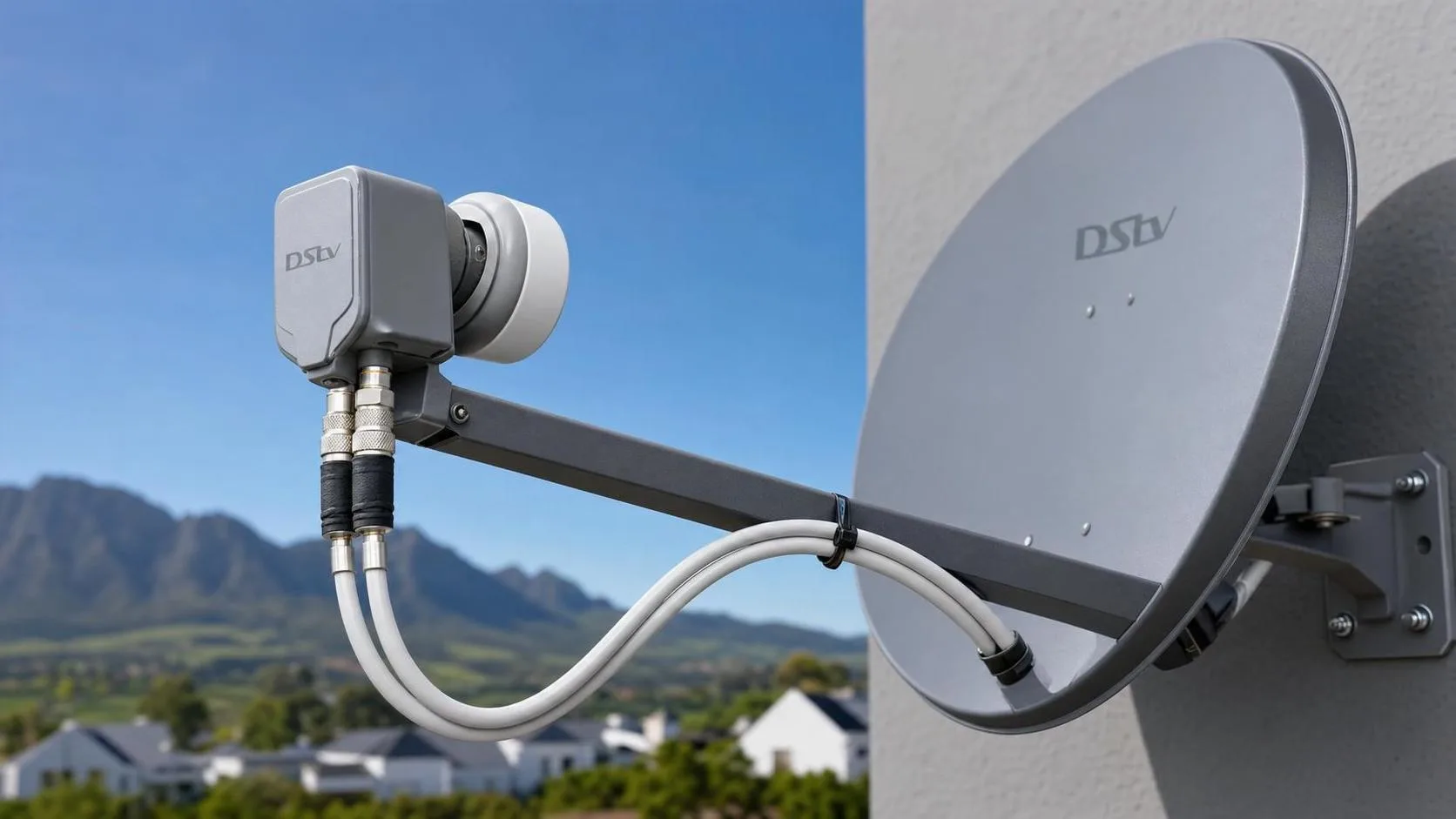
DSTV Explora decoders are designed to record one channel while you watch another, and Explora Ultra can record up to four channels at once. To do that, the dish has to be feeding the decoder with multiple satellite frequencies on a single cable, and that requires a Smart LNB, which is a different unit to the standard universal LNB used on older HD installations.
If your existing dish has a universal LNB and you've just bought an Explora, your recordings will fail and Extra View won't pair properly until the LNB is swapped. We bring a new Smart LNB on every Explora job and replace the old unit if needed, then align it precisely for the Eutelsat 36B and Astra 4A satellites that DSTV uses: see our satellite dish installation & alignment service for the full alignment process.
What we configure on an Explora install
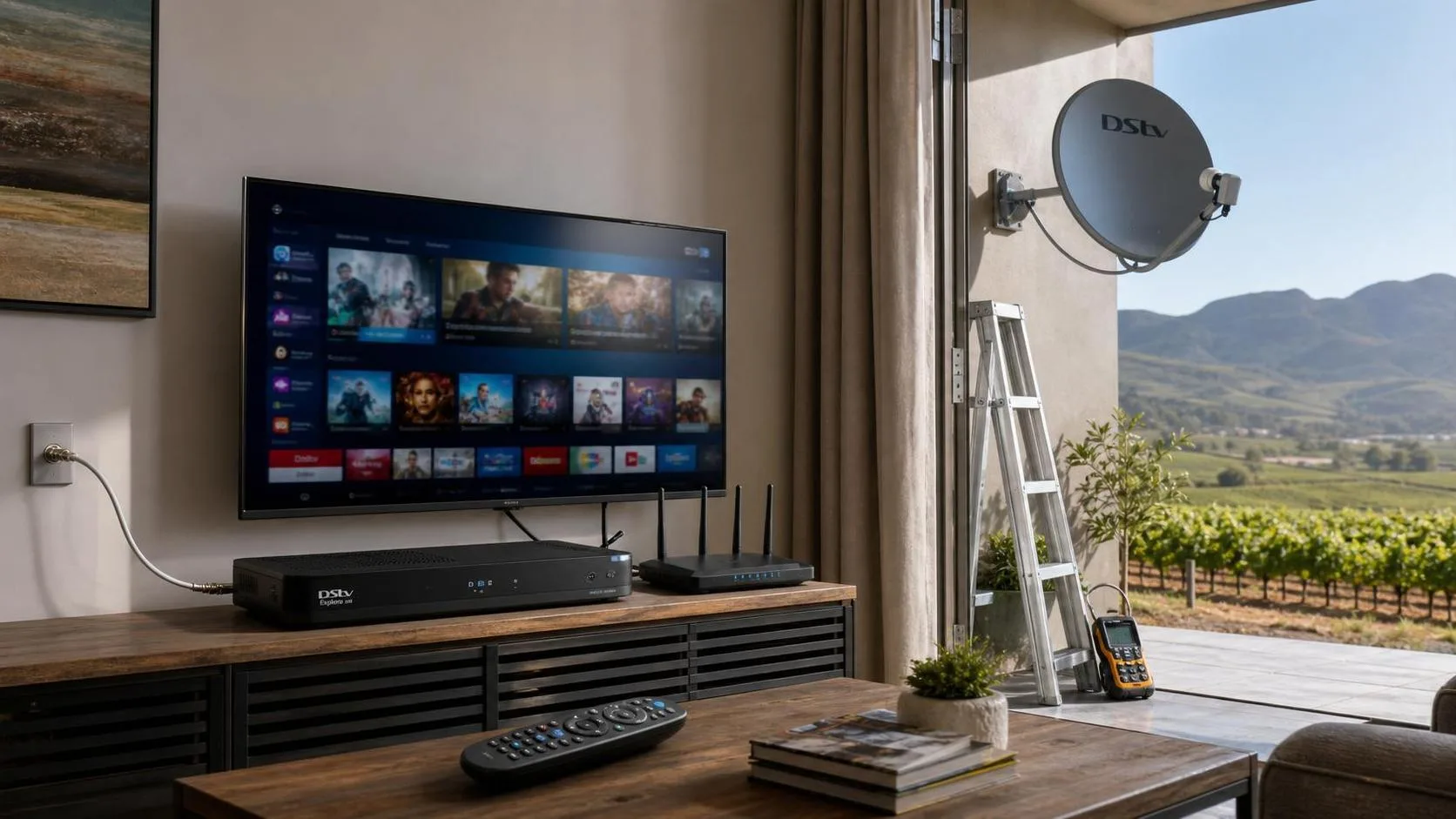
A complete Explora installation includes the Smart LNB swap (if needed), running the single-cable from the LNB to the decoder, mounting and powering the decoder, pairing the remote, activating the smartcard, internet pairing for Explora Ultra (for Showmax, Catch Up Plus and apps), Extra View linking to any existing HD or Explora decoders in the home, and configuring the EPG, audio, parental controls and recording schedule.
We then take you through the menu so you understand how to record series, set reminders, browse Catch Up, navigate the BoxOffice store and use the Explora's voice search if applicable. If you want the TV cleanly mounted to the wall at the same visit, we offer TV wall mounting & cable management.
Upgrading from HD to Explora
If you're upgrading an existing HD decoder to an Explora or Explora Ultra, we handle the full swap, collect the old decoder, transfer the subscription to the new smartcard, replace the LNB on the dish, configure the new decoder, and link any other decoders in the house under Extra View. You keep all your channels, recordings transfer if you have a USB drive, and the upgrade is usually done in one visit.
If you're setting up DSTV in a brand-new home, see our full new DSTV installation service which includes the dish, cabling and Explora setup as one job. For quotes, request a free quote or WhatsApp 079 754 5527.
What's included
Every job is tested and signed off before we leave.
Get a free quote
Prices depend on equipment, TV points, cabling & access, we'll quote upfront.