Few things are more frustrating than settling in for an evening of TV in Franschhoek only to be met with a blank screen and a stubborn DSTV Error 51 message. In plain terms, E51 means your decoder has lost communication with the smartcard: the little chip-loaded card that unlocks your subscription. The good news is that most Error 51 cases are minor and can be cleared at home in a few minutes. This guide walks you through exactly what to do, and when it’s time to bring in a professional.
What Does DSTV Error 51 Actually Mean?
Error 51 (sometimes shown as E51) tells you the decoder cannot properly read the smartcard. It is not usually a signal fault: your dish and cabling may be perfectly fine. Instead, the decoder and card have stopped “talking” to each other. Common triggers include:
- A smartcard that has worked loose or has dirty gold contacts
- A card inserted the wrong way around or not pushed fully home
- A software glitch that a simple reset will clear
- An account that needs re-authorisation after a payment or package change
- In rarer cases, a genuinely faulty card or a failing card reader inside the decoder
Because the causes range from trivial to hardware-level, it pays to work through the fixes in order, from easiest to most involved.
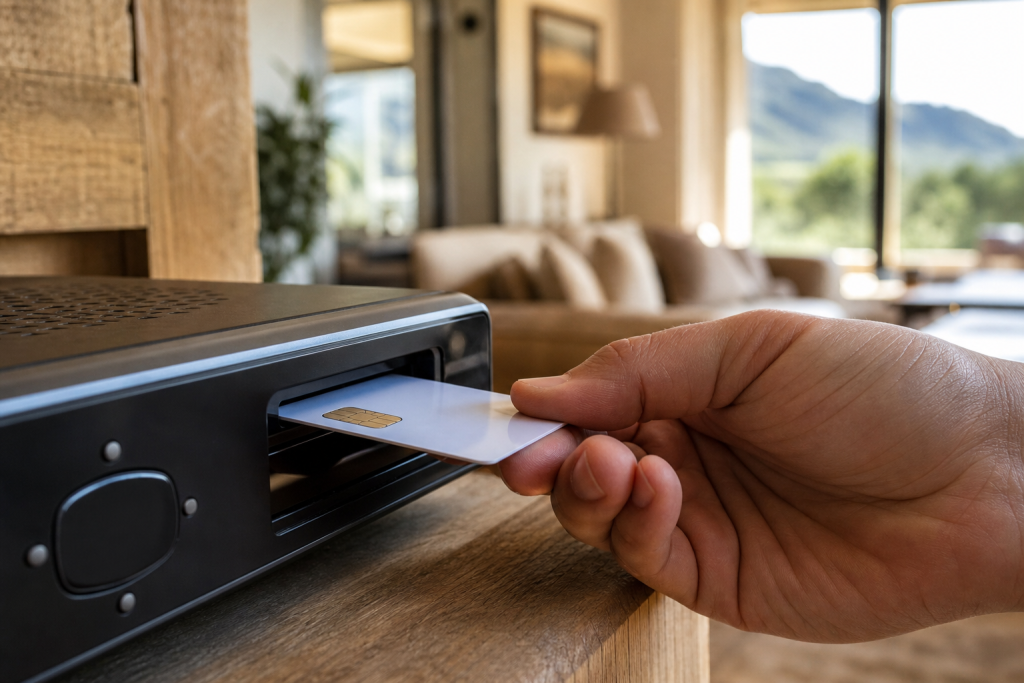
Step 1: Reseat the Smartcard
The single most common cure for Error 51 is reseating the card. Here’s how to do it safely:
- Switch the decoder off at the wall and unplug it, don’t just use the remote.
- Locate the smartcard slot (usually on the front or side of the decoder) and gently slide the card out.
- Check the orientation. The gold chip should face the correct way as marked on the card or slot. If you’ve recently had it out, it’s easy to reinsert it upside down.
- Wipe the gold contacts gently with a clean, dry, lint-free cloth. Avoid liquids, and never use anything abrasive.
- Slide the card firmly back in until it seats properly. It should sit flush, not sticking out.
Reconnect the power, switch on, and give the decoder a minute or two to boot and read the card. In many Winelands homes, this alone clears the error.
Step 2: Power-Cycle the Decoder
If reseating didn’t help, a full power reset often does. Turn the decoder off at the plug, wait a full 60 seconds so it fully discharges, then switch it back on. This clears temporary software hiccups that can block the card reader. Wait for the decoder to fully load the guide before testing: interrupting the boot can leave it in a half-started state and reintroduce the error.
Step 3: Re-Authorise Your Smartcard
Sometimes the card is read correctly but your account needs a fresh authorisation signal, especially just after a payment, a reconnection, or a package change. You can trigger this yourself:
- Make sure your DSTV account is fully paid up and active.
- Use the DStv self-service options (the DStv app or the online self-service portal) to send a reset or re-authorisation to your decoder.
- Leave the decoder switched on and tuned to a channel so it can receive the refresh: this can take several minutes to come through.
If the error persists after re-authorisation, the problem is more likely to be physical, either with the card itself or the decoder’s reader.
Step 4: Rule Out a Faulty Card or Decoder
If you’ve reseated the card, power-cycled, and re-authorised with no luck, you may be dealing with a worn smartcard or a failing card reader inside the decoder. Signs that point this way include a card that only reads intermittently, visible damage or corrosion on the gold contacts, or the same E51 appearing across different channels no matter what you try. A worn card can be replaced, while a faulty reader typically means the decoder needs repair or swapping out. This is where a proper diagnosis saves you money: there’s no point buying a new card if the reader is the real culprit.
When to Call a Professional
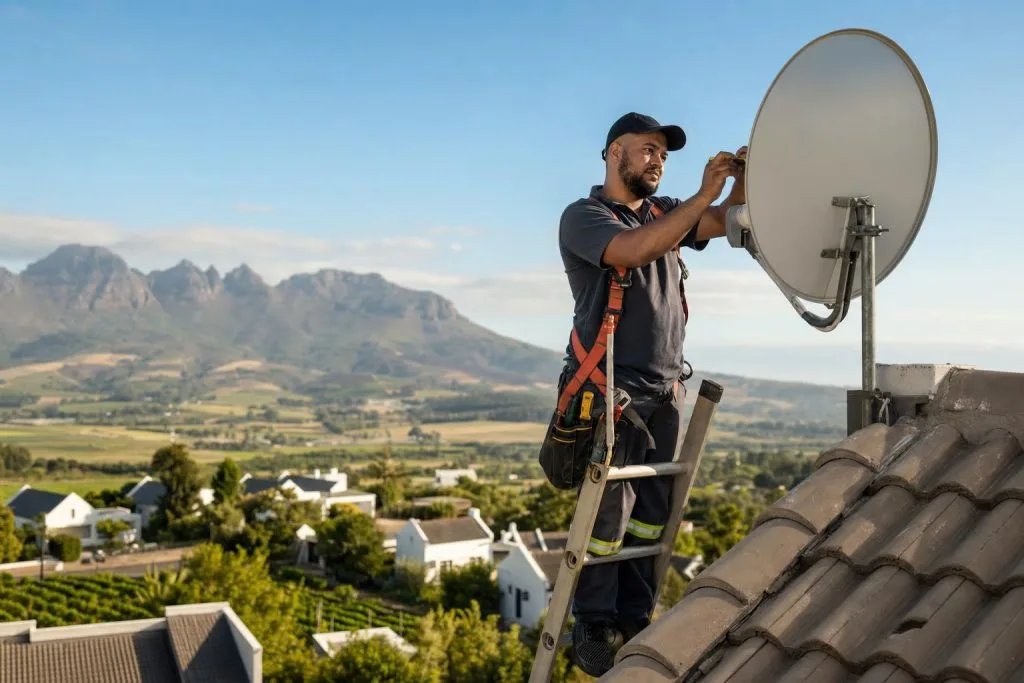
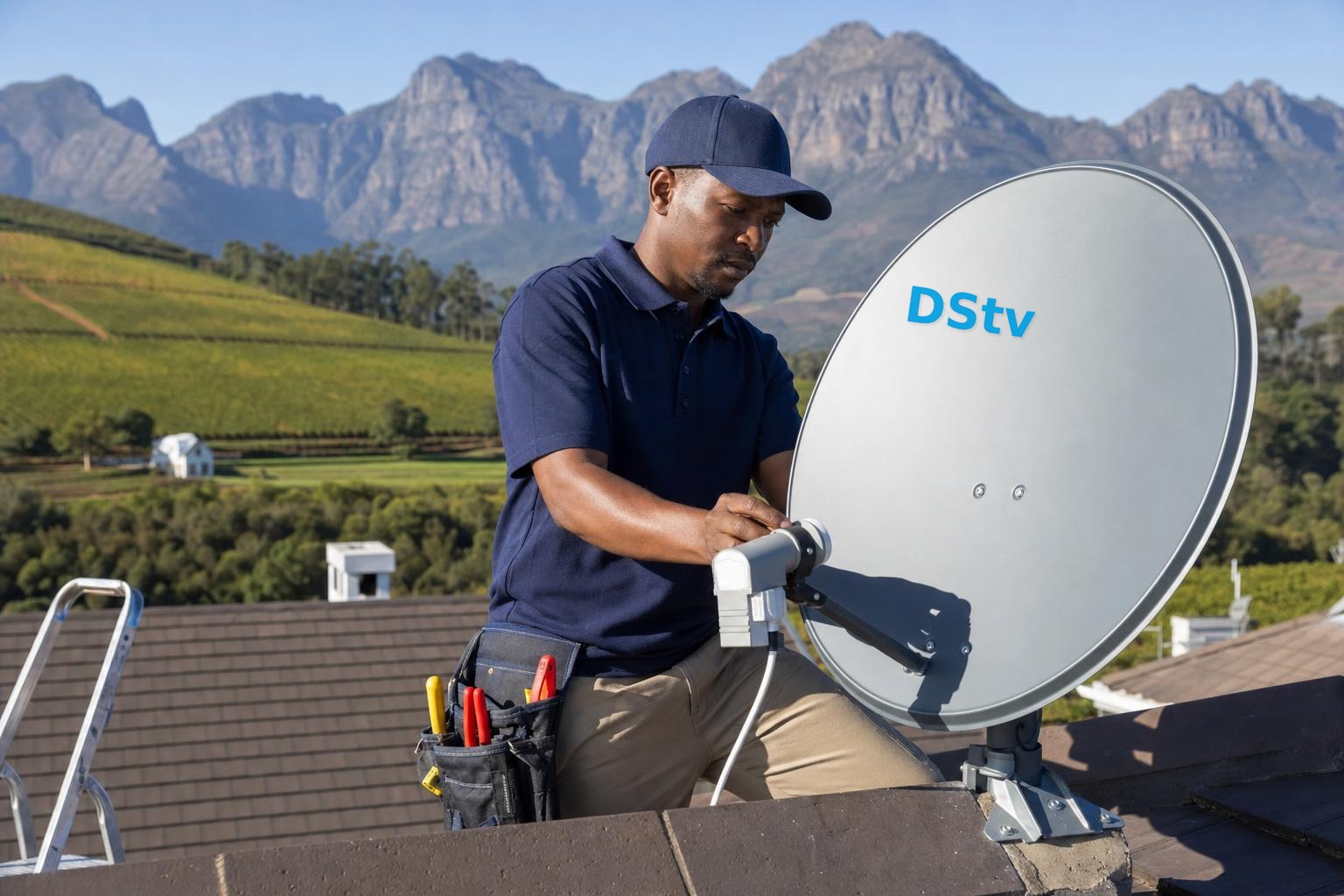
Error 51 is one of the more DIY-friendly faults, but there are clear moments to hand it over. If the error keeps returning after every fix, if you notice damage to the card or slot, or if other errors start appearing alongside it, it’s time for expert help. The experienced DSTV installers in Franschhoek can test your card and reader on the spot and tell you definitively whether it’s a card, a decoder, or something upstream. If you’re also seeing on-screen signal messages, our team handles DSTV signal repairs and can check the whole chain in one visit.
It’s also worth having your decoder setup reviewed if the unit is older or has been moved recently, as a knock or loose internal connection can affect the card reader. And if the E51 is accompanied by picture dropouts, you may actually be chasing two separate issues: our guide to signal problems in the Winelands is a useful companion read.
Sorted your Error 51, or stuck and need a hand? Call or WhatsApp us on 079 754 5527, or head to our contact page. We offer same-day service across Franschhoek and the Cape Winelands, and we’ll have you back to your favourite channels in no time.
Related troubleshooting guides
- DSTV Smartcard Error (E141-4): What It Means and How to Fix It
- DSTV Error E16: What It Means and How to Fix It
- DSTV Picture Freezing or Pixelating? Here’s How to Fix It
Related DSTV Troubleshooting Guides
Need a DSTV technician?
Same-day DSTV installation, signal repair and Explora setup across Franschhoek and the Cape Winelands.