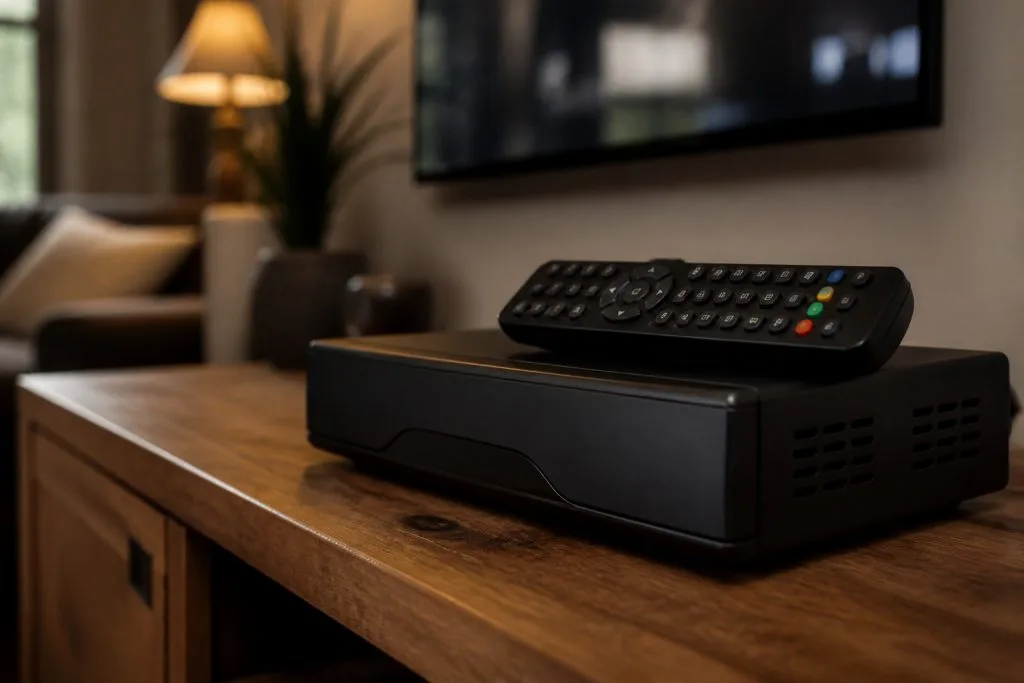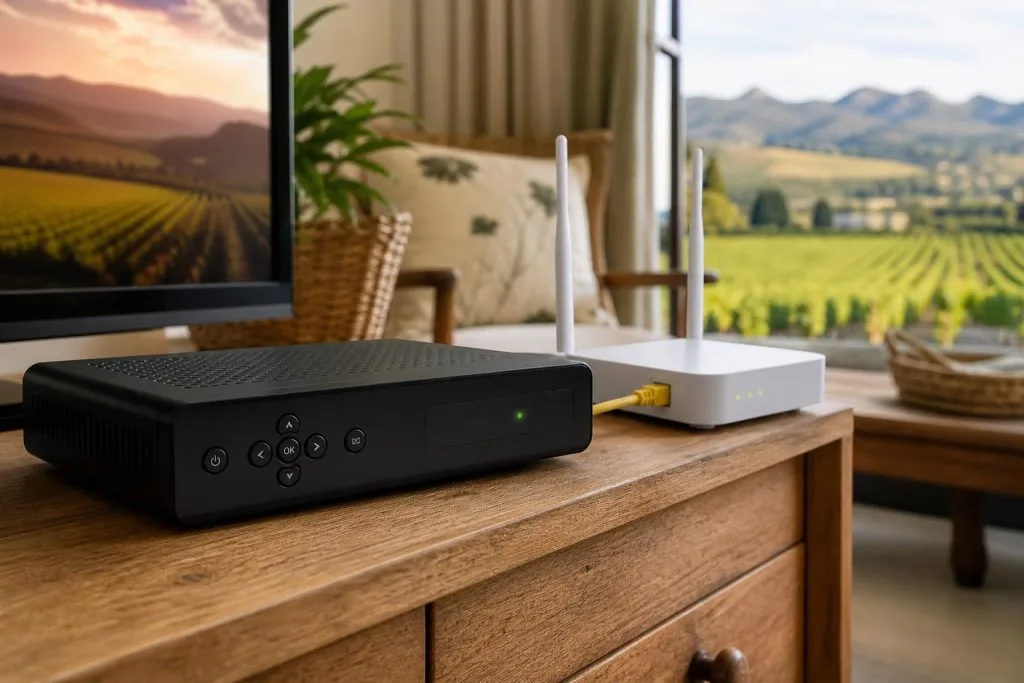
Connecting a DStv Explora to the internet gives the decoder access to supported connected features, but the setup only works well when the network signal at the television is stable. A router showing full strength in the office does not guarantee reliable coverage behind a TV cabinet on the other side of a Franschhoek home.
Check your Explora model and connection options
Start by confirming the exact decoder model and its available network options. Some models support a direct network connection, while others may require compatible accessories or a particular setup path. Check the decoder menu and official instructions for that model instead of following a generic video made for different hardware. Older Explora models with no built-in wireless need the DStv WiFi Connector before they can join a network at all.
Also confirm that the home internet works on another device near the television. If a phone cannot load a page in the same spot, the problem is likely WiFi coverage rather than the Explora.
Connecting through WiFi
Open the decoder’s network or connectivity settings, choose the correct WiFi network and enter the password carefully. Network names and passwords are case-sensitive. Allow the decoder time to authenticate and obtain an address from the router, then run the connection test if the menu provides one.
- Select your own network, not a similarly named neighbour network.
- Re-enter the password if the decoder repeatedly fails authentication.
- Restart the router and decoder after a configuration change.
- Avoid hiding the router inside a metal cabinet.
- Keep other electronics from blocking the clearest path unnecessarily.
When Ethernet is the better choice
A wired Ethernet connection is often more stable when the decoder is far from the router, several walls sit between them, or the property has many connected guests and devices. Ethernet also avoids some of the fluctuation caused by interference and changing wireless conditions.
For guesthouses, farms and larger homes, structured cabling can connect the television area to the main router or network switch. A cable should be properly terminated and tested; an improvised long lead through doorways is easy to damage. Our Franschhoek WiFi and network cabling service can assess dead zones and practical routes. Our guide to guesthouse WiFi in Franschhoek goes into access points, dead zones and cabling in more detail.
Why the decoder connects but online features remain slow
A successful WiFi connection only proves the decoder joined the local network. It does not prove that the internet line is fast, that the WiFi signal is clean, or that the service is available. Test speed and stability near the decoder, then compare that result with a device connected close to the router. If Catch Up is the thing that stopped working, our guide to DStv Catch Up not working runs through it in order.
Thick walls, distance, overloaded extenders and a crowded wireless channel can all reduce performance. Repeating a weak signal with a badly placed extender usually repeats the problem. A correctly positioned access point with wired backhaul is the stronger solution for larger properties.
Common connection fixes
If the Explora was connected before but is now offline, check whether the router name or password changed. Forget the stored network and reconnect. Restart both devices, check automatic date and time, and verify that the router is assigning addresses normally. If other devices are offline too, contact the internet provider before changing decoder settings.
Do not factory-reset the decoder as a first step. A reset can remove settings without fixing poor WiFi. Work from the network outward: internet line, router, coverage at the TV, password, decoder settings.
Satellite signal and internet are separate
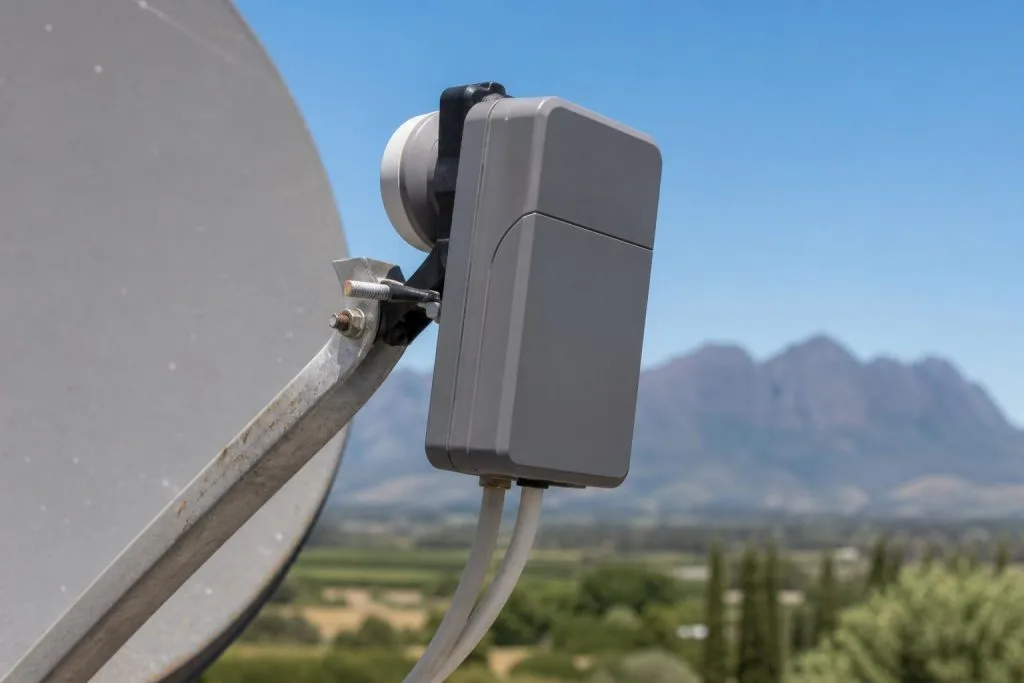
WiFi does not replace the satellite feed. If live channels show E48-32 or no signal, inspect the dish system rather than the router. If live channels work but connected features do not, focus on the network. For help with both sides of the setup, see our DStv Explora installation service or call 079 754 5527.
Planning WiFi around Franschhoek properties
Older walls, separate guest wings and long farm layouts can block a router that performs well in one room. Place access points around actual use areas and, where possible, feed them with Ethernet. A mesh system can help, but mesh nodes still need a strong link to one another. Putting a node inside the existing dead zone gives it little useful signal to repeat.
Frequently asked questions
Will internet fix E48-32?
No. E48-32 is associated with the satellite signal path. Internet and satellite reception should be diagnosed separately.
Can I use a mobile hotspot?
A supported decoder may connect, but data cost, changing signal and hotspot sleep settings can make it unsuitable as a permanent connection.
Why can my phone connect but the Explora cannot?
The phone may support different WiFi bands or sit in a better position. Check model compatibility, password and signal at the decoder.
Should I reset the router?
Restarting is reasonable. A factory reset is not a first step because it erases provider and WiFi settings.
Prefer a professional to set it up? Our Franschhoek DStv installation service connects Explora WiFi as part of every install.
For a decoder that is set up, paired and connected properly from day one, see our decoder installation and setup service.
If the Explora keeps dropping off the network, the WiFi is the problem rather than the decoder. We fix dead spots properly with network cabling and WiFi in Franschhoek.
Need a DSTV technician?
Same-day DSTV installation, signal repair and Explora setup across Franschhoek and the Cape Winelands.