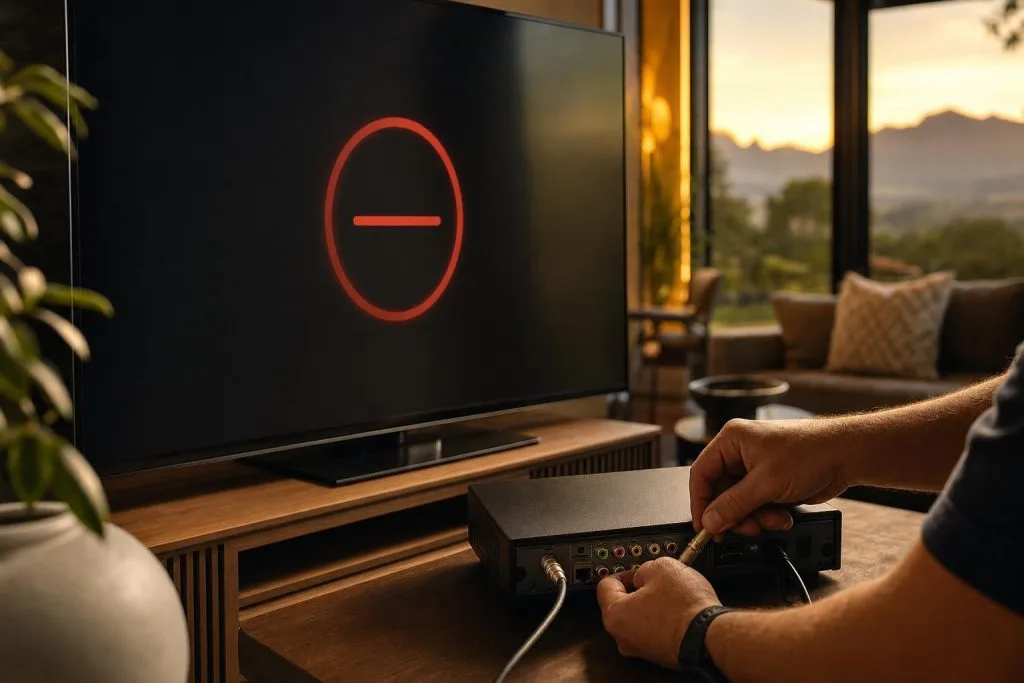
E48-32 is the single most common DSTV error code we get called out for across Franschhoek, Paarl and the wider Cape Winelands. It means your decoder cannot lock onto the satellite signal, but the actual cause sits somewhere on the chain between the dish on your roof and the decoder on your TV unit. Here are the seven causes we see most often, in the order we check them.
1. Dish alignment has shifted
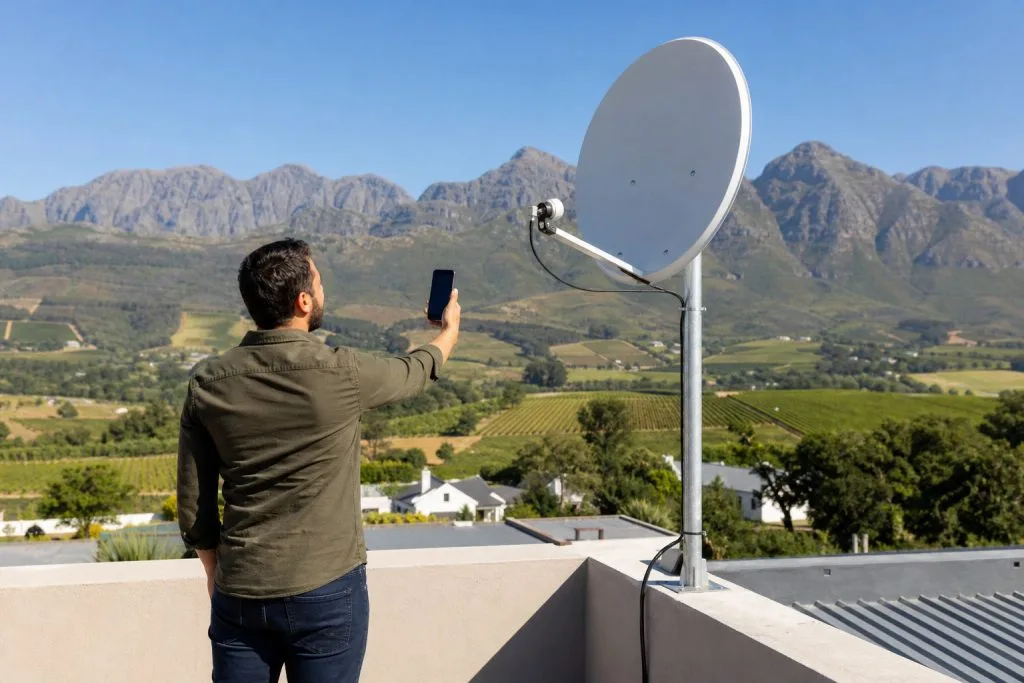
Wind in the Winelands can knock a dish out by just a few degrees and that’s enough to drop signal quality below the lock threshold. Look at the dish from the ground: if it’s clearly leaning, it needs professional realignment with a calibrated signal meter. Eyeballing it almost never works because peak signal often sits 1–2° off where it visually “looks right”.
2. Faulty or water-damaged LNB
The LNB is the white plastic head at the end of the dish arm. It’s the most exposed part of the entire system and after 5–10 years of sun and rain it commonly fails. Symptoms: E48-32 in clear weather, intermittent picture loss, or one specific transponder dropping while others still work. Replacement is quick and inexpensive.
3. Damaged or pinched cable
The RG6 cable running from the dish to the decoder is often the culprit: either UV-cracked from sun exposure, eaten by rats, pinched by a roof tile, or with a water-corroded F-connector. If the dish and LNB test fine on a meter, we move down the cable until we find continuity loss.
4. Bad weather temporarily blocking signal
Heavy thunderstorms can drop signal long enough to trigger E48-32 for a few minutes. If the error clears as soon as the storm passes, this is the cause and there’s nothing to fix. If it persists, see point 1.
5. Smartcard not communicating
Sometimes the smartcard inside the decoder hasn’t paired correctly with the satellite signal. Pulling it out and reinserting it after a 60-second power-cycle often fixes this. If not, MultiChoice may need to re-authorise the card.
6. Decoder software needs an update
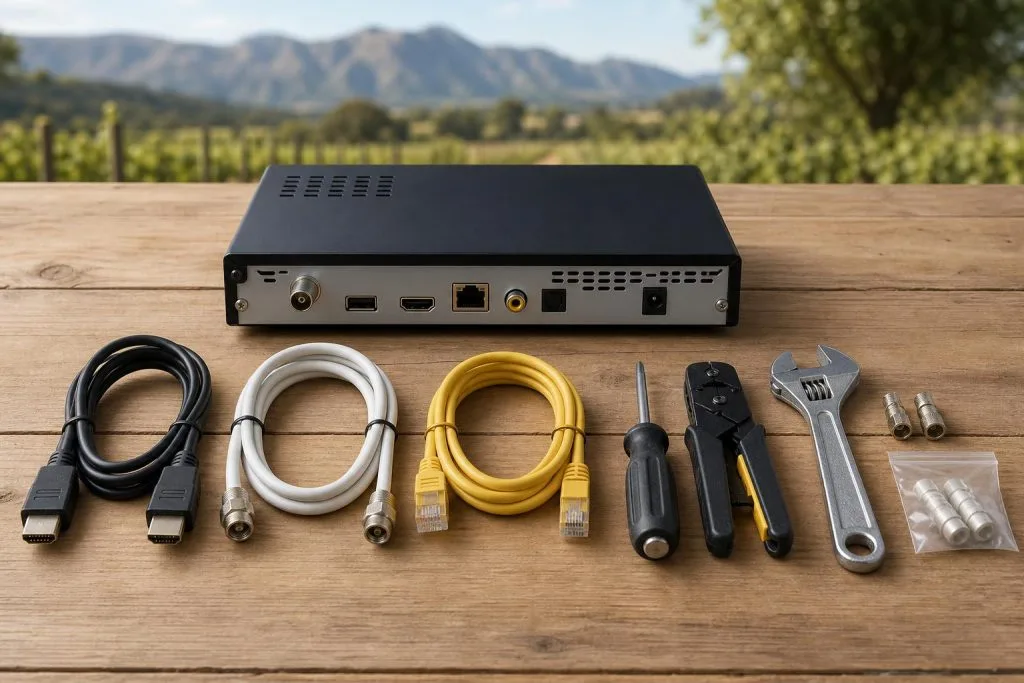
Older HD decoders occasionally need a software refresh from satellite. Leaving the decoder on overnight in standby allows it to receive the update. If that doesn’t help, the decoder may need a hardware swap: see our DSTV decoder setup service for a clean replacement.
7. Smart LNB / Explora hardware mismatch
If you’ve upgraded to an Explora or Explora Ultra but your dish still has the old universal LNB, recording will fail and you’ll get E48-32 errors when more than one program is recording. The fix is a Smart LNB swap.
What to do right now
Try the simple fixes first: power-cycle the decoder (off at the wall for 60 seconds), check the smartcard is fully inserted, look at the dish for visible damage, and wait 5 minutes if there’s weather. If E48-32 persists in clear conditions, it’s a hardware or alignment fault and you’ll need a technician on the roof.
We handle E48-32 callouts same-day where availability allows: see our DSTV signal repair service and our guide to why DSTV signal drops in the Winelands, or call 079 754 5527.
Related troubleshooting guides
- DSTV Error E16: What It Means and How to Fix It
- DSTV Error E30-2 & No Signal When It Rains: Causes and Fixes
- DSTV Error 51: Why It Happens and How to Clear It
- DSTV Picture Freezing or Pixelating? Here’s How to Fix It
- DSTV Smartcard Error (E141-4): What It Means and How to Fix It
Related DSTV Troubleshooting Guides
- DSTV Error E30-2 & no-signal-in-rain fix
- Fix DSTV picture freezing & pixelation
- DSTV Error E16 explained
If E48-32 keeps returning, our signal repair service finds the real fault fast.
Based in Franschhoek or the surrounding Winelands? If your DStv has stopped working rather than never worked, we diagnose the actual fault on site before quoting the fix. See our DStv signal repairs in Franschhoek, or start at DStv installation in Franschhoek for everything we cover across the valley. Call 079 754 5527 or request a free quote.
Need a DSTV technician?
Same-day DSTV installation, signal repair and Explora setup across Franschhoek and the Cape Winelands.