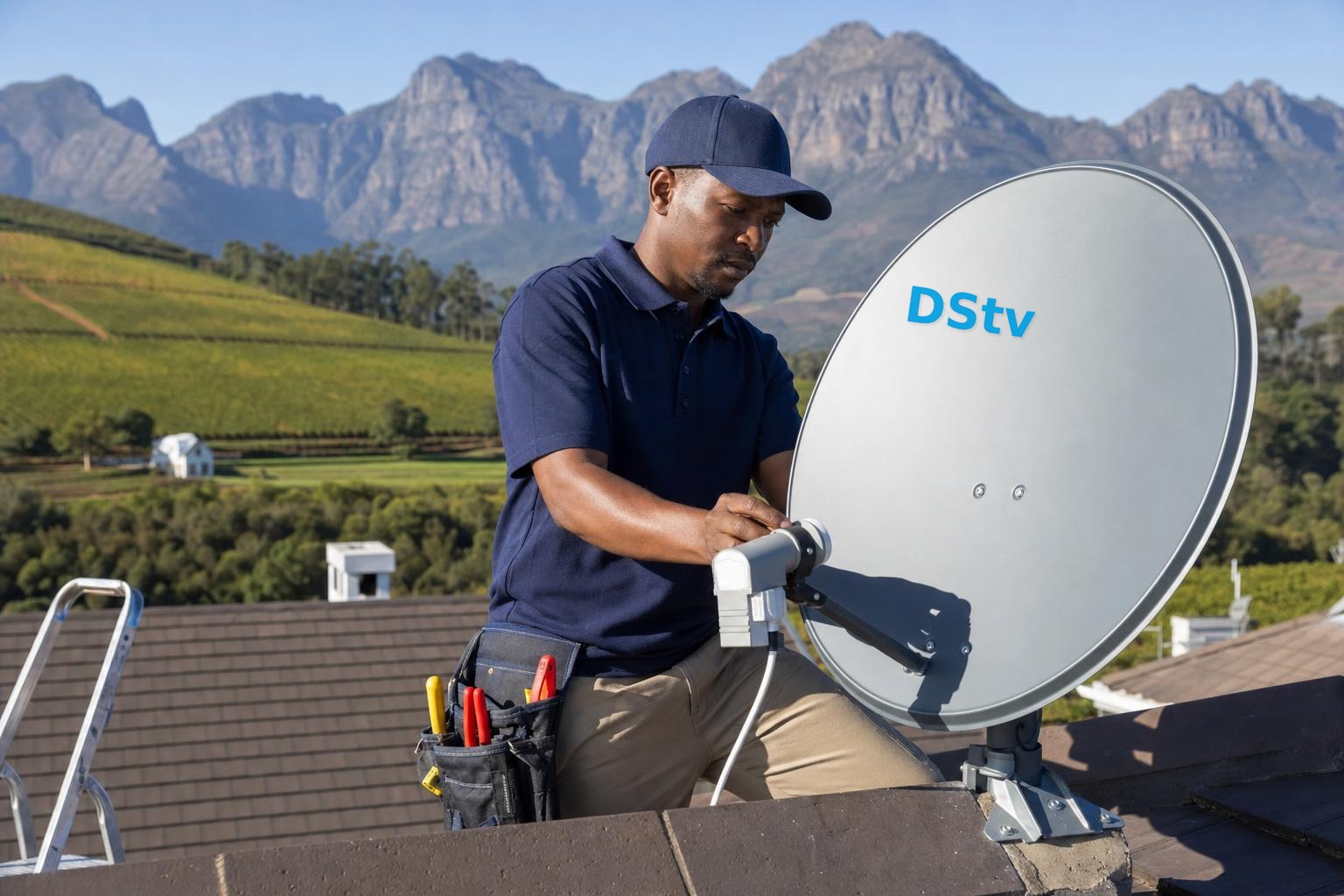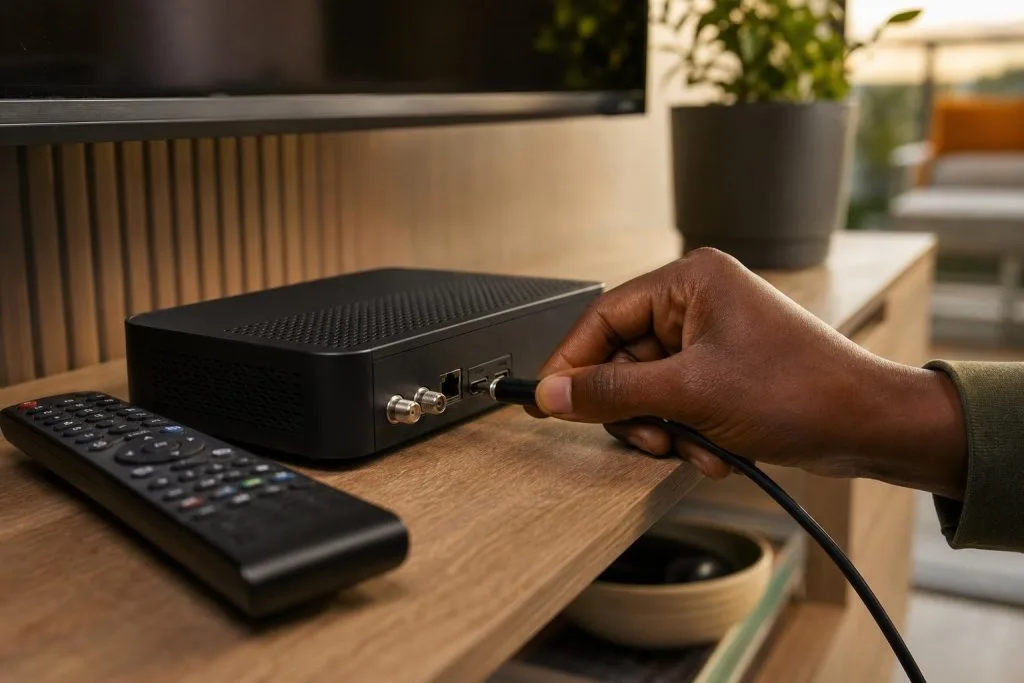
A new decoder is more than a box you plug in: it has to be installed on the dish signal, activated on your account, and paired correctly if you’re recording or watching in more than one room. This guide walks through the decoder options available in 2026, what setup involves, and what it typically costs to get right in Franschhoek and the Winelands.
Which decoder do you actually need?
Most households come down to two choices. A basic HD decoder plays live TV in a single room: cheap and fine if you never record and don’t use catch-up. An Explora adds recording, a large hard drive, catch-up and tight integration with the DStv app, and it’s what you want to get the full value from Compact and above. We lay out the trade-off in Explora vs HD decoder, and if you’ve already decided on an Explora, our Explora Ultra vs Explora 3 comparison helps you pick the model. Your decoder choice should follow your package: there’s no point paying for Premium on a decoder that can’t do it justice.
What a proper decoder setup includes
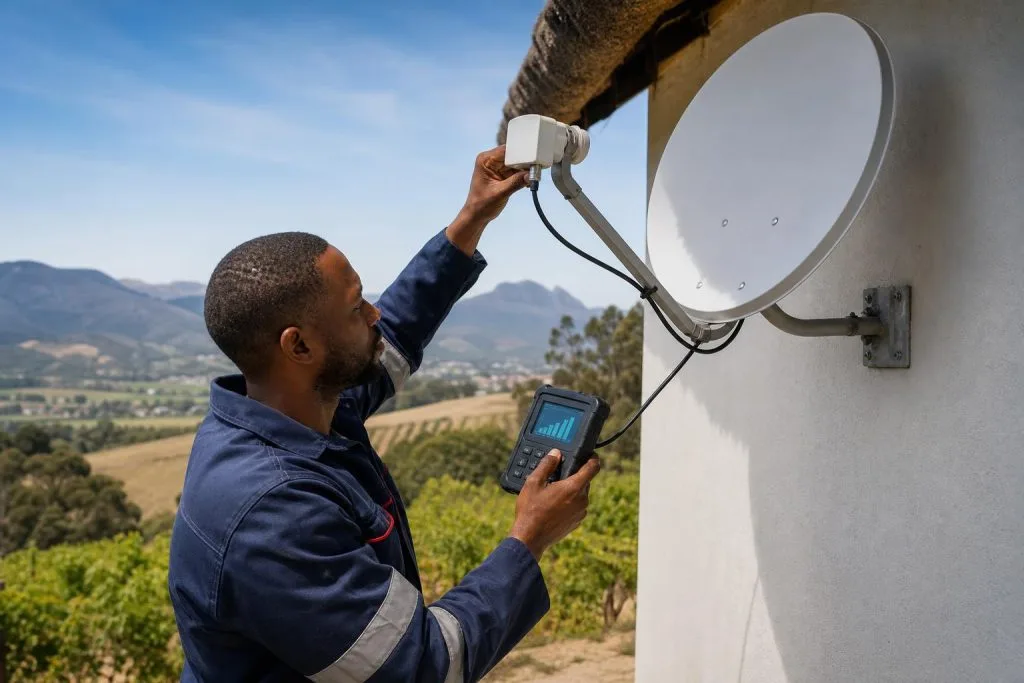
Setting up a decoder correctly means connecting it to a properly aligned dish signal, running the on-screen installation so it finds all your transponders, activating the smartcard on your DSTV account so your full bouquet comes through, and configuring recording or multi-room if you need it. Skip a step: a weak signal feed, or an unactivated card, and you get missing channels or an E48-32 error that sends people hunting for a fault that’s really just setup.
Typical decoder setup costs (2026)
- Install & activate a single decoder on an existing, working dish point: usually R350–R650.
- New decoder point as part of a fresh install: rolled into the installation cost.
- Second decoder linked with Extra View: typically R650–R1,200 including cabling, see Extra View setup.
The decoder hardware itself is bought separately at MultiChoice rates. If you already own the box, you’re only paying for the setup labour.
Recording and multi-room: decide at setup
If you want to record one channel while watching another, or watch different channels in different rooms, that’s worth speccing at setup rather than bolting on later. A single Explora can record and watch simultaneously; separate live channels in separate rooms need Extra View or a streaming setup. Getting the cabling in during the first visit is cheaper than opening walls again later.
Moving an existing decoder
If your decoder already works and you’re just changing homes, you usually don’t need a new setup: you need a relocation and re-install, which carries your existing hardware to the new dish. Booking the right job keeps the cost down.
Book a decoder setup
Tell us which decoder you have (or want) and how you like to watch, and we’ll install, activate and configure it properly the first time. Full scope on our decoder setup service page. We cover Franschhoek and the wider Winelands. Get a free quote or call 079 754 5527.
Related troubleshooting guides
- DSTV Decoder Won’t Turn On or Stuck on Standby: Fixes
- DSTV Remote Not Working? How to Re-Pair and Fix It
- DSTV Smartcard Error (E141-4): What It Means and How to Fix It
Related DSTV Troubleshooting Guides
- DSTV decoder won’t turn on
- DSTV remote not working? Re-pair it
- DSTV smartcard error E141-4 fix
- How to clear DSTV Error 51
Not sure which setup fits your home? Our decoder installation service covers every option above.
Based in Franschhoek or the surrounding Winelands? We connect, activate and configure decoders, and meter the signal feeding them before calling the job done. See our decoder setup service, or start at DStv installers in Franschhoek for everything we cover across the valley. Call 079 754 5527 or request a free quote.
Need a DSTV technician?
Same-day DSTV installation, signal repair and Explora setup across Franschhoek and the Cape Winelands.