You've moved into a lock-up-and-go unit in Franschhoek village, the decoder is still in its box, and there's a round satellite plate behind the TV cabinet. Good start. Most DStv in flats and apartments runs off one shared roof dish, and connecting to it takes about half an hour once you know your building's setup.
Quick answer: To connect DStv to a communal dish in your flat or apartment, plug a coaxial lead from the satellite wall plate into the decoder's dish input, connect HDMI to the TV, then run the installation set-up. Choose the option your building uses, scan for channels, and activate the decoder on your own account. Ask the body corporate for the system type first.
Step by step: connecting your DStv decoder in a flat or apartment
Do these in order. Most problems we're called out for come from skipping step two.
- Find the right wall plate. A satellite plate has a screw-on connector. A TV aerial plate usually has a push-in one, so don't mix them up.
- Get the system type. Ask the managing agent or body corporate whether the block runs a multiswitch or a single-cable system, and if it's single cable, which user bands belong to your unit.
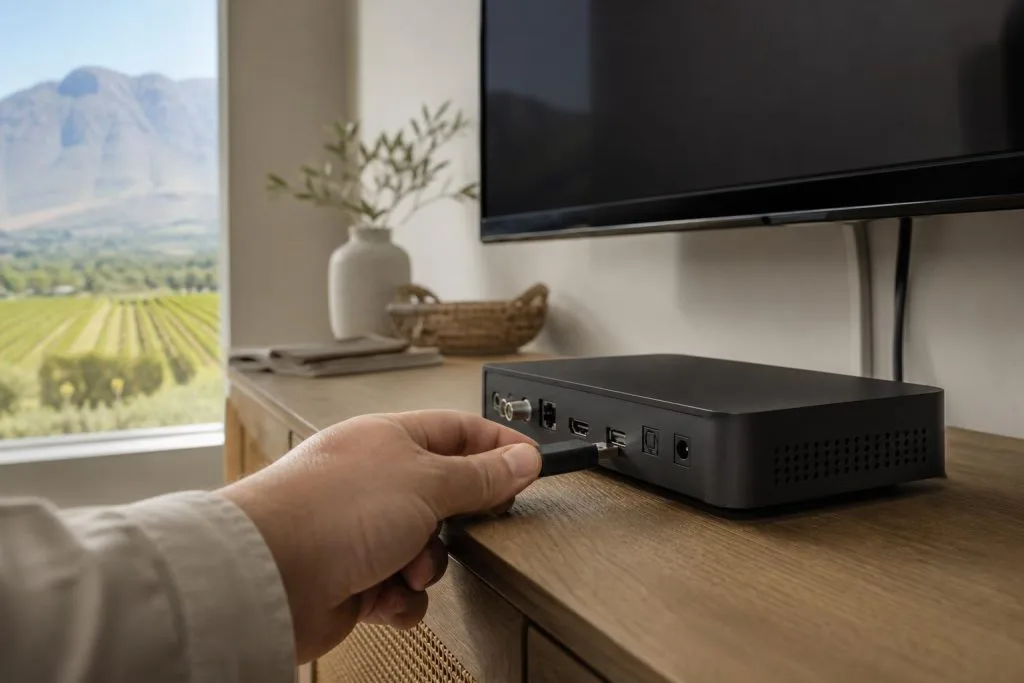
- Connect the cables. Screw a coaxial lead from the plate to the decoder's satellite input, then run HDMI to the TV. Our post on decoder cables and connections shows which port is which.
- Power up and run the set-up. A new or reset decoder starts the installation wizard on its own.
- Pick the matching option and scan. Enter any user band numbers you were given, then let the decoder search.
- Activate. Link the decoder to your DStv account through the MyDStv app, the DStv WhatsApp service or dstv.com.
Most people searching how to connect DStv to communal dish wiring only need those six steps. If the screens look unfamiliar, our installation wizard guide walks through what each one means.
Matching the settings to your building's dish
With DStv in flats and apartments, your decoder can't tell what kind of shared system sits above it. You have to tell it, and the right answer depends on the block.
| If the building has | What you do in set-up | Where to get the details |
|---|---|---|
| A multiswitch | Use the standard dish option and scan | Usually nothing extra is needed |
| A single-cable system | Choose the single-cable option and enter a user band and frequency per tuner | The installer, body corporate or managing agent |
| An older central system nobody can explain | Stop and get it checked before guessing | A technician who can read the system |
Settings for DStv in flats and apartments on a single cable
This is the fussy one. Each tuner gets its own user band, and two units must never share the same band, or both lose picture. If a previous tenant left notes, use them, but check they match your unit number.
Good to know: The Smart LNB sold for Explora installs at houses is not generally suitable for communal systems. In a flat, your decoder takes its feed from the building's equipment, so there's no LNB for you to buy.
Need a hand in Franschhoek?
Tell us what you need or what your screen shows. We give you a clear price before we drive out.
No channels after the scan? Check these first
Don't reset everything straight away. Work from the TV back towards the wall.
- The lead is screwed in firmly at both the plate and the decoder.
- You used the satellite plate, not the aerial one.
- The option you picked matches the building, and the user bands are typed in correctly.
- A neighbour's DStv is working. If theirs is off too, it's the shared dish, not you.
An E48-32 on screen means no signal is reaching the decoder. In a flat that's often a dead point or a loose lead. Our post on E48-32 error causes lists the rest.
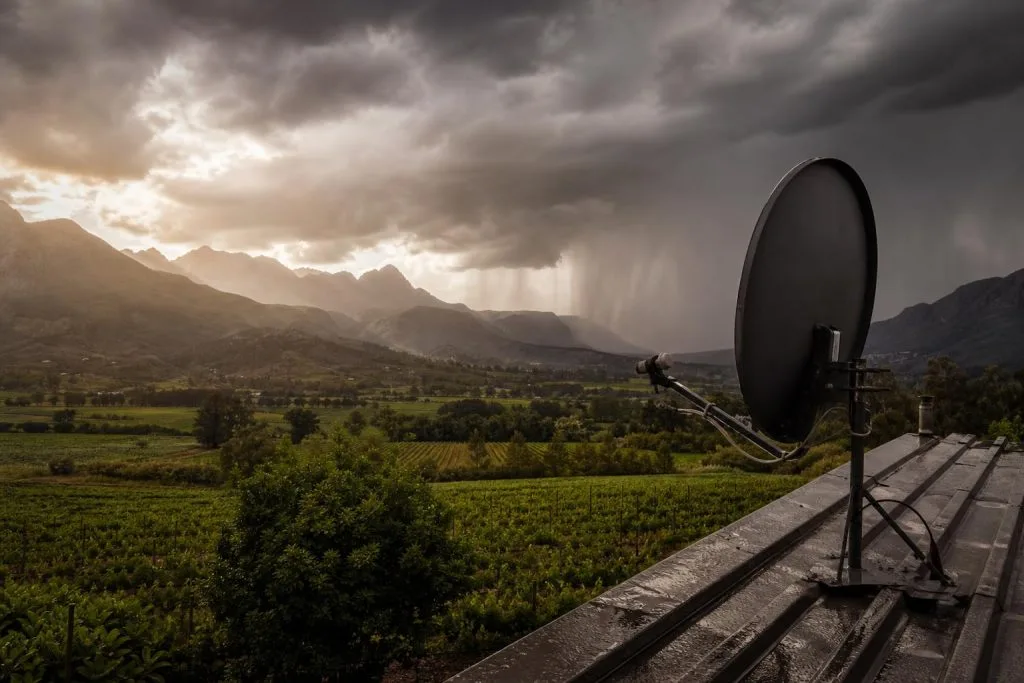
Weather matters too. Heavy winter cloud over the valley can cause rain fade, and an E30-2 during a storm is usually temporary. If the shared dish has a mountain slope too close to its view of the north-east sky, the whole block will struggle in bad weather.
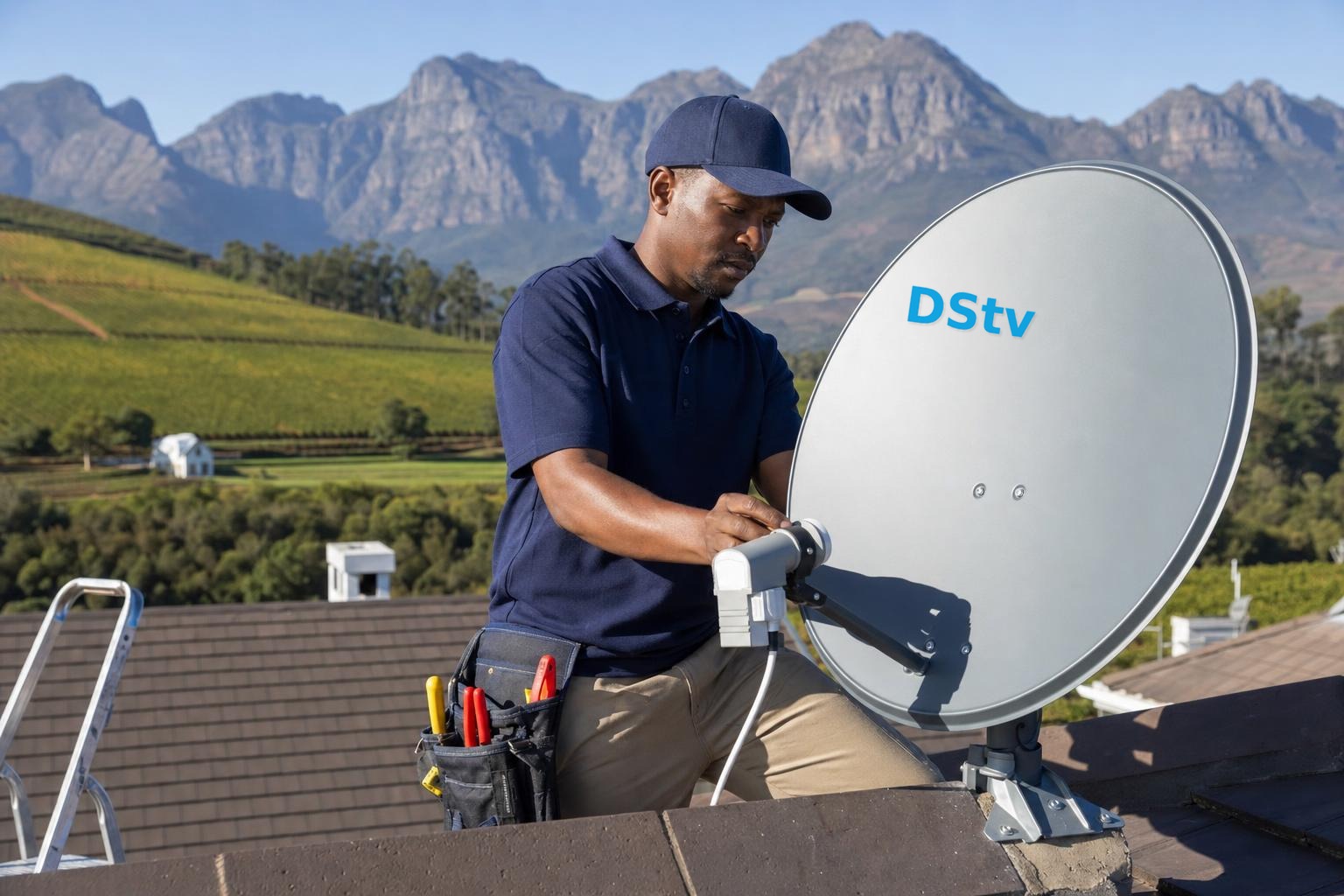
Safety first: Don't climb onto the roof, open the distribution cupboard or touch the multiswitch power supply to find a fault. That equipment serves every unit, and a mistake can knock out the whole building. Report it to the body corporate and let a technician test it.
Activating once the channels come up
Seeing a channel list doesn't mean you're done. The decoder still has to be linked to your account and authorised before paid channels play.
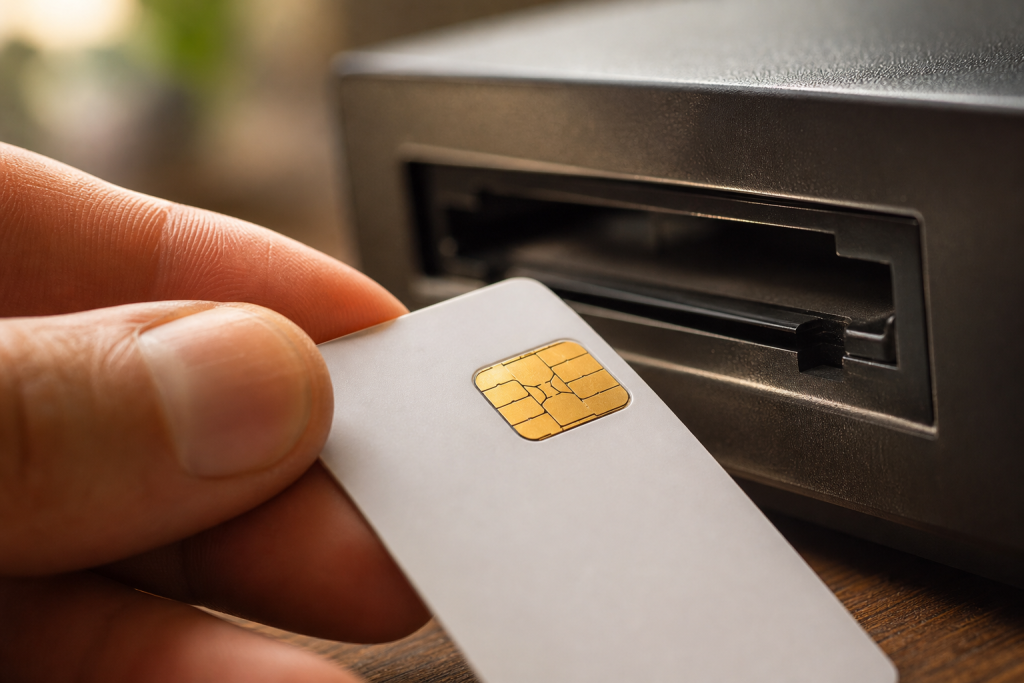
If you see an E16 message, the channel isn't authorised yet. Re-authorise through the MyDStv app, WhatsApp self-service or the Fix errors section on dstv.com, and make sure the account is paid up. Our page on fixing error E16 covers it, and we list every way to activate a decoder in a separate post.
Adding an Explora or a second TV in a DStv flat or apartment
An Explora or Explora Ultra uses more than one tuner, so it needs more than one feed from the communal system. That might mean a second cable to your unit, or extra user bands on a single-cable setup. Ask before you buy, because not every building has spare capacity.
Want a picture in the bedroom as well? XtraView links two or three decoders on one subscription. At the time of writing, two decoders added one Access Fee of R125 a month, unless one is already an Explora paying it. Our XtraView setup service handles the extra point.
Shared dishes on guest farms and estates around Franschhoek
Flats aren't the only places with a shared dish here. Cottages on guest farms near La Motte and Wemmershoek often run off one dish at the main house, and some townhouse blocks in Groendal share one too.
The steps above still apply, but long farm cable runs lose signal if the wrong cable was used. If every cottage is weak, it's worth a proper check. We cover bigger setups in our post on shared DStv for Winelands estates, and our satellite dish alignment service sorts out a weak main dish.
Need a hand with your Franschhoek connection?
If the plate is dead, the settings are a mystery or the block needs a new point, we can help. Our communal DStv installation team tests the shared system, sets up your decoder and checks the signal with you before we leave.
As local DStv installers in Franschhoek, we quote first and tidy every cable we touch. Contact our team to book a time.
Talk to our Franschhoek team
We work across Franschhoek, La Motte, Groendal, Wemmershoek, Simondium and nearby. Call or WhatsApp us and we will tell you the practical next step.
DStv in flats and apartments: FAQs
How do I connect my DStv decoder to a communal dish in a flat or apartment?
Plug a coaxial lead from the satellite wall plate into the decoder, connect the decoder to the TV and run the installation set-up. Pick the option that matches the building's system, enter any user bands you were given and scan. Then activate the decoder on your own account.
What are the communal dish settings for DStv?
It depends on the building. A multiswitch block usually works on the standard dish option. A single-cable block needs a user band and frequency for each tuner, which the installer or body corporate should have on record for your unit.
Why does my DStv in a flat or apartment show no signal after setup?
Usually the lead is in the aerial plate, the settings don't match the building, or your point isn't live. Check a neighbour's TV too. If the whole block is off, the shared dish or multiswitch needs a technician, and the body corporate should book it.
Can I connect DStv to a communal dish in Franschhoek myself?
Yes, the indoor part is something most people can do: the lead, the set-up and the scan. What you shouldn't do is touch the roof dish or the distribution cupboard. If the point is dead or the system type is unknown, call a technician.
Do I need a Smart LNB for an Explora in a flat?
No. A Smart LNB is fitted to a private dish, and it's not generally suitable for communal systems. In a flat, your Explora needs extra feeds from the building's equipment instead, such as a second cable or extra user bands.
Need a DSTV technician?
Same-day DSTV installation, signal repair and Explora setup across Franschhoek and the Cape Winelands.