If you’re setting up DSTV for the first time, replacing an old decoder, or upgrading after a move, the first decision is HD or Explora. We get asked this constantly across Franschhoek and the Cape Winelands: here’s the honest practical answer.
The HD Decoder: basic but reliable
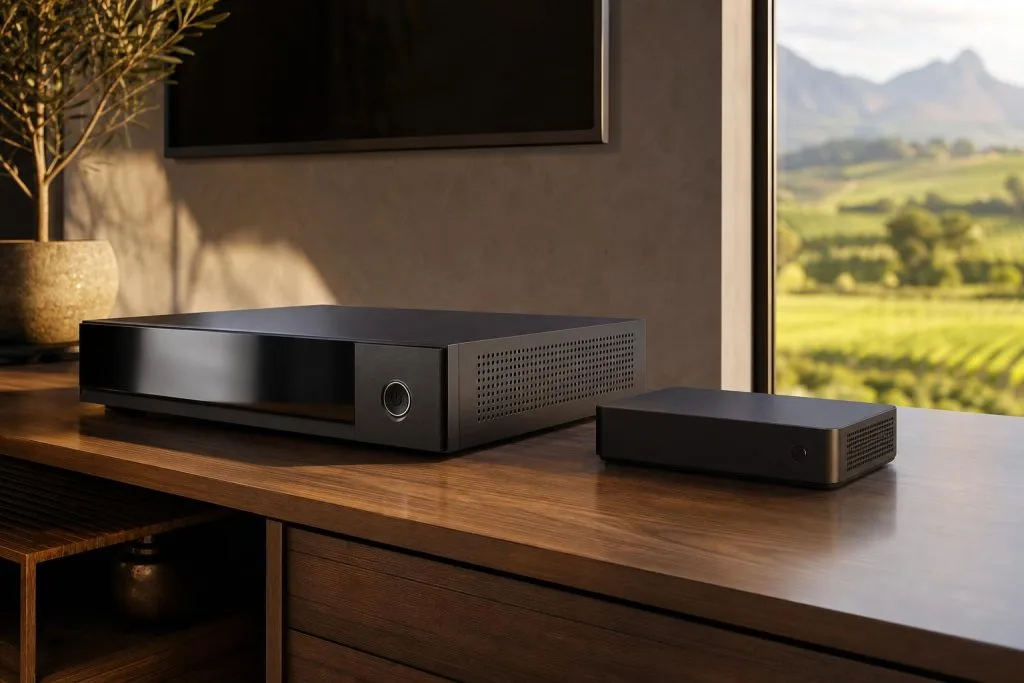
The standard DSTV HD Decoder does one thing well: it tunes the satellite signal and shows you a live picture. No recording, no pausing live TV, no Catch Up library, no Showmax integration. It connects with a single satellite cable, has an HDMI output, and that’s the whole story.
It’s the right choice if you only want to watch live TV, don’t care about recording, and want the cheapest entry point into DSTV. Many guest cottages, rental flats and pensioners’ homes are perfectly served by an HD decoder.
The Explora and Explora Ultra: a different category
The Explora is a recording PVR with internet streaming features bolted in. It can record one channel while you watch another (or two on Explora Ultra), pause live TV for up to 90 minutes, give you a 7-day Catch Up library, integrate Showmax for movies and series, and act as the primary unit in an Extra View / XtraView setup linking up to two more decoders in other rooms. Those streaming features need the decoder online, which on older Explora models means adding a DStv WiFi Connector or running a cable.
The Explora Ultra adds 4K support, voice search via remote, more storage and Showmax Pro integration. For a full model-by-model breakdown, see Explora Ultra vs Explora 3. It’s the right choice for households that watch a lot of content, want to record series, have multiple TVs, or have an internet connection good enough to stream.
What about the hardware on the dish?
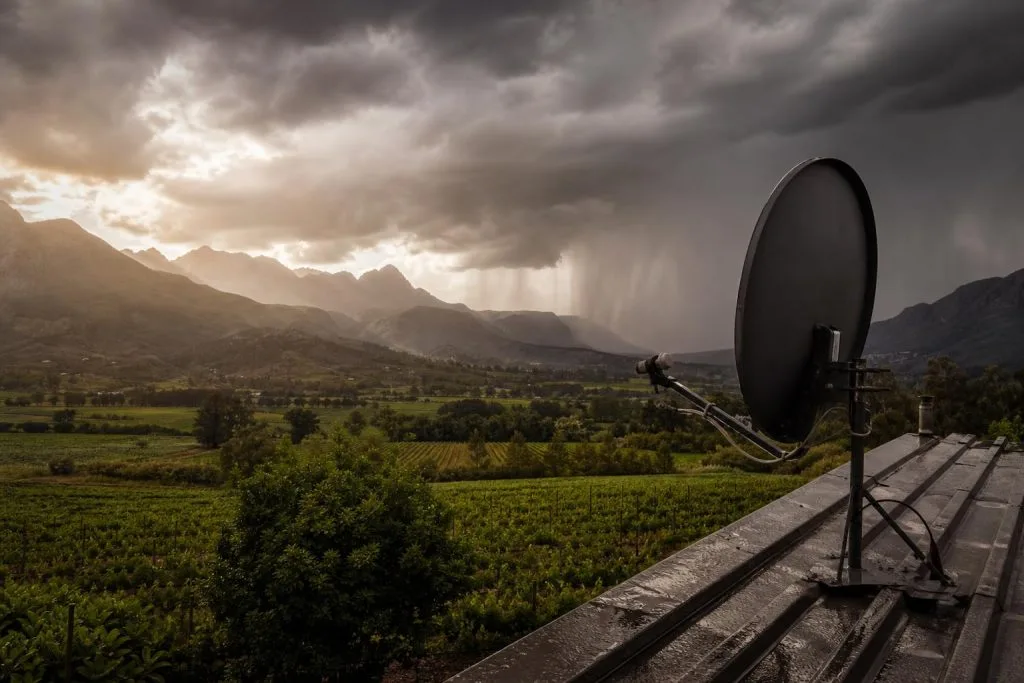
This is the catch that surprises people. An Explora needs a Smart LNB on the dish, not a standard universal LNB. If your dish was installed for an HD decoder and you swap to an Explora, the recording and Extra View features simply won’t work until the LNB is swapped. We do the swap as part of every Explora installation we book.
Quick decision guide
- One TV, just live channels, low budget → HD Decoder
- One TV, want to record / pause live / use Catch Up → Explora
- Multiple TVs in one house, one subscription → Explora or Explora Ultra as primary + HD decoders in other rooms via Extra View
- Want 4K + Showmax Pro + voice search → Explora Ultra
- Wine farm office or guesthouse with multiple zones → Talk to us about a commercial install
What we usually recommend
For a typical Winelands family home, the Explora hits the sweet spot: recording matters once kids are involved and the extra cost over an HD decoder pays back within a few months. For a guesthouse or holiday cottage, HD decoders are fine because guests just want to flip channels.
Not sure which package to pair it with? See our DSTV packages and prices guide. To book a fresh DSTV installation or a decoder swap, request a free quote or WhatsApp 079 754 5527.
Related troubleshooting guides
- DSTV Remote Not Working? How to Re-Pair and Fix It
- DSTV Decoder Won’t Turn On or Stuck on Standby: Fixes
Related DSTV Troubleshooting Guides
Ready to upgrade? Our Explora installation service supplies, installs and pairs any Explora model.
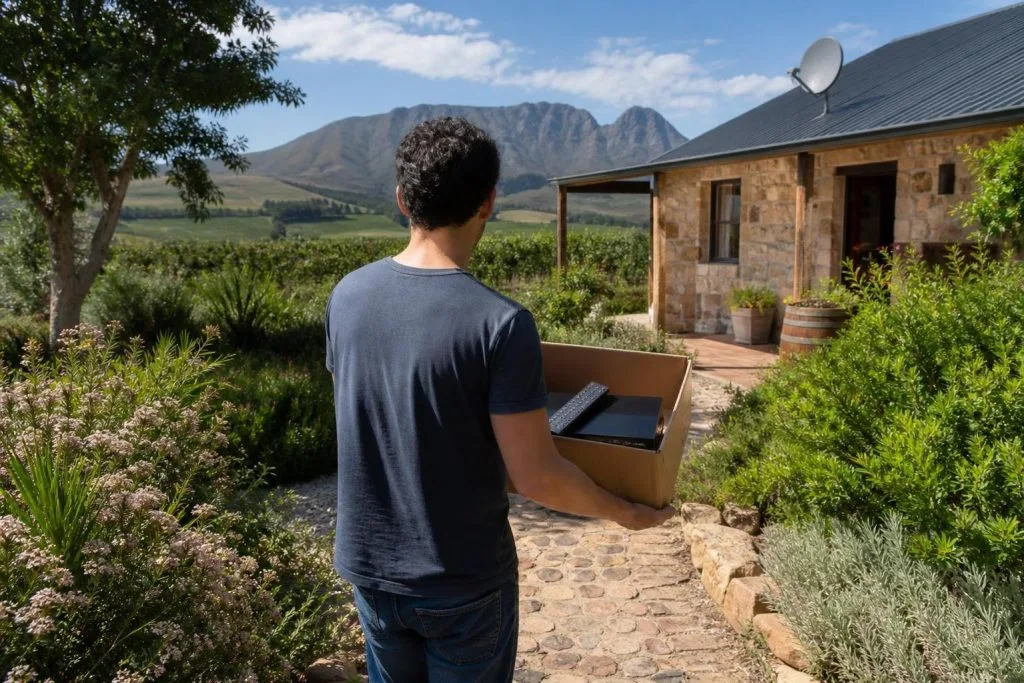
Based in Franschhoek or the surrounding Winelands? We install and configure Explora and Explora Ultra decoders, including the Smart LNB swap most upgrades turn out to need. See our Explora installation service, or start at DStv installers in Franschhoek for everything we cover across the valley. Call 079 754 5527 or request a free quote.
Whichever you choose, the Smart LNB requirement catches people out. Our Franschhoek installation team confirms what your setup needs before you buy.
Need a DSTV technician?
Same-day DSTV installation, signal repair and Explora setup across Franschhoek and the Cape Winelands.