You switch on the TV expecting your usual channels, but instead the screen displays a DSTV smartcard error E141-4 and everything goes blank. It is one of the most common decoder messages we see in Franschhoek, and while it looks technical, it simply means the decoder cannot properly read or verify your smartcard. In most cases you can clear it at home in a few minutes. Here is what the error means and how to fix it step by step.
What the E141-4 error actually means
The E141 family of errors relates to the smartcard: the small chip card that slots into your decoder and authorises your subscription. When you see E141-4, the decoder is telling you it cannot confirm that a valid, paired smartcard is present. The usual causes are:
- The smartcard has worked loose or is dirty, so the decoder can’t read the chip.
- The card is no longer paired to that particular decoder: common after a decoder swap or repair.
- A subscription or account issue has interrupted the authorisation.
- The card itself is worn out and needs replacing.
The good news is that the first two causes are the most common, and both are quick to fix.
Step 1: Reseat and clean the smartcard
Start with the simplest fix. A card that has shifted slightly or picked up dust can trigger E141-4.
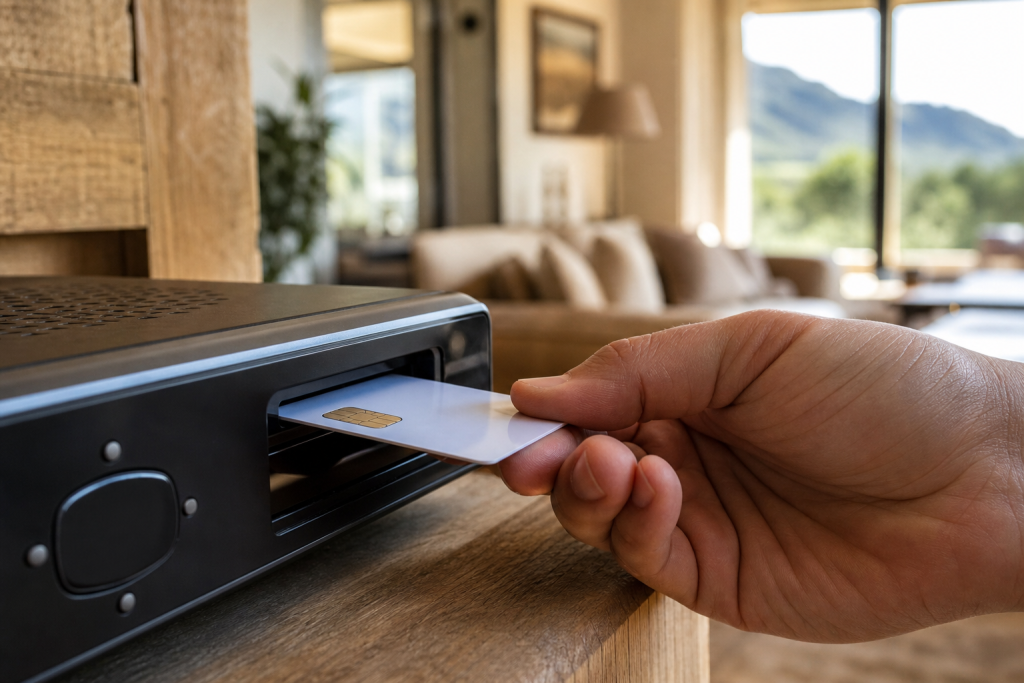
- Locate the smartcard slot: on most Exploras and HD decoders it is behind a small flap on the front or side.
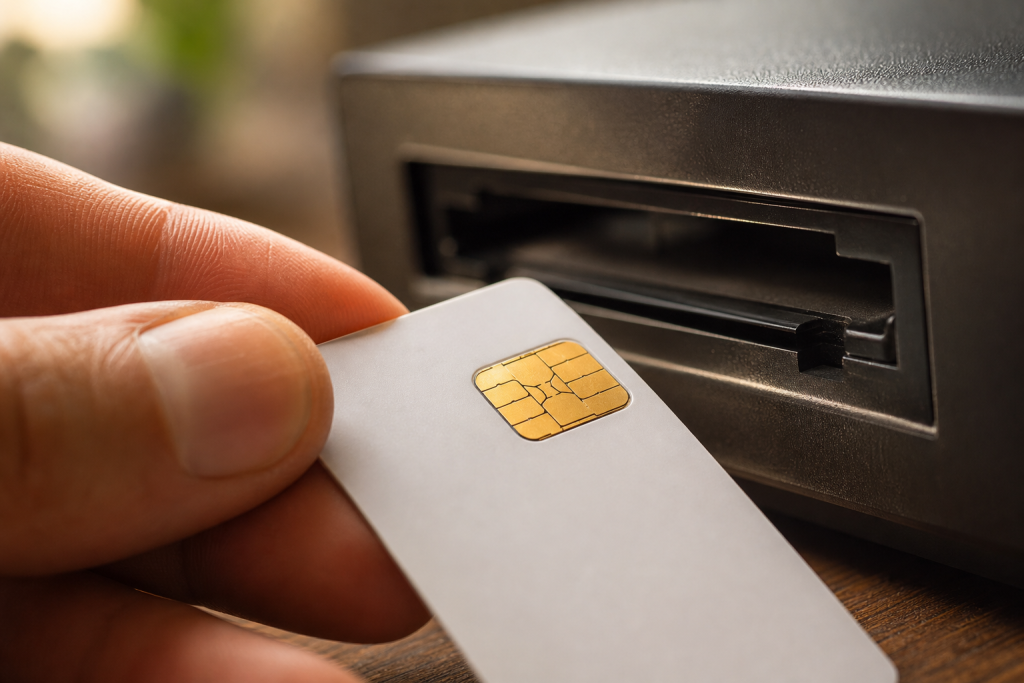
- Gently remove the card, noting its orientation (the gold chip usually faces up and goes in first).
- Wipe the gold chip softly with a clean, dry cloth: never use water, solvents, or anything abrasive.
- Slide the card firmly back into place until it is fully seated.
Give the decoder a minute to re-read the card. If the picture returns, you’re sorted.
Step 2: Restart the decoder
If reseating alone doesn’t clear it, do a clean restart to force the decoder to re-scan the card:
- Switch the decoder off at the wall and unplug it for about 30–60 seconds.
- Plug it back in and power it up.
- Wait for it to fully boot and re-check the card: the error often clears on its own after a fresh start.
Step 3: Re-pair the smartcard to your decoder
If the card is clean and seated but the error persists, it most likely needs to be re-paired to the decoder. Every smartcard is linked to a specific decoder, and that link can break after a repair, a box swap, or an account change. You can trigger re-pairing yourself:
- Use the DSTV app: go to the self-service or “fix errors” section, select your decoder, and follow the prompt to reset or re-pair the smartcard.
- Or use the USSD service from the cellphone number linked to your DSTV account and follow the menu to clear error codes.
- Keep your smartcard number and decoder number handy: you’ll usually need them, and they are printed on the card and the decoder. Our guide on how to activate a DStv decoder covers every activation route and the details each one asks for.
After you send the re-pair request, leave the decoder switched on and tuned to a channel for a few minutes so it can receive the refresh signal over the satellite. If a recent decoder setup or box replacement triggered the error, this pairing step is almost always what resolves it.
Step 4: Check your subscription
Sometimes E141-4 appears alongside an account problem rather than a hardware fault. Before assuming the card is dead:
- Confirm your subscription is active and paid up in the DSTV app or via self-service.
- Check that your chosen package actually includes the channels you’re trying to watch.
- If a payment recently went through, allow time for the account to refresh and re-send the authorisation.
An interrupted subscription can stop the smartcard from being authorised even when the card and decoder are perfectly healthy.
When the smartcard must be replaced
Smartcards don’t last forever. If you have reseated and cleaned the card, restarted the decoder, re-paired it, and confirmed your subscription is active, yet E141-4 keeps coming back: the card itself may be faulty and need replacing. Older cards can develop worn or damaged chip contacts that no longer read reliably. In that case DSTV will need to issue a replacement card, which then has to be paired to your decoder to restore service.
If you are unsure whether the fault is the card, the card reader inside the decoder, or the signal, a technician can test each part quickly. A faulty internal card reader, for example, produces similar symptoms and is a repair rather than a card swap: something we diagnose as part of our DSTV signal repairs service.
When to call a professional
Call a technician when:
- The error returns repeatedly after cleaning, restarting, and re-pairing.
- The card won’t re-pair through the app or USSD.
- You’ve recently swapped or upgraded decoders: our DSTV Explora installation team handles pairing as standard, and our Explora vs HD decoder guide explains the differences if you’re upgrading.
Seeing E141-4 and not making progress? The DSTV installers in Franschhoek can sort it fast. Call or WhatsApp 079 754 5527 or visit our contact page: we offer same-day service across Franschhoek and the Winelands and will get your channels back on.
Related troubleshooting guides
- DSTV Error 51: Why It Happens and How to Clear It
- DSTV Error E16: What It Means and How to Fix It
- DSTV Decoder Won’t Turn On or Stuck on Standby: Fixes
Related DSTV Troubleshooting Guides
Need a DSTV technician?
Same-day DSTV installation, signal repair and Explora setup across Franschhoek and the Cape Winelands.