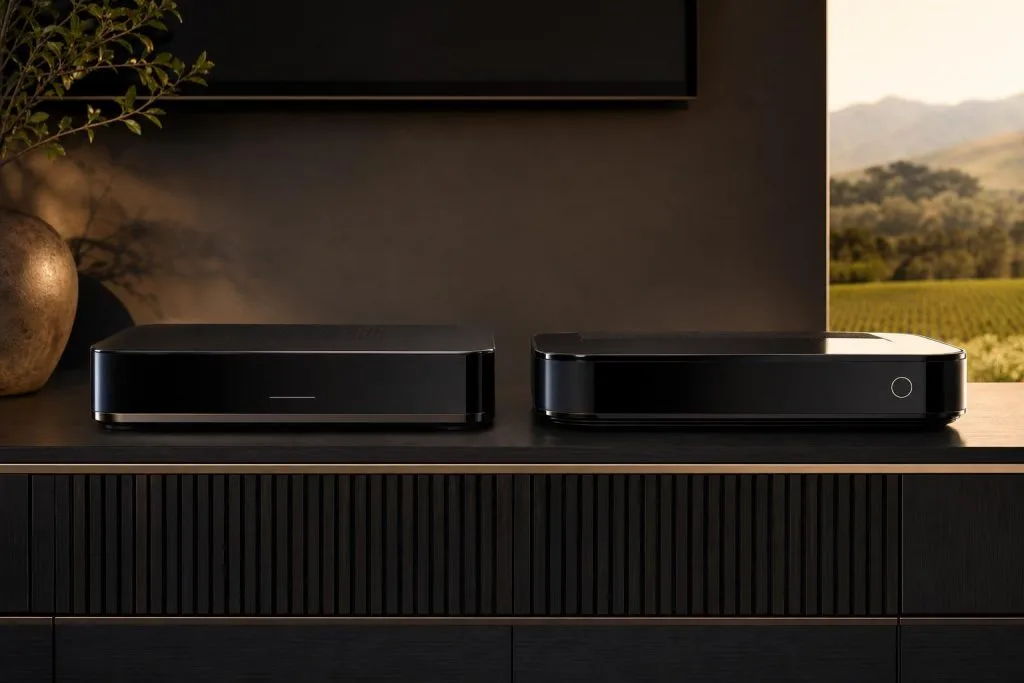
If you’ve decided on an Explora rather than a basic decoder, the next question is which one. The two names you’ll hear are the Explora Ultra and the Explora 3, and they’re aimed at slightly different households. Here’s a straight comparison so you install the right box the first time instead of wishing you’d gone the other way.
First, is an Explora even right for you?
If you never record, never use catch-up and only watch live TV in one room, a basic HD decoder does the job for less: we cover that decision in Explora vs HD decoder. The Explora range is for households that want to record, pause live TV, use catch-up and lean on the DStv app. If that’s you, read on.
Explora 3: the recording workhorse
The Explora 3 is the established PVR (personal video recorder). Its strength is the big built-in hard drive: record one channel while watching another, keep a library of series, and pause and rewind live TV. For a family that records a lot and wants everything stored locally on the decoder, the Explora 3 is a proven, capable box.
Explora Ultra: satellite plus streaming in one box
The Explora Ultra is the newer, premium option, and its headline feature is convergence: it combines your DSTV satellite feed with streaming apps in a single device. That means Showmax and other apps sit alongside your normal channels, with a slicker interface and better app performance. If your household is increasingly watching streaming and DSTV, and you’d rather not juggle a separate streaming stick: the Ultra is built for exactly that. It suits homes with solid internet who want one remote for everything.
How to choose
Simplify it to how you watch:
- You record heavily, storage matters most, streaming is secondary → Explora 3.
- You mix DSTV and streaming apps and want them unified → Explora Ultra.
- You want the newest platform and have good internet → Explora Ultra.
Whichever you pick, the decoder is only as good as the signal feeding it: both need a properly aligned dish and a correct decoder setup and activation to deliver your full package. An expensive Explora on a poorly aligned dish still freezes in a storm.
Watching in more than one room
Note that a single Explora, of either model, still feeds one room’s live viewing at a time. If you want different channels in different rooms, you’ll pair it with a second decoder via Extra View: worth planning at install so the cabling goes in once.
Let us spec and install it
Tell us how your household watches and we’ll recommend the right Explora, install it on a properly aligned dish, and activate it so your full bouquet comes through. See our Explora installation service, or the wider cost guide. We cover Franschhoek and the Winelands. Get a quote or call 079 754 5527.
Related DSTV Troubleshooting Guides
Whichever Explora you pick, our Explora installation team handles the dish, smart LNB and setup.
Based in Franschhoek or the surrounding Winelands? We install and configure Explora and Explora Ultra decoders, including the Smart LNB swap most upgrades turn out to need. See our Explora installation service, or start at DStv Franschhoek for everything we cover across the valley. Call 079 754 5527 or request a free quote.
Need a DSTV technician?
Same-day DSTV installation, signal repair and Explora setup across Franschhoek and the Cape Winelands.