If your DSTV drops out the moment a Winelands cold front rolls over Franschhoek, and you see the message E30-2 on screen, you’re dealing with one of the most weather-related faults in the DSTV world. DSTV error E30-2 points to a temporary interruption of the satellite signal, and while a passing storm is the usual suspect, it’s often a sign that your dish or LNB could do with some attention. This guide explains what E30-2 means, what you can check yourself, and when it’s time to call for a realignment.
What does DSTV error E30-2 mean?
Error E30-2 is your decoder’s way of saying “I’ve temporarily lost the signal from the satellite.” The full message usually reads something like “No signal is being received (E30-2). This may be due to bad weather.” Unlike an authorisation error, this one is about reception: the decoder simply isn’t getting a strong enough feed from your dish at that moment.
The most common causes are:
- Rain fade, heavy cloud and rain absorbing the satellite signal.
- A dish that’s slightly out of alignment, so it has little margin to spare in bad weather.
- A failing or water-damaged LNB (the arm on the dish).
- Obstructions like overgrown trees or new structures blocking the line of sight.
- Loose, corroded or water-ingressed cabling and connectors.
Understanding rain fade
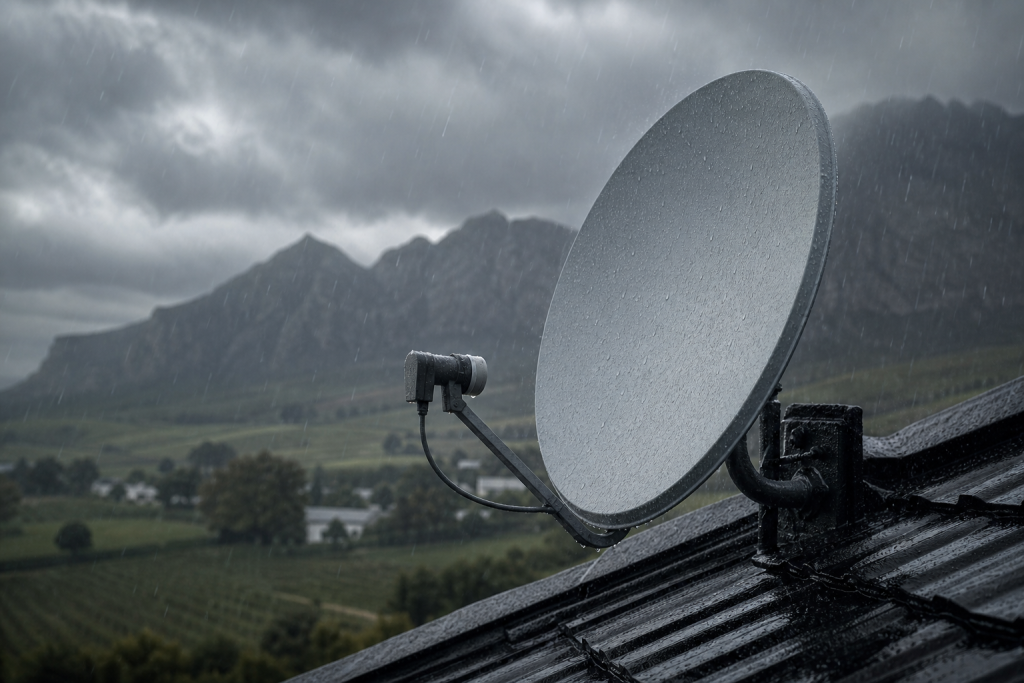
Satellite signals travel a very long way and arrive quite weak, so thick rain clouds can absorb enough of that signal to tip your reception below the threshold the decoder needs. This is called rain fade, and a brief drop-out during a genuine downpour is normal: it usually clears on its own as the heaviest cloud passes.
The problem is when E30-2 shows up in light drizzle, mild wind, or even just heavy cloud. That’s the tell-tale sign your system has no headroom: a well-aligned dish and healthy LNB should ride out all but the most extreme Cape storms. If yours drops at the first sign of weather, the underlying setup needs a look. We cover the seasonal side of this in our guide to DStv signal loss during Winelands storms.
Quick checks you can do yourself
Before booking a technician, run through these safe, ground-level checks:
- Wait out the worst of it. If it’s genuinely pouring, give it 10–15 minutes. If the picture returns as the rain eases, you’ve confirmed rain fade.
- Reboot the decoder. Switch off at the plug, wait a minute, and power back on to force a fresh signal lock.
- Check the signal strength and quality screen. In the decoder’s settings/self-test menu you’ll see signal readings. Consistently low values: even in clear weather, point to alignment or hardware, not the weather.
- Look at the dish from the ground. Has it been knocked by wind, a ladder or a branch? Is it visibly tilted compared to how it used to sit?
- Scan for new obstructions. Franschhoek’s beautiful oaks and vineyards grow fast: a branch that’s crept into the dish’s line of sight to the satellite can cause exactly this fault.
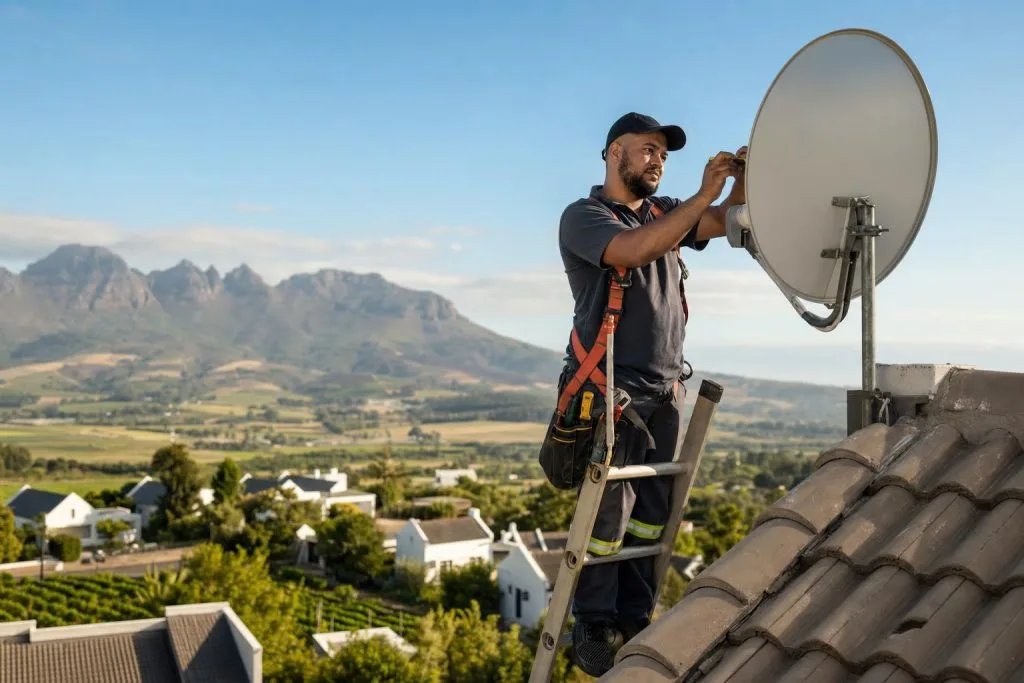
Important: don’t climb onto a wet or high roof to adjust the dish yourself. Satellite alignment is measured to a fraction of a degree, and guessing usually makes it worse. Ground-level checks are fine; anything up top is a job for a technician.
Dish alignment and the LNB
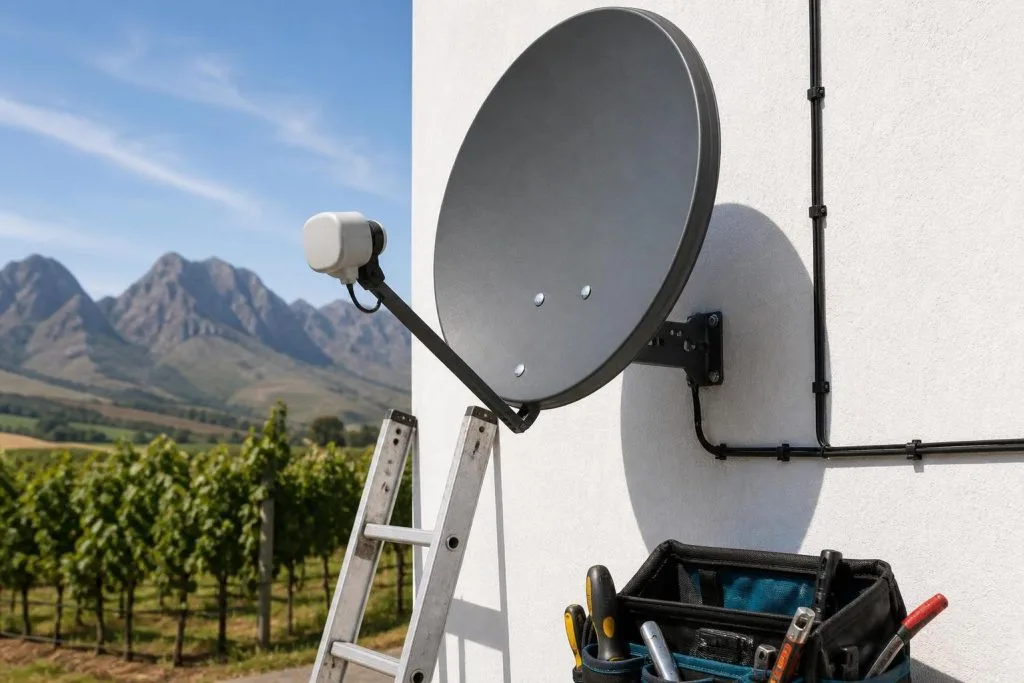
If your checks suggest the weather isn’t fully to blame, the fix almost always comes down to alignment and the LNB. Over months and years, wind, expansion in the summer heat, and the occasional knock can nudge a dish a hair off target: enough that it still works in clear skies but fails the moment conditions dip. Precise dish alignment restores that lost headroom so light rain no longer knocks you off air.
The LNB matters just as much. This is the sensor on the dish arm that collects the signal, and it’s exposed to the full brunt of Winelands weather. A perished seal lets moisture in, and a water-damaged LNB will give intermittent E30-2 errors that come and go with humidity and rain. Replacing a failing LNB and re-weatherproofing the connections is a routine part of our DSTV signal repairs.
Weatherproofing to prevent it happening again
Once your dish is aligned and the LNB is healthy, a few preventative steps keep E30-2 from returning:
- Seal all outdoor connectors with proper weatherproof tape or boots to stop water ingress.
- Secure cabling so wind can’t tug the LNB or dish out of position.
- Trim back branches that are edging toward the dish’s sightline.
- Have the mounting bolts checked so summer gales don’t shift the dish.
If you’re also seeing related codes, our breakdown of the E48-32 error causes and fixes is a helpful companion read, since weak-signal faults often overlap.
When to call for a realignment
Call a professional if E30-2 keeps returning in mild weather, if your signal readings are low even under clear skies, or if you suspect the dish has been knocked or the LNB has taken on water. These are quick fixes for a trained technician but risky and imprecise to attempt from a ladder. As local DSTV installers in Franschhoek, we carry proper signal meters to realign your dish to spec and get you weatherproofed against the next front.
Tired of losing the picture every time it rains? Call or WhatsApp 079 754 5527 or visit our contact page for fast, same-day DSTV service across Franschhoek and the Cape Winelands.
Related troubleshooting guides
- DSTV Picture Freezing or Pixelating? Here’s How to Fix It
- DSTV Error E16: What It Means and How to Fix It
- DSTV Error 51: Why It Happens and How to Clear It
Related DSTV Troubleshooting Guides
Need a DSTV technician?
Same-day DSTV installation, signal repair and Explora setup across Franschhoek and the Cape Winelands.