DStv XtraView allows compatible decoders on one account to provide viewing in more than one environment, but the system is not created by simply splitting one cable. Decoder compatibility, Smart LNB outputs, primary and secondary roles, subscription rules and heartbeat communication all need to agree.
Primary and secondary decoder roles
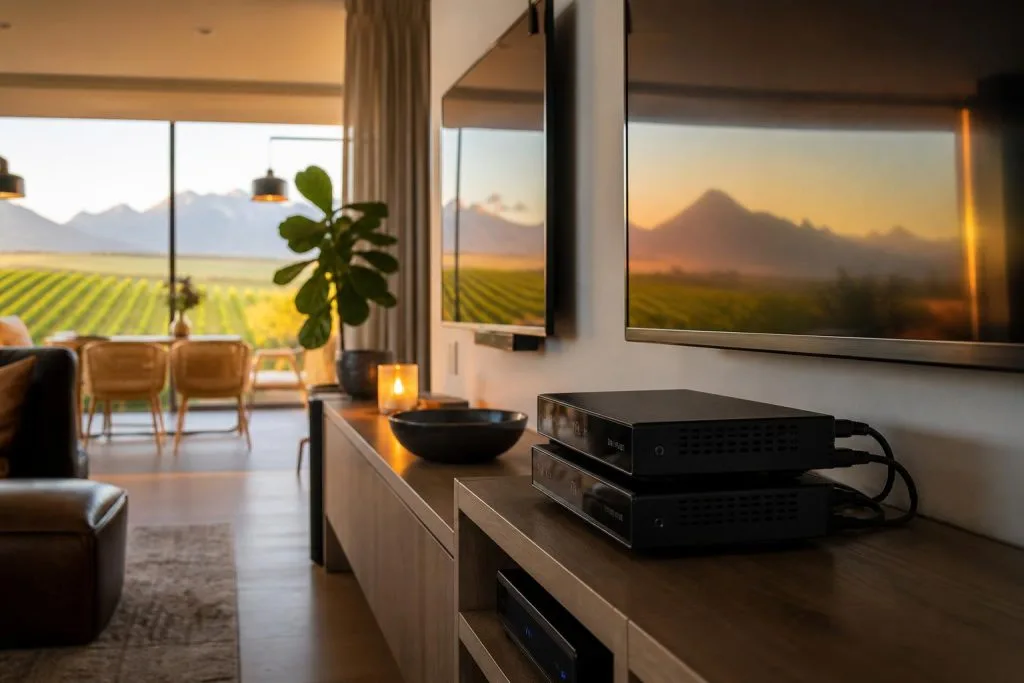
The primary decoder anchors the linked arrangement, while secondary decoders depend on the XtraView configuration and communication path. These roles affect setup and troubleshooting. If a decoder is replaced, reset or moved, the linked system may need to be reconfigured rather than merely reconnected.
Label the decoder roles and cables. In a cabinet with several identical leads, clear labels can prevent a simple service call from becoming a complete rewiring exercise.
Compatible decoder combinations
Compatibility changes as older decoders are retired and newer models are introduced. Do not rely on a decade-old connection diagram. Confirm the exact model numbers and current official compatibility information before purchasing another decoder.
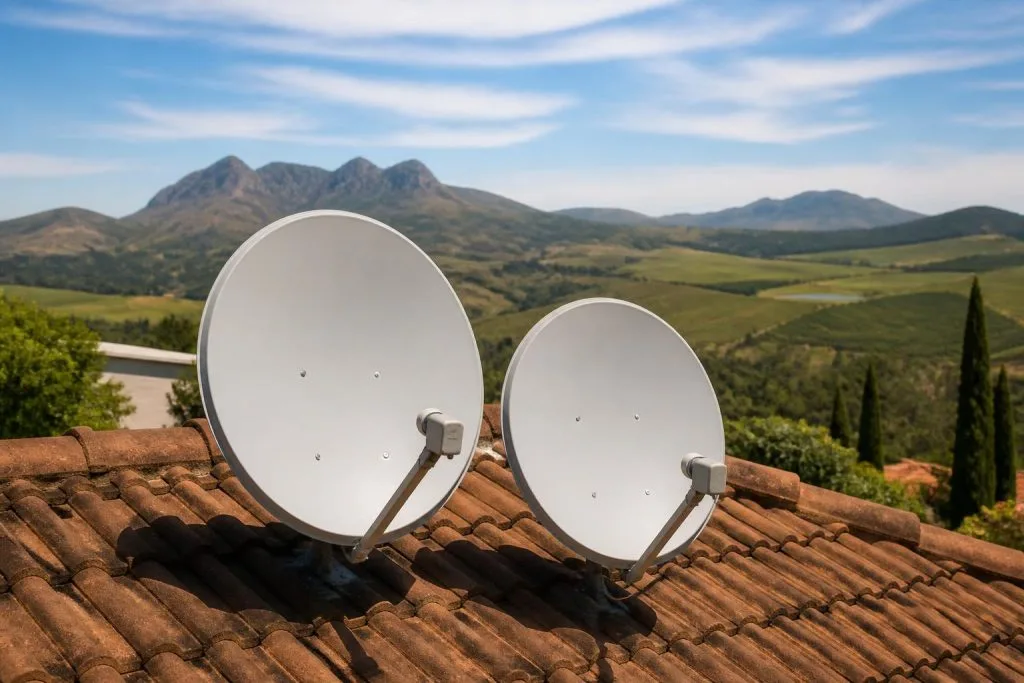
Explora-based combinations normally require a Smart LNB and an installation planned around the available Unicable and universal outputs. The recommended setup for most XtraView installations includes an 80cm dish and Smart LNB, but communal systems and complexes may use managed distribution equipment instead of an individual dish.
What people mean by dual view and triple view
“Dual view” is often used casually for two viewing environments, while “triple view” usually refers to three linked environments. These phrases do not identify the decoder models or prove that a particular combination is supported. The correct design starts with the decoders, account and property layout.
A third room can significantly change cabling. Separate rooms, outbuildings or guest suites may require longer routes and careful planning to preserve heartbeat communication and signal quality. If you are only after two rooms, our guide to DStv Dual View explains what that setup needs and why the name causes confusion.
Heartbeat communication
Linked decoders exchange a regular heartbeat. If that communication fails, a secondary decoder can show an XtraView-related error even though its satellite signal is good. Heartbeat may travel through a supported connection path depending on the equipment and configuration.
Loose connectors, wrong ports, damaged cable and incorrect primary/secondary setup can interrupt it. Our guide to XtraView heartbeat and communication errors covers the diagnostic sequence.
Packages and account rules
Official DStv guidance notes that linked XtraView decoders do not carry different packages independently in the way many people expect. Confirm current monthly access fees, decoder limits and account rules directly with DStv before buying hardware. An installer can complete the physical setup, but subscription policy is controlled by DStv.
Questions to answer before installation
- Which exact decoder models will be linked?
- Which unit will be primary?
- Does the property have an individual dish or communal feed?
- Where will each television and decoder be located?
- Can cable be routed between the required points?
- Is the Smart LNB compatible and are the necessary outputs available?
When an installer should assess the property
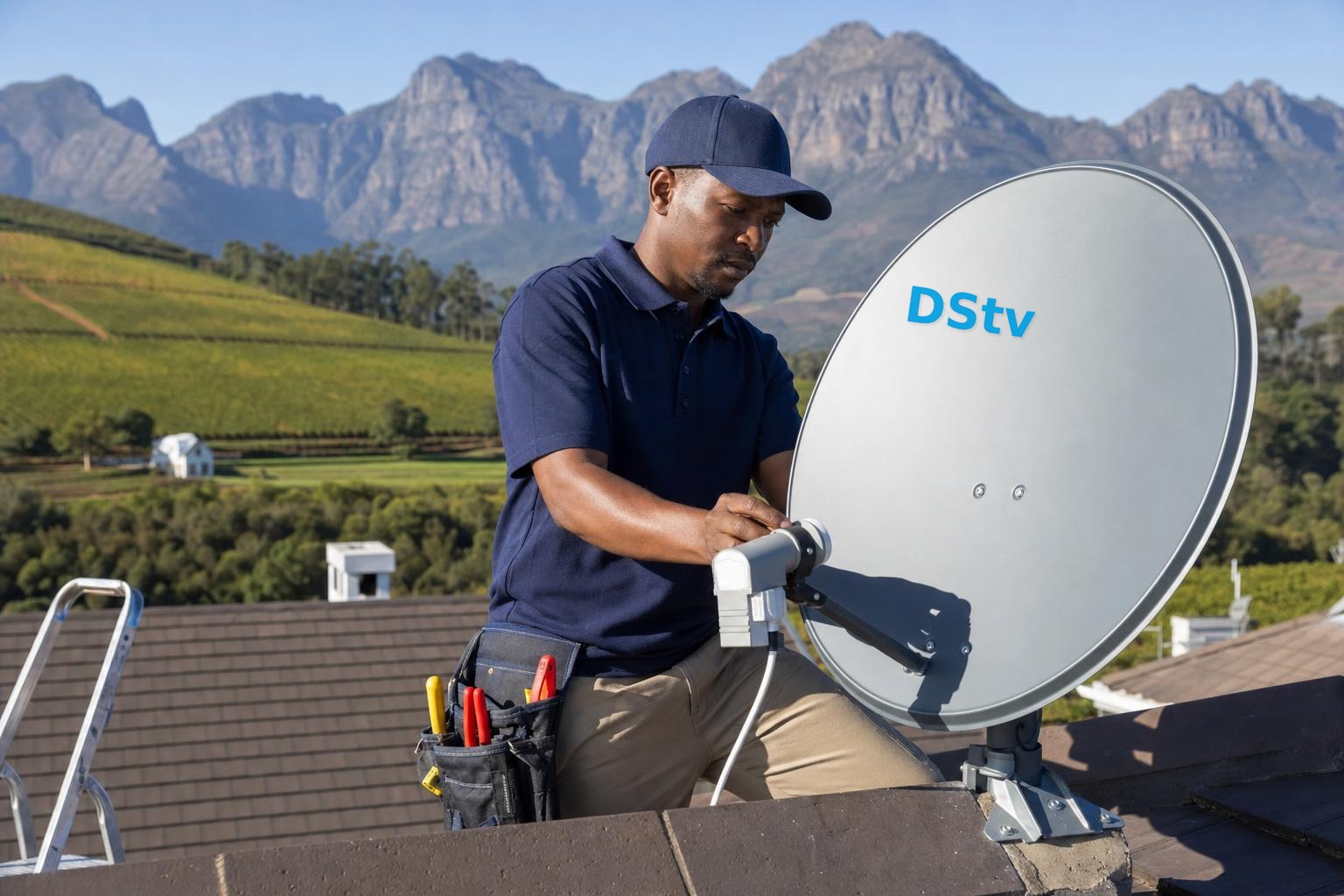
If the rooms are far apart, the dish is difficult to access, or existing cable disappears into ceilings and walls, assessment before purchase can prevent incompatible equipment and unnecessary work. A proper XtraView installation in Franschhoek should end with all environments tested, stable heartbeat and an explanation of decoder roles.
Call 079 754 5527 with the model numbers printed on the decoders and the number of rooms you want to serve.
Design the rooms before choosing hardware
List which rooms need independent viewing, where decoders can be ventilated and how cables can reach them. A television point does not always need a decoder beside the TV, but long HDMI or distribution solutions introduce their own limits. For guest suites, also decide who controls the primary equipment and who can access it when troubleshooting is required.
Frequently asked questions
Can linked decoders have different packages?
Official guidance says XtraView decoders do not simply carry separate packages. Confirm current account options directly with DStv.
Can I mix an Explora with an older decoder?
Some combinations may be supported and others retired. Use exact model numbers when checking compatibility.
Does triple view mean three satellite dishes?
No. A planned installation can serve compatible linked decoders from one suitable system, subject to equipment and distribution requirements.
Can XtraView work in separate buildings?
Distance and cable routing can make it more complex. The property needs assessment before promising stable signal and heartbeat across buildings.
For a working combination without the trial and error, book our XtraView installation service.
Based in Franschhoek or the surrounding Winelands? We link decoders for multi-room viewing and sort out the pairing faults that break XtraView. See our Extra View setup service, or start at accredited DStv installers in Franschhoek for everything we cover across the valley. Call 079 754 5527 or request a free quote.
Need a DSTV technician?
Same-day DSTV installation, signal repair and Explora setup across Franschhoek and the Cape Winelands.