When DStv stops working after load-shedding, do not immediately reset the decoder or move the satellite dish. The fault may be a tripped outlet, damaged power supply, HDMI handshake problem, temporary decoder startup issue or a wider signal fault. A calm sequence protects settings and identifies the affected part faster.
Start with the power source
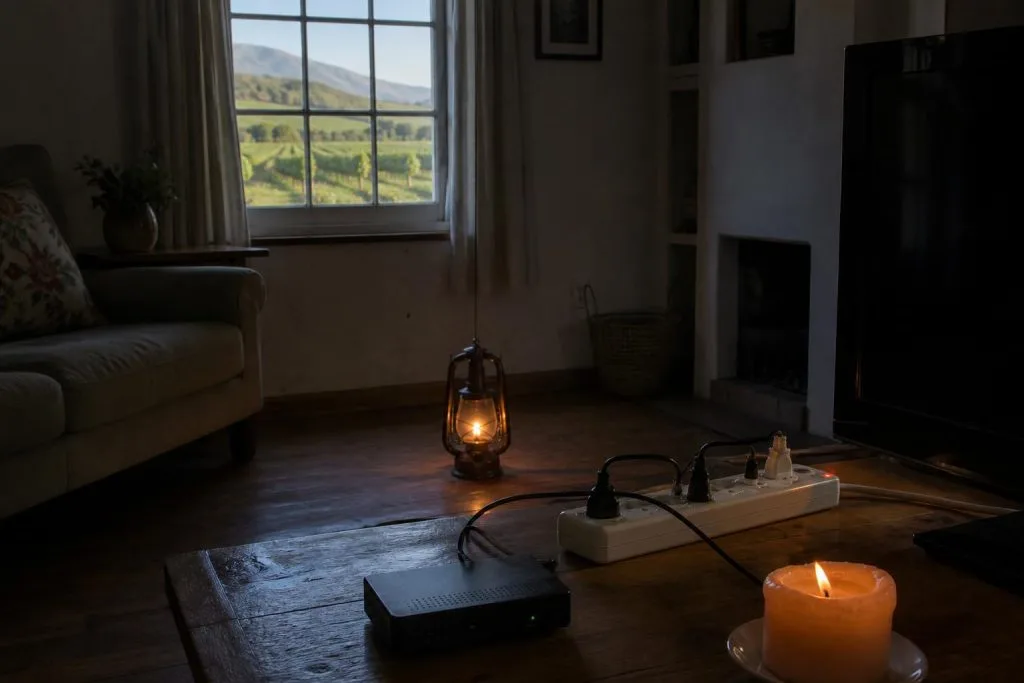
Confirm that the wall outlet works by testing a safe, known-working device. Check the distribution board and any multiplug, UPS or surge protector. A surge protector can sacrifice itself while protecting connected equipment, so its indicator and output need checking.
Use only the correct decoder power supply. A replacement plug that fits physically may have the wrong voltage, polarity or current rating and can damage the decoder.
Restart the decoder safely
Switch the decoder off at the wall, wait about a minute, then restore power and allow the full boot process to finish. Do not repeatedly cycle power while it is starting. If the television shows no picture, confirm the correct HDMI input before assuming the decoder failed.
A normal restart is different from a factory reset. Factory resetting can remove installation settings and should not be the first response to a power interruption.
Separate HDMI trouble from satellite trouble
“No source” or “No input” from the television usually means the TV is not receiving HDMI from the decoder. E48-32 or a DStv no-signal message points toward the satellite feed. Check the on-screen wording carefully because the two faults need different work.
If the decoder front panel looks normal but the TV has no image, reseat the HDMI lead and try another TV input. If the DStv menu appears but satellite channels fail, inspect the signal readings and whether other decoders have the same problem.
Signs of possible surge damage
- The correct outlet works but the decoder has no lights.
- The power supply clicks, smells burnt or becomes unusually hot.
- HDMI output or network connectivity failed immediately after restoration.
- Several connected devices stopped working at the same time.
- The decoder repeatedly reboots with the correct power supply.
Disconnect equipment that smells burnt, sparks or overheats. Do not open a decoder or power supply; internal components can retain dangerous energy.
Why load-shedding can expose an existing signal fault
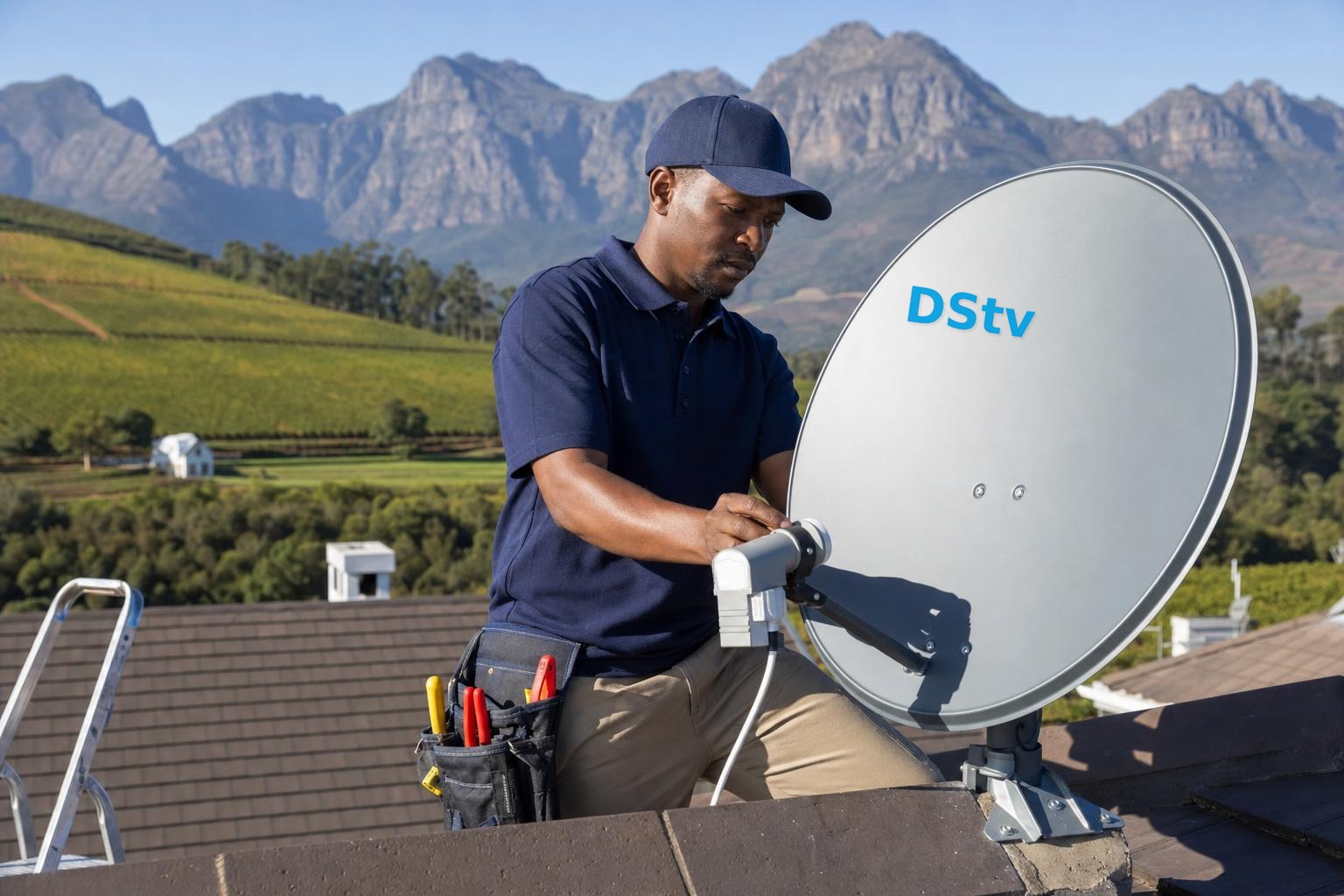
After rebooting, a decoder performs fresh checks and may reveal a marginal dish or cable path that previously appeared stable. The outage did not necessarily move the dish. Compare signal quality, inspect outdoor connections only from a safe location, and check whether rain or wind occurred at the same time.
For the meaning of the readings, see signal strength versus signal quality. If multiple decoders lose signal together, focus on shared equipment such as the dish, LNB and main feed.
Reducing risk during future outages
Use reputable surge protection suited to local electrical conditions and avoid overloaded adaptors. A UPS can help equipment shut down or ride through short interruptions, but it must be correctly sized and maintained. Network routers may also need protection if connected DStv features are important.
Frequently asked questions
How long should the decoder take to restart?
Allow several minutes and let each startup stage finish. Repeatedly interrupting the boot can prolong recovery.
Will a factory reset fix surge damage?
No. A reset cannot repair failed electronic components and may erase useful settings.
Why do live channels work but online features fail?
The router may still be rebooting or its settings may have changed. Satellite reception and internet connectivity are separate.
Can load-shedding damage the LNB?
Electrical events can affect equipment along the signal path, but testing is needed to isolate the failed part.
When professional testing is needed
Arrange help if the decoder remains dead with a verified outlet, repeatedly restarts, shows recurring signal errors or lost XtraView communication. Our decoder setup service and DStv repair service cover these checks in Franschhoek. Call 079 754 5527 and describe what happens from power-on.
Check linked and networked equipment as one system
In an XtraView installation, confirm whether both decoders restarted and whether the primary unit is operating before diagnosing the secondary. A heartbeat error after an outage can follow different startup times rather than a dish failure. Let the equipment settle, then check the configured roles and communication path.
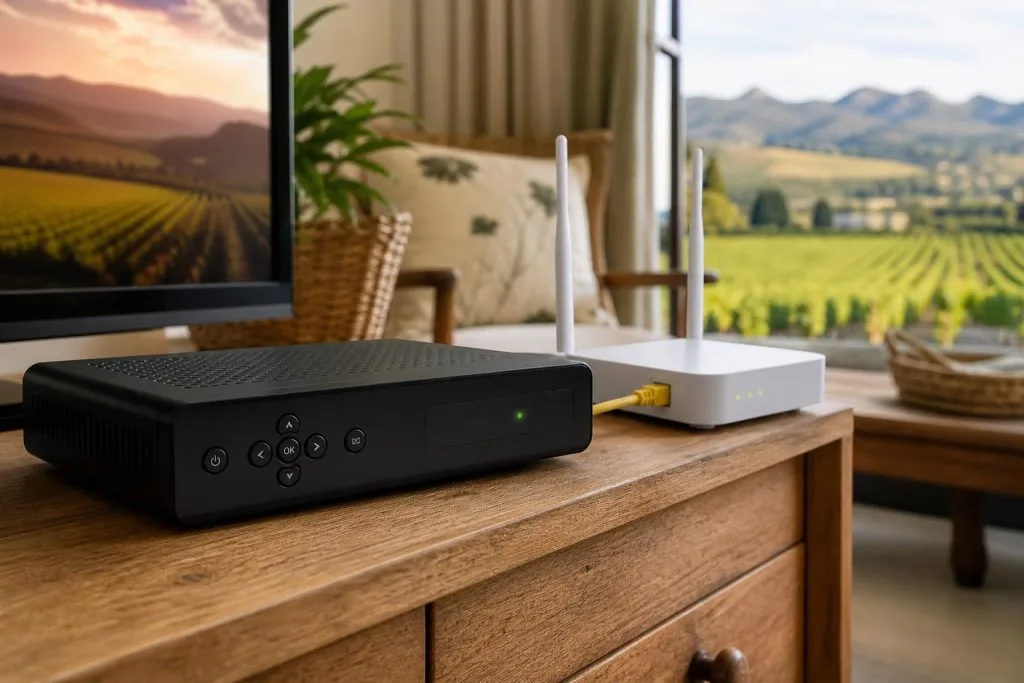
Routers, network switches and WiFi access points may take longer to recover than the decoder. If Catch Up or other connected functions fail while live channels work, test another device on the same network. This prevents unnecessary satellite work when the internet equipment is still offline.
Decoder never recovered after the outage? Book our DStv repair and installation team in Franschhoek for a same-day callout.
Need a DSTV technician?
Same-day DSTV installation, signal repair and Explora setup across Franschhoek and the Cape Winelands.