When DStv XtraView stops working, the secondary decoder may lose viewing even though the dish still has signal. The key is to separate three different systems: satellite reception, decoder authorisation and heartbeat communication. Treating every message as a dish fault wastes time and can disturb a working alignment.
What the XtraView heartbeat does
The heartbeat confirms that linked decoders remain part of the same approved arrangement. If the secondary decoder no longer receives that communication, it can display an error or restrict viewing. The exact connection path depends on the decoder combination and installation design.
A heartbeat problem does not always mean the decoder is broken. Loose connectors, damaged communication cable, wrong ports, a powered-off primary decoder or changed configuration can interrupt the link.
Check the primary decoder first
Confirm that the primary decoder is powered, boots normally and can view the expected channels. If it has no power or a general account error, the secondary unit may also be affected. Restart the primary cleanly, allow it to finish booting, then restart the secondary.
Do not repeatedly swap primary and secondary roles in the menus. Role changes may require account-side updates and correct physical connections.
Inspect cables and connectors
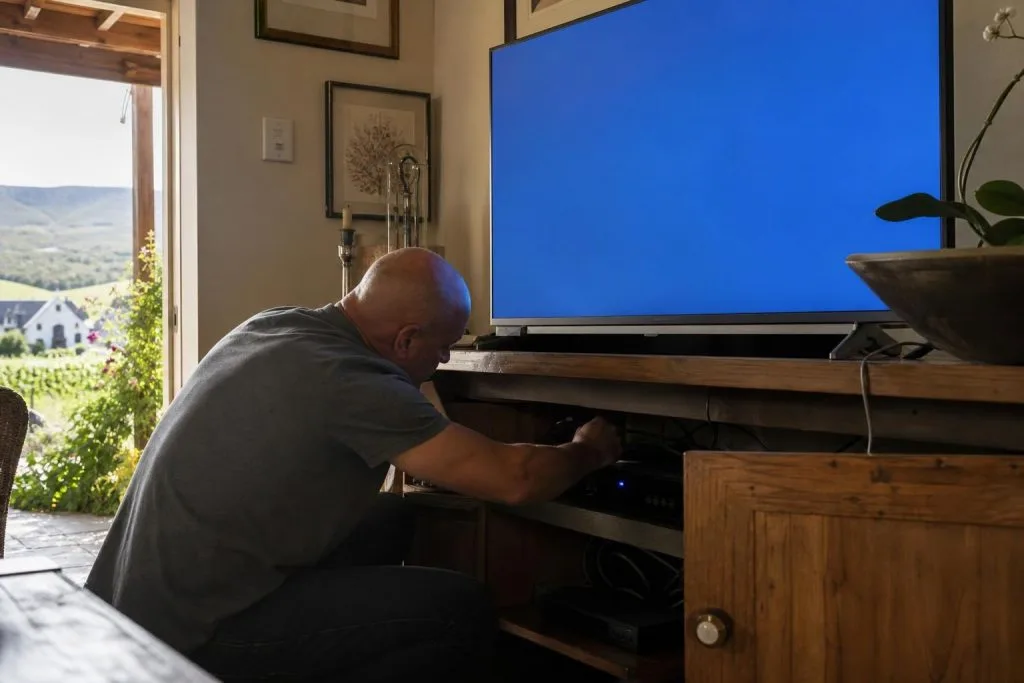
Follow the accessible XtraView communication and satellite cables without disconnecting everything at once. Look for loose F-connectors, crushed cable, recent furniture movement or plugs removed during cleaning. If work was done on the TV cabinet, compare the current connections with a previous photo.
- Tighten connectors by hand without forcing them.
- Check that each lead returns to its original labelled port.
- Replace visibly damaged fly leads.
- Do not create temporary twisted-wire joins.
- Keep signal and network cables routed without tight bends.
Pairing and account errors
If hardware is connected correctly but the decoders are no longer paired as expected, use official DStv self-service or support to confirm the account arrangement. A technician cannot solve an account authorisation problem by changing the dish. Keep smartcard and decoder numbers available when requesting help.
After an account refresh, leave the decoders powered and connected so they can receive the necessary update. Avoid factory resets unless instructed, because resetting can add configuration work without repairing the underlying pairing.
Separate heartbeat faults from no-signal faults
If both decoders show E48-32 or no satellite signal, start at the dish, LNB and shared signal path. If the primary works normally but the secondary shows an XtraView communication message, focus on heartbeat, role and pairing. If only certain channels are missing, check subscription and signal quality before assuming XtraView is responsible.
Our DStv signal repair service tests the system in stages so a communication fault is not confused with alignment or cable loss.
After replacing or moving a decoder
A replacement decoder may not inherit the old unit’s role automatically. Likewise, moving a linked decoder to another house breaks the physical relationship with the home system. Review using a decoder at another property before moving XtraView equipment.
When to call for help
Arrange an assessment when the heartbeat keeps dropping, cable routes are hidden, decoder models have changed, or the system was never stable after installation. Note the on-screen error, which decoder shows it and what changed immediately before the fault.
For XtraView troubleshooting in Franschhoek, call or WhatsApp 079 754 5527. Providing the decoder models and a photo of the rear connections helps narrow the likely cause before the visit.
Information to collect before troubleshooting
Write down the exact error code, which decoder displays it, whether the primary still works and what changed before the fault. Note any power outage, decoder replacement, moved cabinet, new router or cable work. Those details quickly separate a sudden account or configuration change from gradual cable deterioration.
Frequently asked questions
How often is the heartbeat sent?
The important point is that communication must remain available; customers do not need to time it manually. Repeated loss indicates a fault.
Will restarting clear the error?
A clean restart may restore communication after a temporary glitch, but recurring errors require the cable, roles and pairing to be checked.
Can bad dish alignment cause a heartbeat error?
Dish signal and heartbeat are different, though a wider system fault can affect both. Diagnose the exact message and which decoders have signal.
Should both decoders stay powered?
The linked arrangement relies on the configured equipment. Powering off the primary for long periods may affect the secondary setup.
If the heartbeat error keeps coming back, our accredited DStv installers in Franschhoek can rewire the XtraView link properly.
If pairing still fails, our Extra View installation and repair service sorts heartbeat wiring properly.
Need a DSTV technician?
Same-day DSTV installation, signal repair and Explora setup across Franschhoek and the Cape Winelands.