Short answer
Dual View means watching two different channels on two televisions at the same time, under one DStv account. On current hardware that is set up through XtraView, which links a second decoder to your primary one.
You need two decoders, a dish and LNB that can feed both, a cable to the second room, and the two boxes linked on your account. One decoder cannot drive two independent TVs.
The terminology has shifted over the years, which is why the same setup gets called Dual View, XtraView and Extra View in different places.
Why the name causes confusion
Dual View is one of those DStv terms that has drifted. Older decoders had genuine dual-tuner hardware and the feature was branded around that. These days the practical setup for a second television is XtraView, and DStv’s own material tends to use Extra View or XtraView rather than Dual View.
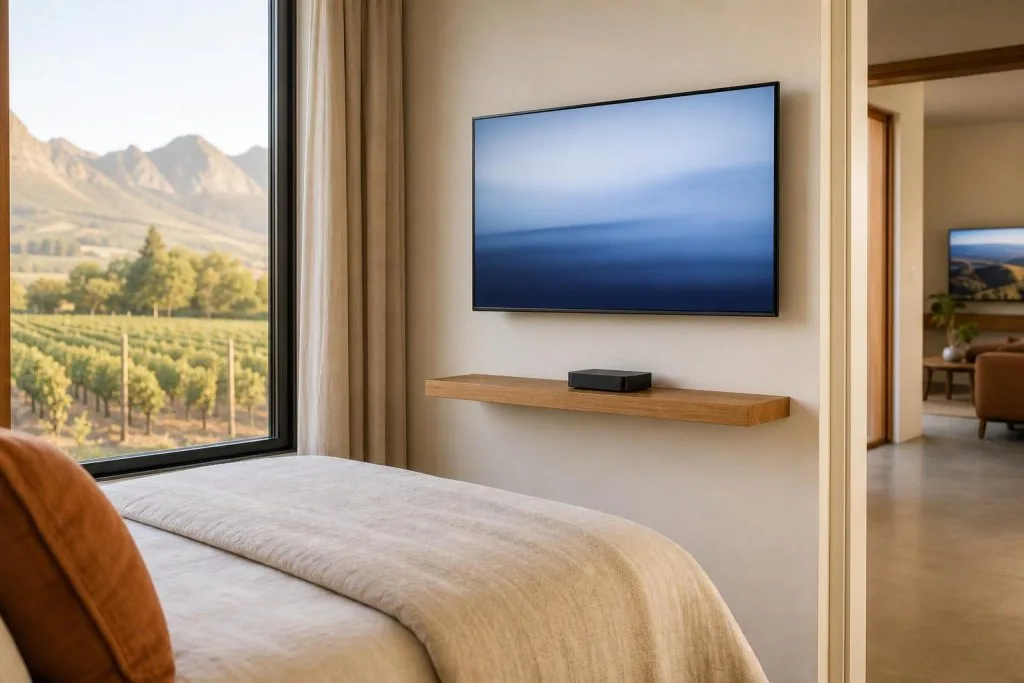
So when someone rings us asking about Dual View, they almost always want the same thing: a second TV in the bedroom or the cottage, showing something different to whatever is on in the lounge, without paying for a second full subscription.
That is achievable. It just needs the right hardware and a correct link between the decoders. We cover the full breakdown of which boxes can pair with which in our guide to XtraView decoder combinations.
What two-room viewing actually requires
There are four parts, and skipping any one of them is where installations go wrong:
- Two decoders. A primary and a secondary. They do not have to be identical, but the combination has to be a supported one.
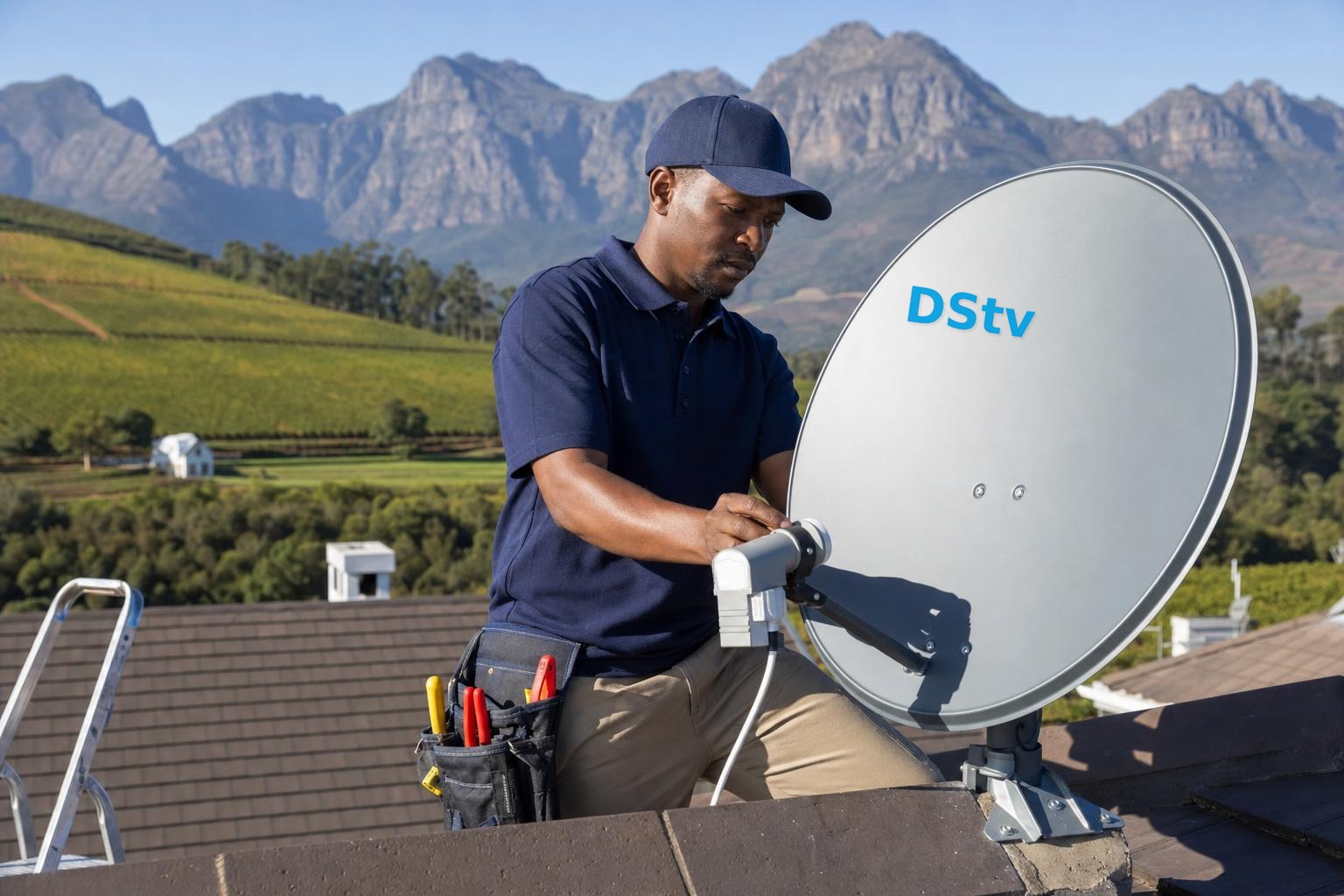
- A dish and LNB that can feed both. This is the part people forget. An older single-output LNB cannot serve two decoders properly.
- A cable route to the second room. Plus, on many setups, a return or heartbeat path between the decoders.
- The link on your account. The two decoders have to be registered as a linked pair, which carries an additional monthly access fee rather than a second full subscription.
The hardware side is usually the bigger job in an older Franschhoek property. Running a second cable through a thick wall or an old roof space takes longer than the decoder configuration does.
The LNB question
If your dish is still on an older single-output LNB, a second decoder is not simply a matter of splitting the existing cable. A passive splitter on a satellite feed does not work the way it does on an aerial: you lose signal and the decoders interfere with each other’s control signals.
What you need is an LNB with enough outputs, or a Smart LNB arrangement that handles multiple decoders over a shared cable. Our guide to the DStv Smart LNB explains how that works and how to spot one that is failing, and the Smart LNB price guide covers replacement cost.
This is worth checking before you buy a second decoder, because the LNB and cabling can easily be the larger part of the bill.
What you can and cannot do
On a properly linked pair, each television can watch a different channel at the same time. Recording behaviour depends on which decoders you have: an Explora handles recording, a basic HD box in the second room does not.
What Dual View does not give you is two independent accounts. The linked decoders share one subscription, so both are limited to the channels on your package, and a suspended account takes both televisions off. Our packages and price list sets out what each tier includes.
There are also placement limits. Linked decoders are intended for the same physical property, not for splitting a subscription between a house and a separate address. If you are trying to run a decoder at a second home, our guide on whether you can use a DStv decoder at another house covers the rules properly.
Where it goes wrong
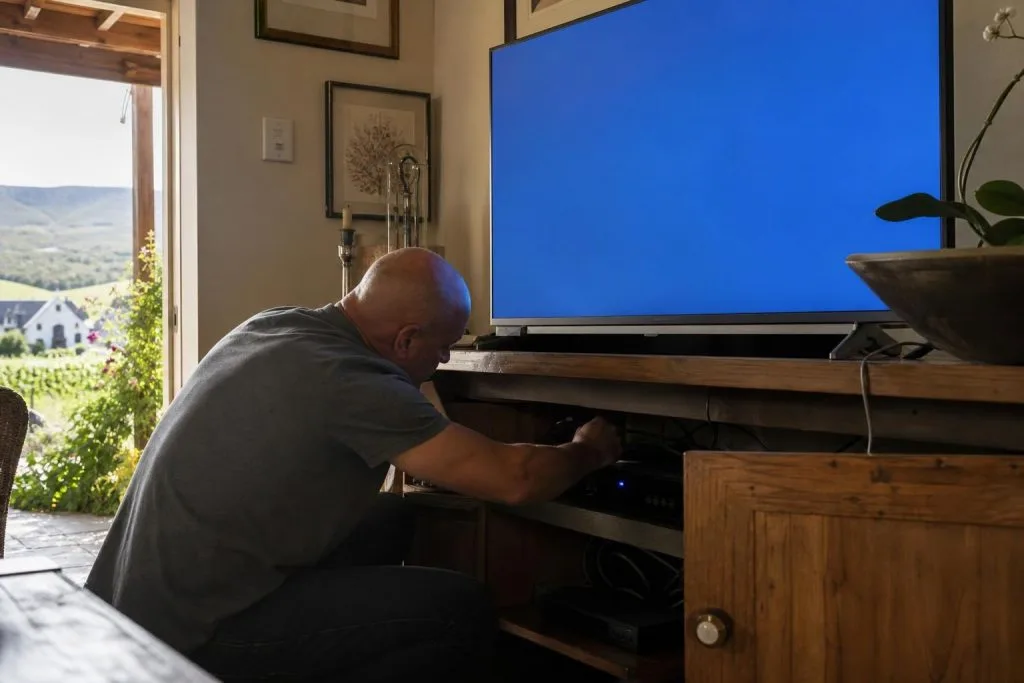
The most common fault by far is the heartbeat. Linked decoders check in with each other periodically, and if that communication path breaks, the secondary decoder starts throwing errors even though the satellite signal is perfectly fine.
Causes are usually physical: a disconnected return cable, a connector that corroded in a roof space, or someone unplugging a decoder to move furniture and reconnecting it to the wrong socket. Our guide to XtraView not working and heartbeat errors works through the diagnostics.
The second most common problem is a setup that was never quite right in the first place: a splitter where there should be a proper LNB output, or a cable run that tests acceptably in summer and fails once winter weather gets into a connector.
Frequently asked questions
Is Dual View the same as XtraView?
In practical terms today, yes. Dual View is the older way of describing two-room viewing; XtraView is how it is set up on current hardware.
Do I pay for two subscriptions?
No. Linked decoders sit on one subscription with an additional access fee for the extra decoder, which is considerably less than a second full package.
Can one decoder run two TVs?
You can mirror the same picture to a second television, but both screens then show the same channel. Independent viewing needs a second decoder.
Can I split the satellite cable to a second room?
No. A standard splitter interferes with the control signals and the power the decoder sends up the cable. The second room needs its own feed from a suitable LNB output.
Will my old dish handle two decoders?
The dish itself often will, provided it is the right size and correctly aligned. The LNB is what usually needs changing.
Based in Franschhoek or the surrounding Winelands? We set up second-room viewing properly: LNB, cabling and the decoder link, so the heartbeat holds and the second TV keeps working. See our Extra View setup service. Call 079 754 5527 or request a free quote.
Need a DSTV technician?
Same-day DSTV installation, signal repair and Explora setup across Franschhoek and the Cape Winelands.