An HD decoder on a single LNB is the simplest DStv setup there is, and the DStv signal settings for it take about ten minutes. You tell the decoder which satellite to use, confirm the LNB type, check the readings and scan. Here's each step in order, plus the Franschhoek quirks that trip people up.
Quick answer: For DStv signal settings on a single LNB, choose the South African satellite (Intelsat 20 at 68.5 degrees East), set the LNB type to Single LNB, keep the frequency fields on their defaults and check that signal quality is steady before you scan for channels. Most HD decoders walk you through this in the installation wizard.
What you need before you start
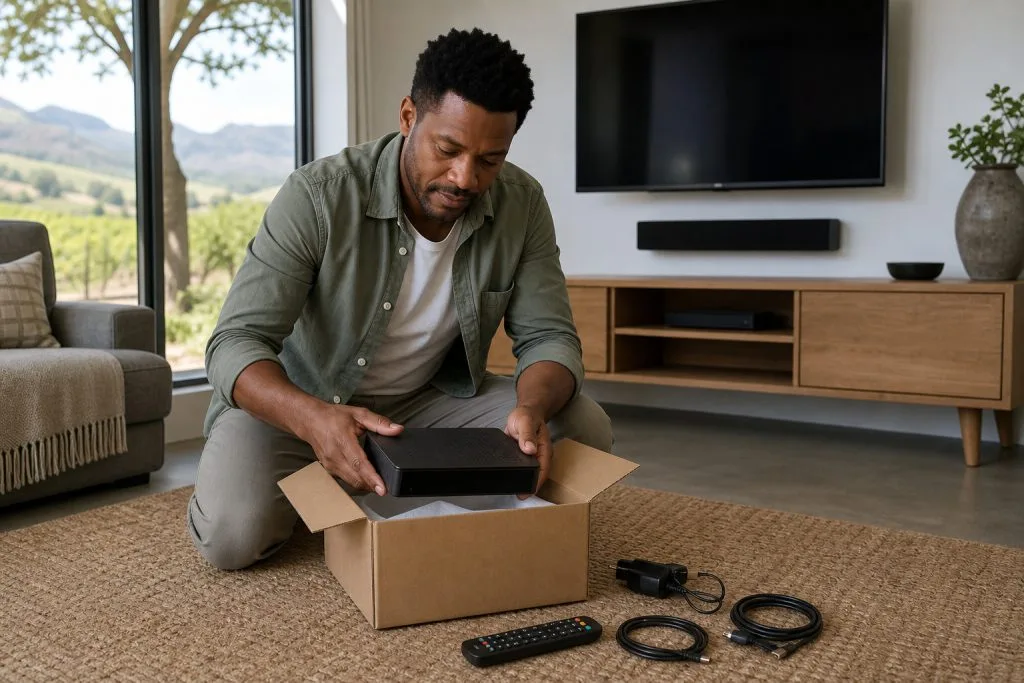
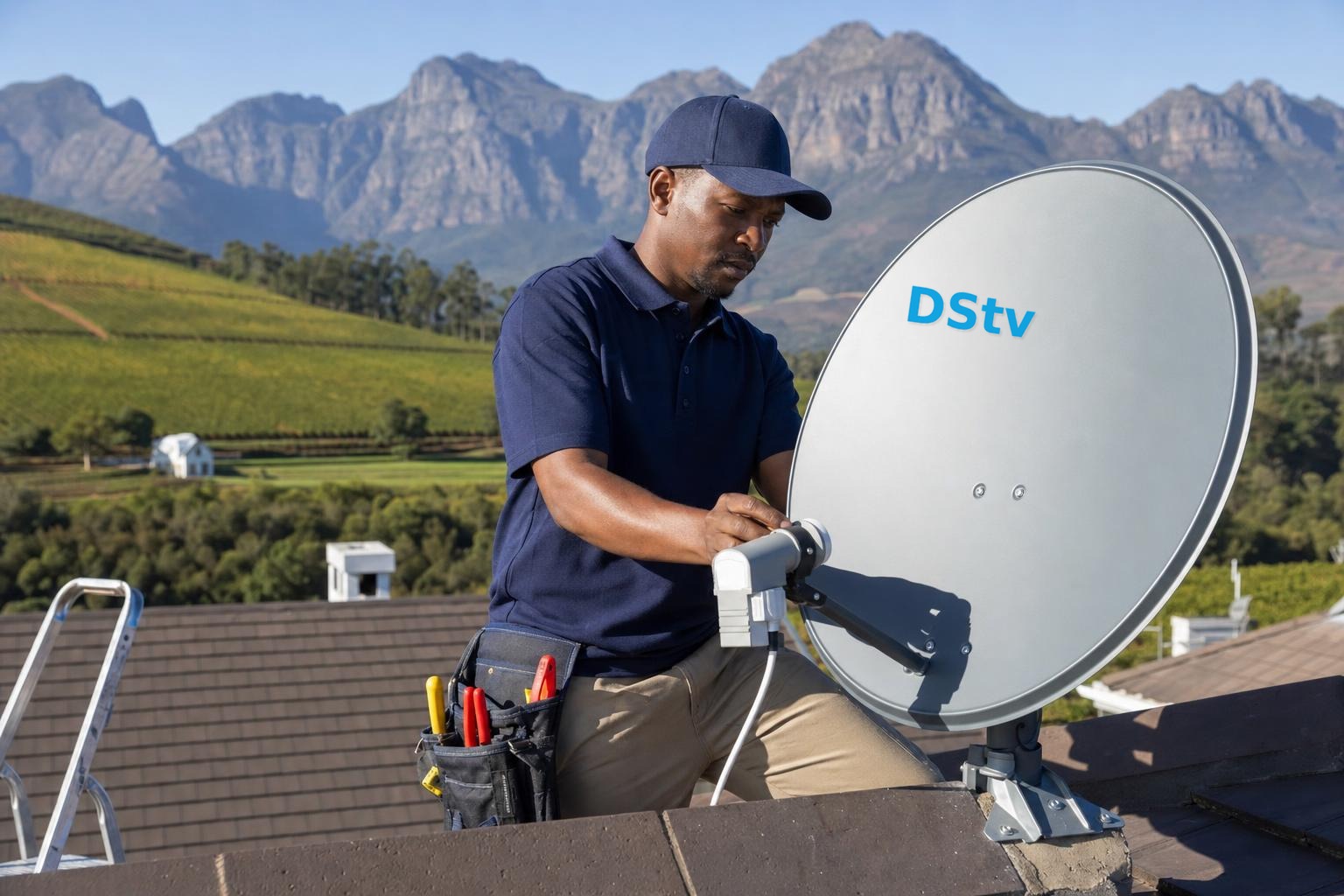
DStv's recommended setup for its HD decoder is an 80cm dish with a single LNB. Before touching the menu, tick off this list.
- An HD decoder, not an Explora. An Explora needs a Smart LNB instead.
- One coaxial cable from the dish, plugged into the LNB IN port on the decoder.
- An HDMI cable from the decoder to the TV.
- Fresh batteries in the remote, because you'll press a lot of buttons.
If the box is new, our DStv decoder setup service can do all of this for you. The rest of this guide assumes you'd like to try it yourself first.
DStv signal settings for a single LNB, step by step
Most HD decoders show these screens on first start-up or after a factory reset. The wording changes a little from model to model, but the order is the same.
- Language. Choose your menu language and press OK.
- Satellite. Pick the satellite used for South Africa, Intelsat 20 at 68.5 degrees East.
- LNB type. Select Single LNB. Don't choose Smart LNB or Unicable for this kind of dish.
- Frequency details. Leave any frequency or transponder numbers exactly as they appear.
- Signal check. Watch the strength and quality bars for about thirty seconds.
- Channel scan. Start the scan and let it finish without pressing Back.
- Activation. A brand-new decoder still has to be activated on your account.
For the activation step, our guide on how to activate a decoder lists every method that works. If you'd like a closer look at each wizard screen, read our DStv installation wizard guide.
Good to know: An HD decoder on a single LNB has one tuner, so it can show one channel at a time. That's normal, not a settings fault.
Reading the signal screen correctly
Two bars matter here. Strength is how much signal arrives at the decoder, and quality is how clean and usable it is. Quality is the one to watch.
A high strength with a low or jumping quality usually means the dish is slightly off target or something is in the way. Our post on signal strength versus quality explains the readings in more depth.
Need a hand in Franschhoek?
Tell us what you need or what your screen shows. We give you a clear price before we drive out.
Single LNB or Smart LNB: matching DStv signal settings to your dish
The menu choice has to match what's bolted to the dish arm. Use this table if you're not sure which you have.
| Your setup | LNB on the dish | Setting to choose | What you can do |
|---|---|---|---|
| One HD decoder | Single LNB | Single LNB | Watch one channel at a time |
| Explora or Explora Ultra | Smart LNB | Smart LNB | Record while you watch |
| HD decoder sharing an Explora dish | Smart LNB, Universal output | Single LNB | Second room on its own tuner |
| Guest farm or estate on a shared dish | Installer's system | Ask the installer | Depends on the building |
Thinking of moving up to an Explora later? Check the Explora installation requirements first, because the single LNB will need replacing.
DStv frequency questions we hear in the valley
People often ask us for the DStv frequency to type in. On a private dish with a single LNB, the decoder already knows it, so there's nothing to enter. Changing the preset numbers is a common reason a working decoder suddenly finds no channels.
You may also see DStv smart LNB frequency settings mentioned online. Those user bands apply to Smart LNB and Unicable setups only, and they don't touch a single LNB at all. Our page on how a Smart LNB works explains the difference.
Valley problems DStv signal settings can't fix
Sometimes the DStv signal setup is perfect and the picture still struggles. In Franschhoek the reason is usually the valley itself, not the menu.
Mountains and winter cloud
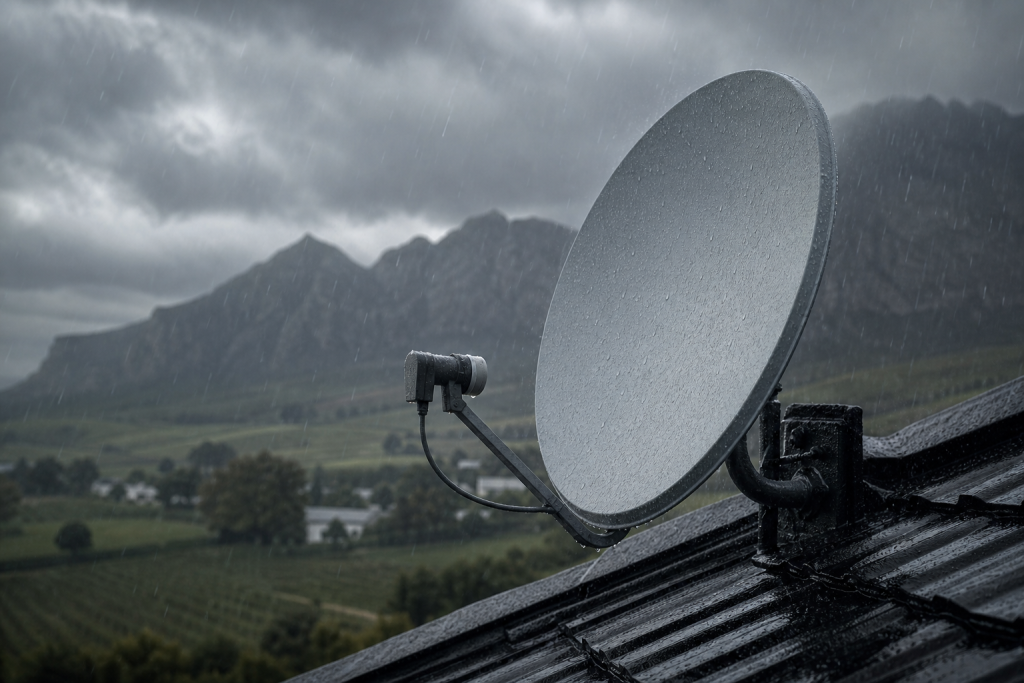
The dish has to look north-east and fairly high. Close to the slopes in Groendal or out past La Motte, the mountains can sit right in that path. Heavy winter rain and cloud also cause rain fade, which can show as error E30-2 until the weather clears. Our notes on why signal drops in the Winelands cover both.
Long cable runs and old cottages
Farms near Wemmershoek and Simondium often run cable a long way from the dish to the house. Older cottages in Bo-Dorp may still have tired cable or corroded plugs from a previous owner. Both weaken the signal before it reaches the decoder, and the fix is new cable, not new settings.
Safety first: Please don't go up a ladder or onto the roof to move the dish, and never open the decoder or handle the LNB wiring. Wet winter roofs are slippery, and lining up a dish properly needs a signal meter.
When the readings stay poor, our satellite dish alignment service re-points the dish on a meter and checks every connector along the way.
Book a signal check in Franschhoek
If you've followed every step and the quality bar won't settle, it's time to call a technician. Our team of DStv installers in Franschhoek works across the valley, from the village to Mooiwater and La Provence, and we quote before we drive out. Call or WhatsApp 079 754 5527, or send us a message.
Talk to our Franschhoek team
We work across Franschhoek, La Motte, Groendal, Wemmershoek, Simondium and nearby. Call or WhatsApp us and we will tell you the practical next step.
DStv signal settings: FAQs
What are the DStv signal settings for a single LNB?
Choose the South African satellite, Intelsat 20 at 68.5 degrees East, and set the LNB type to Single LNB. Leave the frequency details at their defaults, check the quality bar is steady, then scan for channels. The installation wizard on most HD decoders follows this order.
Can I use a single LNB with an Explora?
Not properly. DStv recommends a Smart LNB on an 80cm dish for every Explora model, because the Explora has several tuners that a single LNB can't feed. With a single LNB you'll lose recording and multi-tuner features, so the LNB needs upgrading.
Do I need to enter DStv signal settings again after a power cut?
Try a restart first and give the decoder a few minutes to find the signal. If it opens on the first set-up screens after a power cut or surge, run through the steps again. If it still won't find a signal, have the decoder and cabling checked.
Why is my DStv signal weak in Franschhoek in winter?
Heavy winter rain and low cloud can fade the signal for a while, and in parts of the valley the mountains sit close to the dish's view of the sky. A dish aligned with good margin rides out most storms. If it keeps dropping, the alignment needs checking.
How much does a single LNB installation cost?
At the time of writing, a standard single-view DStv installation usually budgets from around R850 to R1,400, with the decoder bought separately. Long cable runs on farms and tricky roofs add to that. Ask our team for a current quote, because we quote first.
Need a DSTV technician?
Same-day DSTV installation, signal repair and Explora setup across Franschhoek and the Cape Winelands.