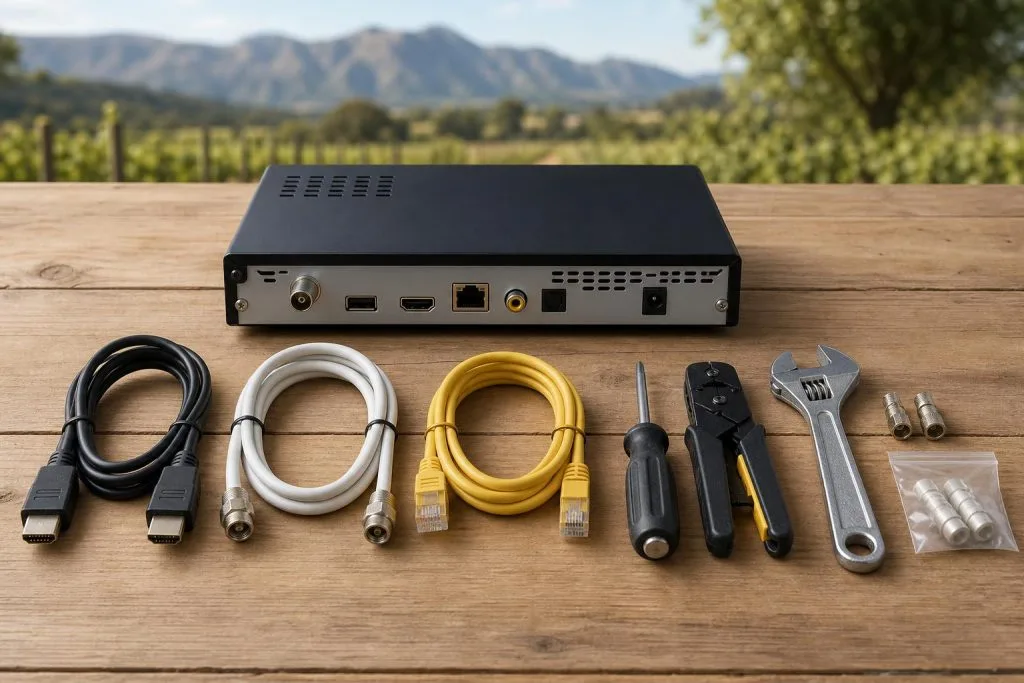
The cables behind a DStv decoder do different jobs. HDMI carries picture and sound to the television, satellite coaxial cable brings the dish signal, Ethernet connects supported online features, and the power supply runs the decoder. Mixing up those functions leads to the wrong troubleshooting steps.
HDMI: picture and sound to the television
HDMI is the flat digital connector between the decoder and TV. If the decoder appears to be on but the screen says “No input” or “No source,” check the HDMI cable and select the matching TV input. This message is different from a DStv E48-32 no-signal error: the first is usually TV-to-decoder, while the second concerns satellite reception.
Try another HDMI input or a known-working cable before changing decoder settings. Avoid sharply bending the plug behind a wall-mounted TV, where constant pressure can damage the connector. If the television is going on the wall, plan the cable route before drilling: our guide to TV wall mounting and cable management covers doing it tidily.
Satellite coaxial cable and F-connectors
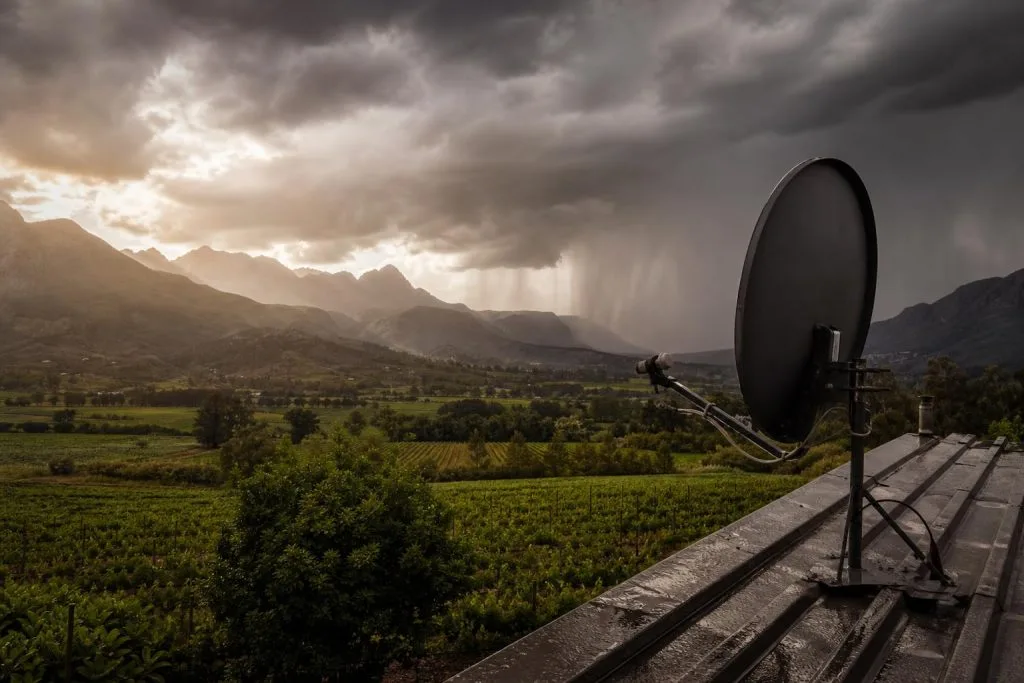
Satellite coaxial cable is round and terminates in screw-on F-connectors. It carries signal and a small electrical supply between the decoder and equipment at the dish. Correct impedance and connector fitting matter; ordinary TV aerial cable or a poor join can weaken the signal.
The centre conductor should be clean and straight, with no braid touching it. Outdoor connectors require weather protection. If water enters the cable, replacing only the connector may provide a temporary improvement while moisture remains inside the run.
Unicable and Smart LNB connections
“Unicable” describes a method that allows compatible satellite signals to share a cable in supported installations. DStv Explora setups commonly use a Smart LNB Unicable output. The decoder settings and physical port must match the installation.
Do not move a cable from a Unicable output to a universal output simply because both connectors fit. The result may be no signal, missing services or conflict with linked decoders. See the Smart LNB guide for more detail.
Ethernet and WiFi connections
Ethernet is the network cable used for supported connected services. It does not carry the satellite channels and cannot replace the dish feed. If online features fail but live satellite channels remain normal, check the router, Ethernet lead or WiFi connection rather than realigning the dish.
For long distances or thick-walled properties, a tested Ethernet run or properly positioned access point is more reliable than multiple wireless extenders. Our WiFi and network cabling service can assess the connection at the television.
Power supply and surge protection
Use the correct power supply for the decoder model. A plug that physically fits is not proof that voltage and current are suitable. An incorrect adapter can cause instability or damage. After load-shedding, confirm the wall socket and surge protector work before concluding that the decoder has failed.
Other cables in multi-room systems
XtraView, RF distribution and older installations may contain additional coaxial or communication leads. Before removing anything, label both ends and photograph the decoder ports. Older diagrams may not match the current decoder combination, so use the model numbers when seeking advice.
A safe troubleshooting order
- Read the exact on-screen message.
- Confirm decoder power and front-panel lights.
- Check the TV input and HDMI lead.
- Inspect the satellite connector without changing ports.
- Check whether other linked decoders have the same fault.
- Test network connections only when online features are affected.
If the cable route is damaged, hidden or producing intermittent signal, book decoder setup and connection help in Franschhoek. Call 079 754 5527 with the decoder model and error shown on screen.
Label cables before upgrading a decoder
When replacing a decoder, label each lead by purpose rather than colour. Two black coaxial cables may serve different LNB outputs, and two HDMI leads may feed different displays. Record the old port names and compare them with the new decoder instructions. Never force a connector that does not seat easily.
Frequently asked questions
Can ordinary aerial cable carry DStv?
Use suitable 75-ohm satellite coaxial cable. Unknown or deteriorated cable should be tested before reuse.
Why does HDMI show a picture but no sound?
Check TV mute, audio output settings, another HDMI input and a known-working cable before changing satellite connections.
Can I split the satellite cable like a TV aerial?
A simple passive splitter can interfere with control signals and supported feeds. Distribution must match the LNB and decoder design.
What is the safest way to disconnect a decoder?
Power it down, photograph and label connections, then unscrew connectors by their fittings rather than pulling the cable.
Still fighting with the wiring? Our DStv installers in Franschhoek handle cabling, dish and decoder setup across the valley: usually same-day.
Cabling is where most signal problems begin. If yours was never done properly, a proper installation in Franschhoek will run and seal it correctly rather than patching over the old work.
Need a DSTV technician?
Same-day DSTV installation, signal repair and Explora setup across Franschhoek and the Cape Winelands.