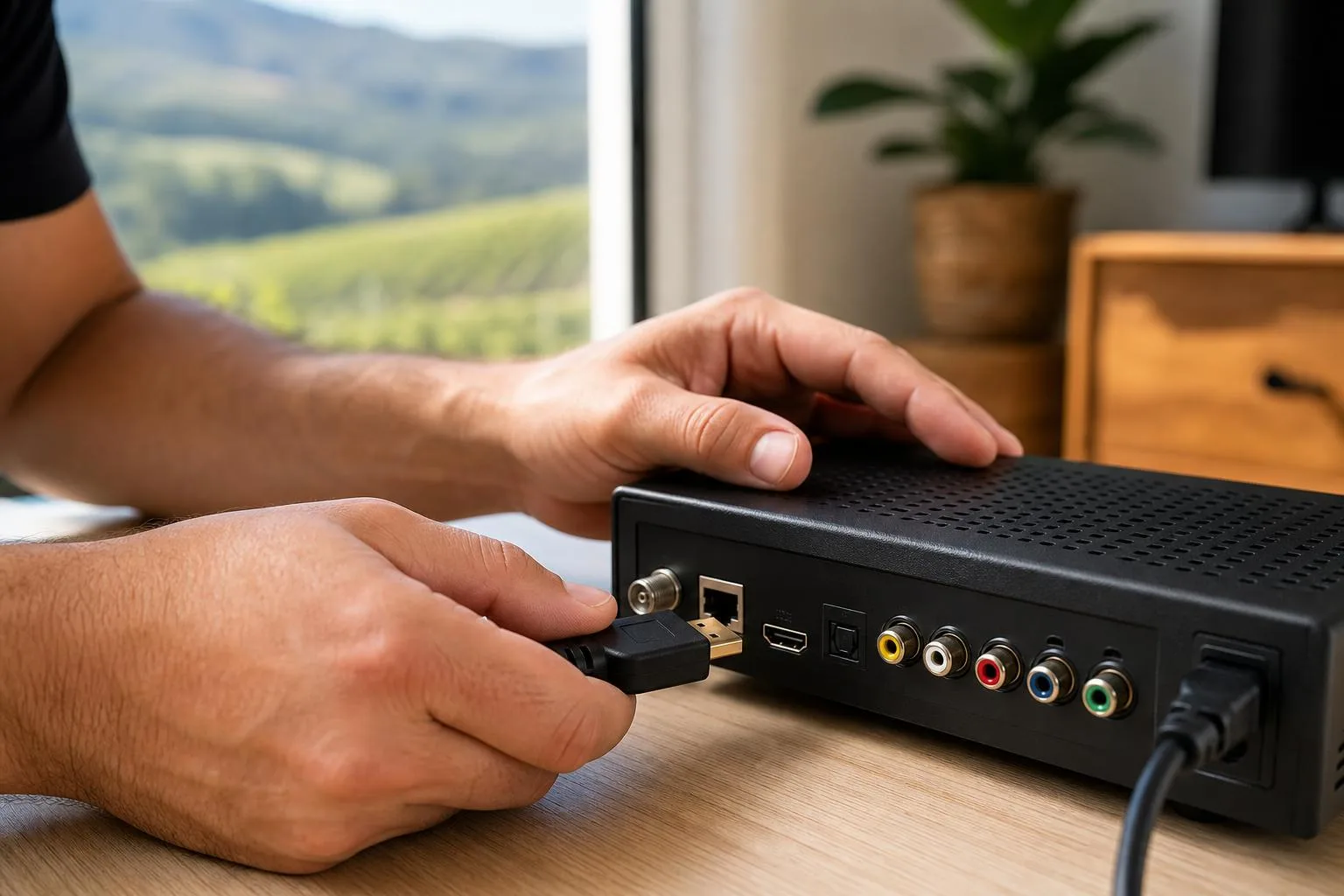
Brought a new DSTV decoder home and need it set up properly? We connect, configure, scan and test HD decoders, Explora and Explora Ultra units across Franschhoek, Paarl and Stellenbosch: including remote pairing, channel activation and a basic demonstration so you know how to use every feature.
Which decoders we install
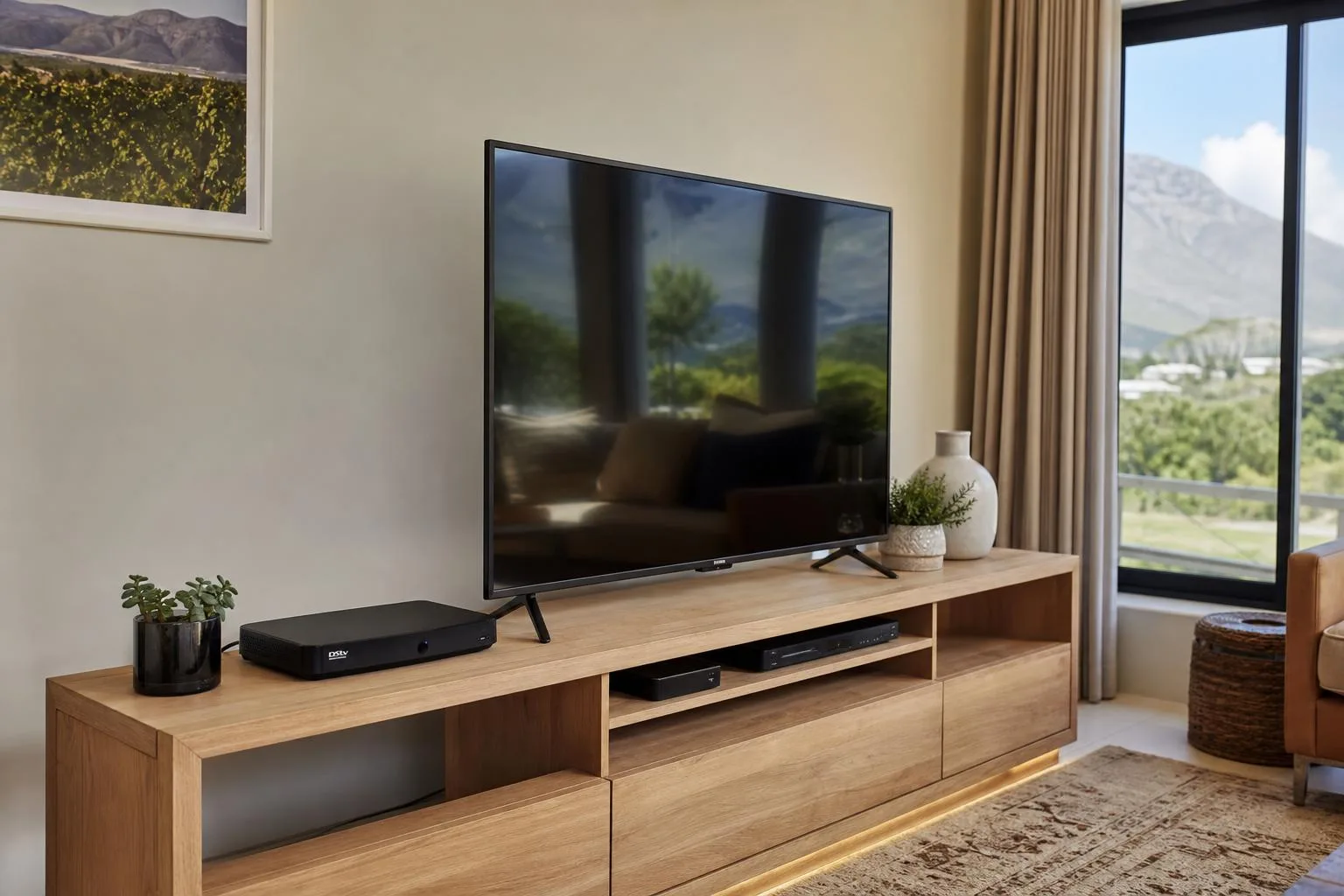
We work with the full DSTV decoder range, HD PVR, the standard HD Decoder, Explora 2, Explora 3 and the Explora Ultra. Each one connects slightly differently: standard HD decoders take a single satellite cable, Explora units use a Smart LNB and a single-cable solution, and Explora Ultra adds an internet connection for Catch Up, BoxOffice and Showmax integration.
We bring all the connectors, HDMI cables and adapter pieces we need, so even if your TV is older or your wall plate is non-standard, we can connect everything cleanly. We also handle decoder swaps: if you've upgraded from HD to Explora and need the old decoder cleanly removed and the new one configured to take over the subscription, we do that in one visit. For homes that want a second or third decoder linked under the same account, see our Extra View / XtraView setup.
What's included in a decoder setup
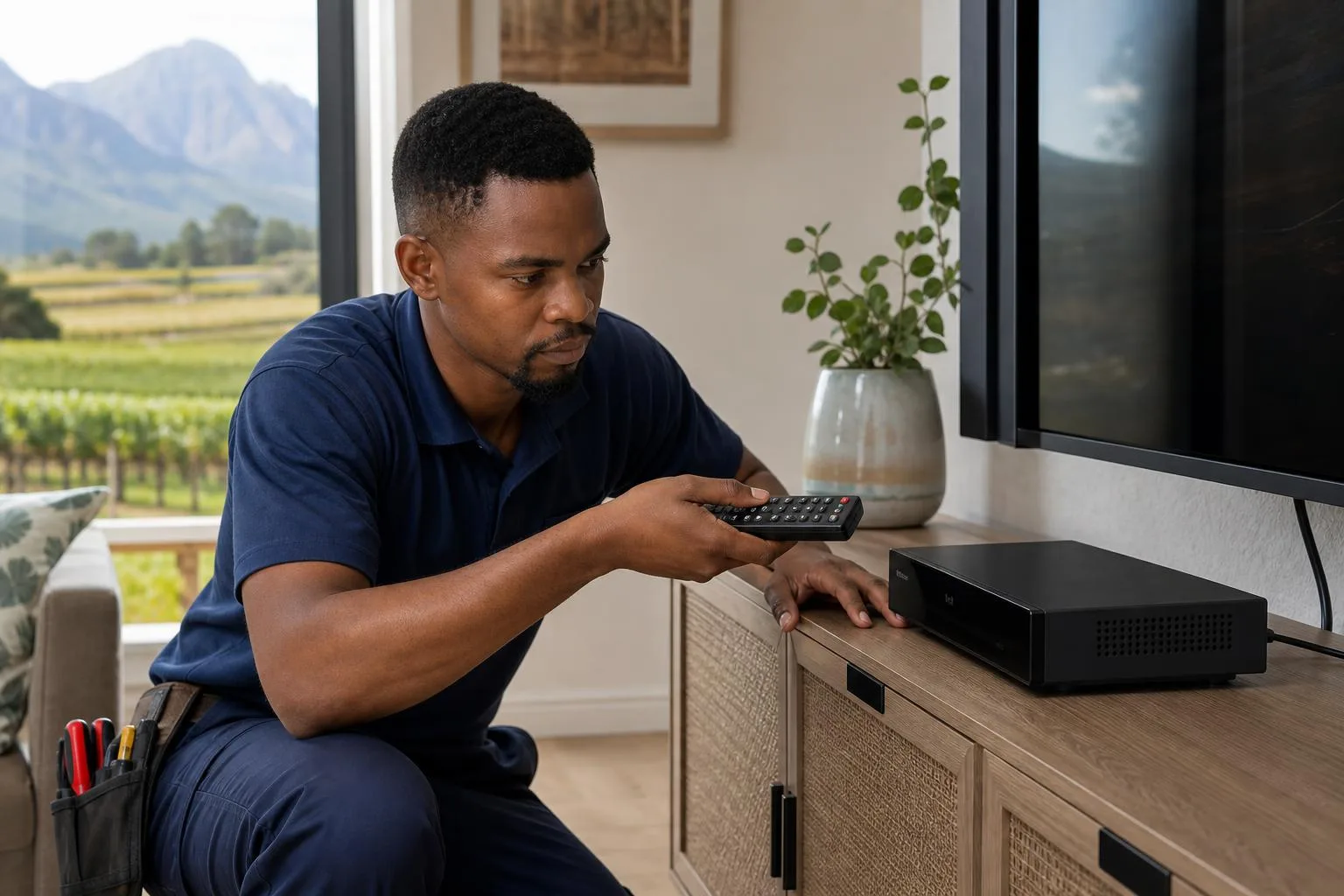
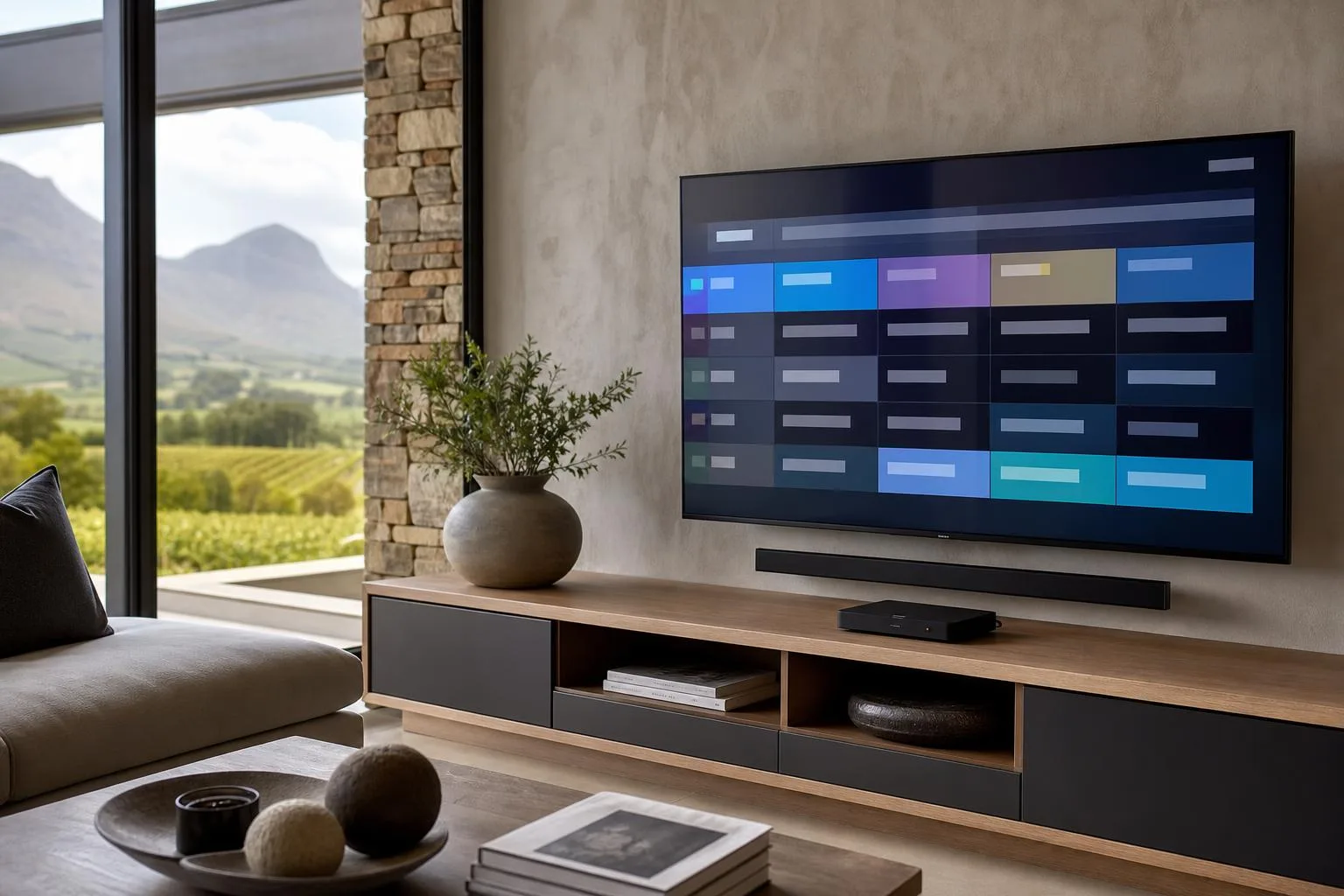
A proper decoder setup includes connecting the decoder to your dish input and HDMI to the TV, powering on, pairing the remote, scanning for satellites and channels, activating the smartcard with the MultiChoice subscription if required, configuring your audio settings, setting up parental controls if you have small children, and pairing the internet connection on Explora Ultra units for Showmax and Catch Up. We then run a short demo so you know how to use the EPG (channel guide), record, pause live TV and search for content.
Common decoder problems we fix
If your decoder is showing E16, E48-32 or 'no signal', the fault is almost always on the dish side rather than the decoder itself, but we'll check both. Most of those calls end up being DSTV signal repair jobs once we trace the fault. We also handle decoders that won't pair with the remote, decoders that show only part of the channel list, smartcard activation issues and audio sync problems. Most of these are 15-minute fixes once you know what you're looking at: call or WhatsApp 079 754 5527 or request a callout here.
What's included
Every job is tested and signed off before we leave.
Get a free quote
Prices depend on equipment, TV points, cabling & access, we'll quote upfront.