Why does OpenView keep losing signal?
“No signal” on an OpenView decoder is one of the most common call-outs we get in the valley, and it’s rarely one single cause. OpenView runs off the same satellite DStv uses, so it inherits the same weaknesses: a dish that’s a few degrees off true, a connector that’s started to corrode, or simply heavy rain sitting between your roof and the satellite. The good news is that most of it is diagnosable from your couch before you need to climb a ladder or call anyone out.
The correct satellite settings for OpenView (Intelsat 20)
OpenView decoders point at Intelsat 20 (IS-20), parked at 68.5°E: the identical satellite DStv broadcasts from, which is why an existing DStv dish can often be reused. If you or an installer ever need to check or manually confirm the settings on a receiver, the two transponders that matter are:
- Main transponder: 11170 MHz, vertical polarisation, 28750 symbol rate, DVB-S2 8PSK.
- SABC transponder: 11514 MHz, vertical polarisation, 28750 symbol rate, DVB-S2 QPSK.
A dish of at least 80cm is the general recommendation for a stable OpenView signal, particularly further from the coast or on sites with any partial obstruction. Smaller dishes can work in ideal conditions but leave very little margin when weather turns.
What usually causes the signal to drop
In order of how often we actually find them on a call-out:
Rain fade. Heavy rain or thick cloud between the dish and the satellite genuinely does affect the signal: this is physics, not a fault, and it clears on its own once the weather does.
A loose or corroded F-connector. The screw-on connector where the cable meets the LNB or the decoder corrodes over time, especially in coastal or humid air. A connector that looks fine can still be making poor contact.
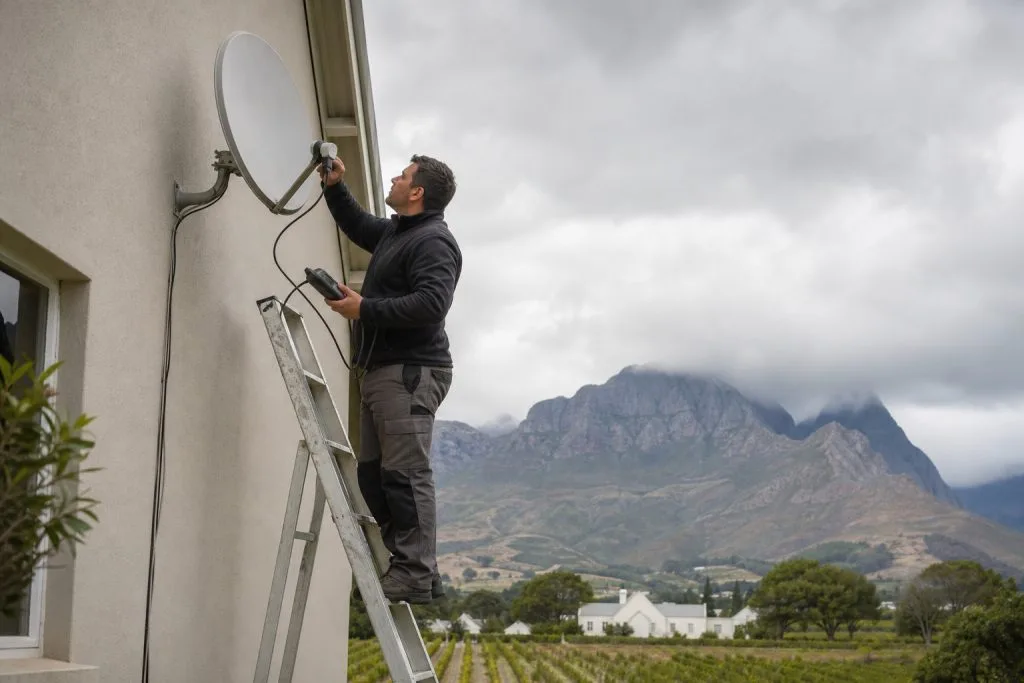
A dish that’s shifted out of alignment. Wind, a knock during gutter cleaning, or even birds landing repeatedly on the arm can nudge a dish just enough to drop signal quality without moving it far enough to notice by eye.
Growth or new obstructions. A tree that was fine two summers ago can now be sitting in the line of sight. So can a new neighbouring structure or even your own solar geyser installation.
A failing LNB. The small component at the end of the dish arm does wear out, usually gradually rather than all at once: signal that’s a bit weaker every month before it finally drops out.
Old or water-damaged cable. Cable that’s been pinched, run outdoors without proper sealing, or simply left in the sun for a decade loses signal quality even if it still “works.”
What the on-screen error codes usually mean
OpenView decoders show a handful of recurring on-screen codes when something’s wrong. As a rough guide: a “no secure device” or channel-not-activated message usually means the decoder hasn’t completed activation, or lost its activation after a long power cut, see our OpenView activation guide for the fix. An access-denied or service-blocked message that appears even though the decoder was working fine yesterday more often points to a signal drop than an activation issue, since the decoder needs a clean signal to keep its authorisation current. If clearing the error through the USSD menu doesn’t hold and the same code returns within a day or two, treat it as a signal problem first rather than repeatedly reactivating.
Your troubleshooting checklist before calling anyone out
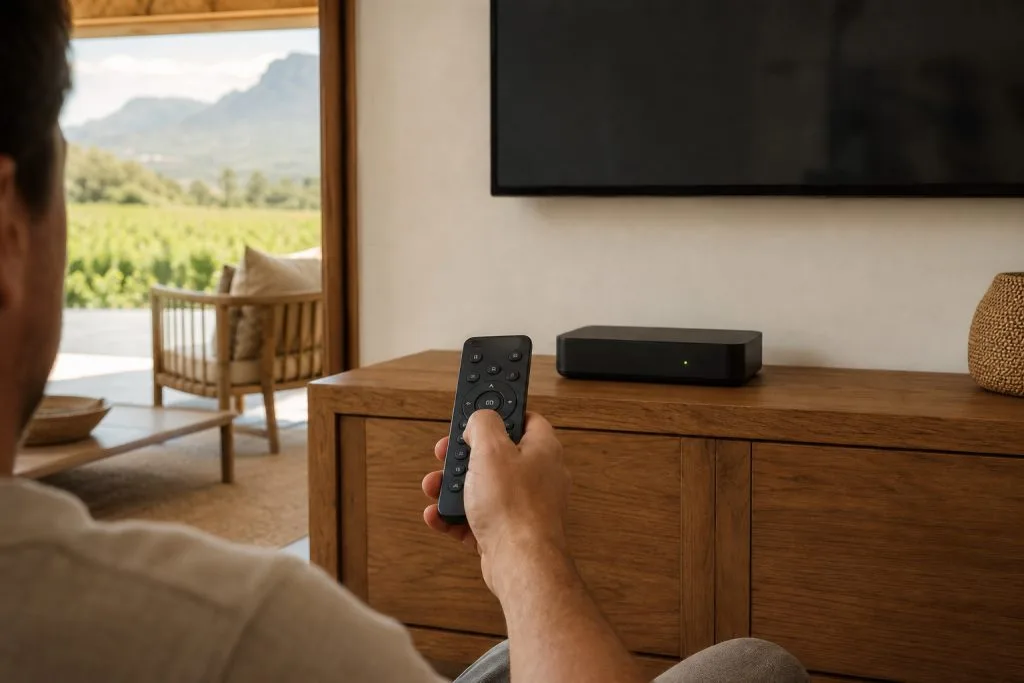
- Press HELP on the remote and check the signal strength and quality bars: both should read solidly in the green, not just flickering above the minimum.
- If it’s raining hard, wait it out. Rain fade resolves itself and no amount of retrying fixes it faster.
- Power cycle the decoder: unplug it, disconnect and firmly reconnect the LNB cable, then reinsert the power cable and let it reboot fully.
- Inspect any cable and connectors you can see for corrosion, kinks, or a connector that isn’t screwed on tight.
- Look at the dish from the ground for anything obviously off: a bent arm, a bird’s nest, a branch now hanging in front of it.
- Clear error codes through the USSD menu (
*120*6843*1#, then the clear-errors option) once you’re confident the signal itself is stable. - Try a different HDMI or AV input and cable to rule out a TV-side fault masquerading as a signal problem.
When it’s time to call an installer
Some of this genuinely is a two-minute DIY fix. Some of it isn’t, and pushing through it yourself just risks knocking the dish further out or damaging a connector. Call in a professional when signal strength and quality stay low on a clear, dry day rather than only during weather; when you can see the dish has visibly moved or been damaged; when more than one decoder or TV point sharing the same dish is affected, which usually points to the LNB or the dish itself rather than one decoder; or when the same error keeps returning within a day or two of clearing it. If you’re not sure whether an existing dish can even be reused for OpenView in the first place, our guide on OpenView installation requirements and reusing a DStv dish is worth reading before anyone gets on the roof.
And once the signal side is sorted, it’s worth checking that every channel on the full OpenView channel list is actually coming through: a signal that’s just barely acceptable can hold the strong SABC transponder while dropping weaker channels first. If a few are still missing once signal reads solid, run a proper channel search using our guide on how to add and restore channels on OpenView.
If repeated signal trouble has you weighing up whether to switch to a subscription service instead, our DStv packages and price list gives you the current monthly costs to compare against a once-off OpenView repair.
As your local DStv and OpenView installers in Franschhoek, we handle dish realignment, LNB replacement and full signal diagnostics across Franschhoek and the valley: most call-outs sorted same-day. Book our OpenView signal repair service or call/WhatsApp 079 754 5527 and describe what the HELP screen is showing.
Need a DSTV technician?
Same-day DSTV installation, signal repair and Explora setup across Franschhoek and the Cape Winelands.