If your digital TV antenna isn't picking up channels, start with a fresh channel scan before anything else. In Franschhoek that fixes more "no signal" screens than you'd expect. If the scan finds nothing, work down the checks below, from plugs to settings to the valley itself.
Quick answer: When a digital TV antenna isn't picking up channels, rescan first, then check that the TV is on the aerial or antenna input, every plug is tight and dry, and the TV has a DVB-T2 tuner or set-top box. If that fails, the aerial's aim, cable or amplifier may need a technician.
Fix 1: rescan your digital TV antenna channels
TVs remember the last list of channels they found. After a power cut, a storm or a moved aerial, that list can go stale. A new scan forces the TV to look again.
- Press the Source or Input button and choose TV, Aerial or Antenna, not HDMI.
- Open Settings, then the Channels or Broadcasting menu.
- Pick the antenna or aerial option, not cable or satellite.
- Choose automatic tuning or auto scan, and select digital or DVB-T2 if asked.
- Let the scan finish completely, then try a few channels.
Menu names differ by brand, so check your TV manual if you can't find these exact words. If you use a set-top box, run the scan on the box instead of the TV.
Lost channels right after a power cut? Our notes on checks after load-shedding cover restarting gear and spotting surge damage.
Fix 2: check every plug between the aerial and the TV
A loose or damp plug is the next most common cause. Look along the whole cable you can reach safely from inside the house.
- The coaxial plug is pushed fully into the TV's aerial socket.
- Any wall plate connection is tight and not cracked.
- Splitters behind the cabinet are firmly connected on every port.
- The cable isn't kinked, crushed under furniture or chewed by pets.
- If there's an amplifier power unit indoors, it's plugged in and its light is on.
Older cottages in the village often have cables that have been rerouted many times. Our explainer on TV cables and connections helps you tell coaxial, HDMI and network cables apart.
Fix 3: make sure the TV can read the signal
Free terrestrial TV in South Africa uses the DVB-T2 standard. Plenty of older or budget TVs only have an older digital or analogue tuner, so they scan and find nothing.
Check the TV's manual or back label for "DVB-T2". If it's not there, you need a DVB-T2 set-top box between the aerial and the TV. An HD digital TV antenna won't help on its own, because the antenna doesn't decide what the TV can decode.
Good to know: A DVB-T2 antenna isn't a special type of aerial. Any decent UHF aerial works with DVB-T2 when it's aimed properly. The standard lives in the tuner, so focus on your TV or set-top box first.
Why the valley makes a digital TV antenna work harder
Franschhoek sits in a narrow valley ringed by tall mountains. Terrestrial signals travel in fairly straight lines, so peaks and ridges can block them completely in some spots. Homes in La Motte, Groendal or Wemmershoek can get very different results from a house in the village.
| What you see | Likely cause | What to try |
|---|---|---|
| Scan finds no channels at all | Wrong input, no DVB-T2 tuner or a loose plug | Fixes 1 to 3 above |
| Some channels work, others don't | Weak or blocked signal from the mountains | Higher or better-aimed aerial |
| Picture breaks up in heavy rain | Water in a connector or a marginal signal | Check indoor plugs, then book a cable check |
| Channels vanished after a storm | Aerial knocked off its aim | Rescan, then call a technician |
| Fine for years, now patchy | Tree growth or corroded fittings | Have the line of sight and cable tested |
Wet winter months make every weakness worse. Leaves full of water soak up signal, and rain finds any gap in a connector.
Need a hand in Franschhoek?
Tell us what you need or what your screen shows. We give you a clear price before we drive out.
Indoor aerial? Try these safe moves
If you use a small indoor aerial, its position makes a big difference. These tweaks are quick and safe to try.
- Move it higher, onto a shelf or top of a cupboard.
- Place it by a window, ideally one facing down the valley rather than straight at a mountain.
- Keep it away from the WiFi router, speakers and metal window frames.
- Rescan after every move, because the TV won't find new channels by itself.
If none of that helps, the signal inside your walls is probably too weak. An outdoor aerial is usually the answer in the valley, and our post on aerial vs satellite dish explains what each one can receive.
When the outdoor aerial itself is the problem
Some faults can only be fixed at the aerial or on the roof. Signs you've reached that point include channels dropping after a windy night, a mast that looks bent from the garden, or a scan that finds nothing even with a DVB-T2 TV.
Farm homes and guest cottages at the end of long driveways have another weak point: long cable runs. Every metre loses a little signal, and an old amplifier can fail without any visible sign.
Safety first: Don't climb onto the roof or up a ladder to adjust the aerial, especially in wet or windy weather. Leave the masthead amplifier and its wiring alone too. Aerial and mains power work is a job for a technician with the right gear.
Technician tip: Write down which channels work and which don't before you call. That pattern tells us a lot about whether the issue is aim, cable or the TV, and saves time on site.
If your digital TV antenna still finds nothing
Some spots in the valley simply sit in a deep signal shadow. In that case a better aerial won't help, and satellite is the reliable route.
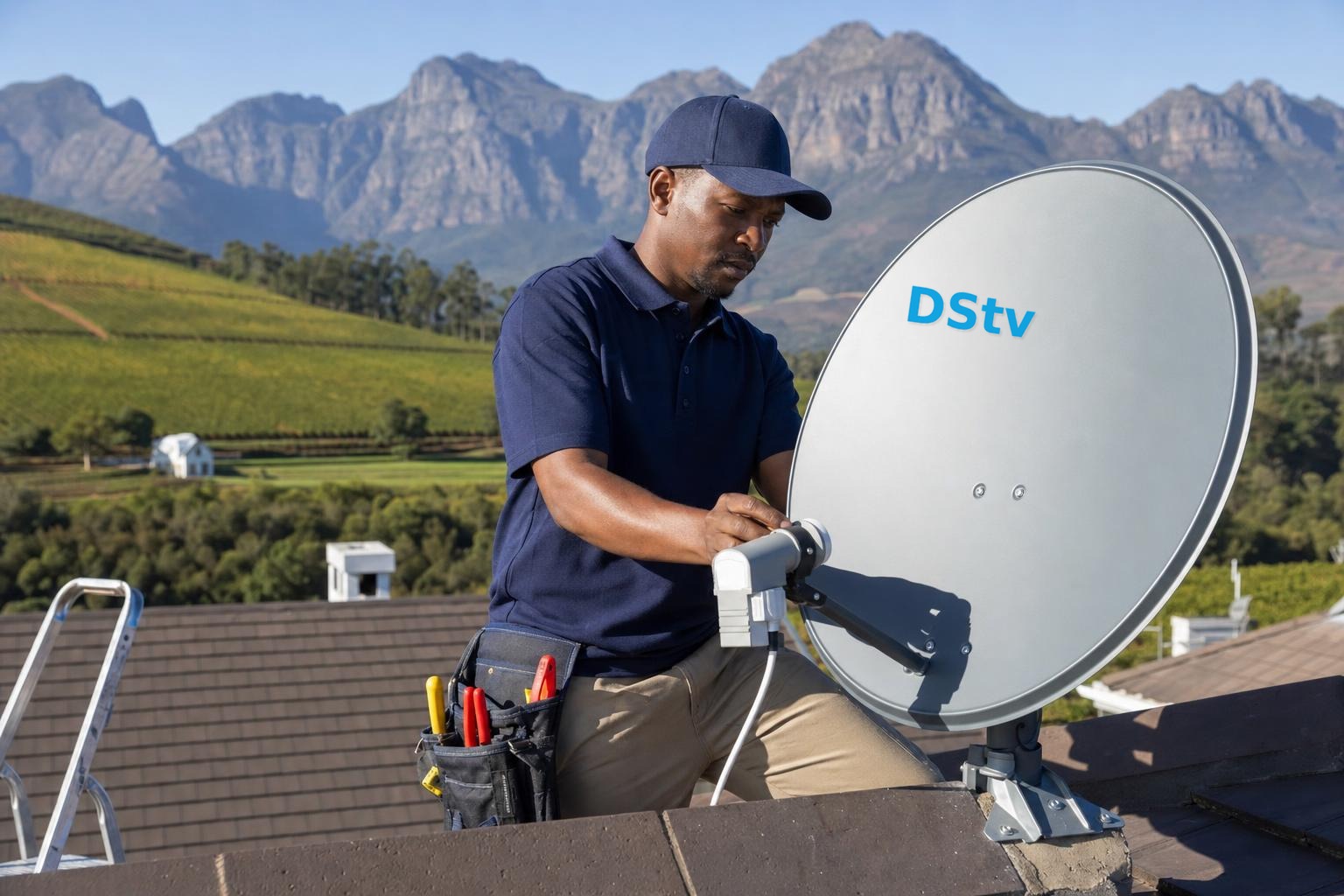
OpenView is a free satellite service from eMedia, not a DStv product, and it uses a dish rather than an aerial. Our OpenView HD installation team can fit it where terrestrial reception fails. For pay TV, our satellite dish installation covers DStv too.
Book an aerial check in Franschhoek
If these steps don't bring your channels back, call a technician. We'll test the signal at your home, check the aerial, cable and amplifier, and tell you what's wrong before we fix anything. Our TV aerial installation work covers the village, Bo-Dorp and the farms around Simondium.
We also handle DStv installation in Franschhoek, so one visit can sort out both. Call or WhatsApp 079 754 5527, or request a site visit and we'll quote first.
Talk to our Franschhoek team
We work across Franschhoek, La Motte, Groendal, Wemmershoek, Simondium and nearby. Call or WhatsApp us and we will tell you the practical next step.
Digital TV antenna: FAQs
Why is my digital TV antenna not picking up channels?
The usual causes are a stale channel list, the TV set to the wrong input, a loose or damp plug, or a TV without a DVB-T2 tuner. Rescan first, then check the plugs and settings. If nothing changes, the aerial's aim or cable may be at fault.
Why does my digital TV antenna lose channels when it rains?
Rain itself rarely blocks the signal, but water in a connector or a marginal signal will show up in wet weather. Wet leaves on nearby trees also soak up some signal. Sealed connectors and a better-placed aerial usually solve it.
Why is TV reception so poor in parts of Franschhoek?
The valley is surrounded by high mountains, and terrestrial signals travel in fairly straight lines. Homes tucked under a ridge can sit in a signal shadow. A higher outdoor aerial helps in some spots, while others are better served by satellite.
How do I know if the problem is the TV or the aerial?
Try another TV or a DVB-T2 set-top box on the same cable. If that finds channels, your TV's tuner or settings are the issue. If neither finds anything, the aerial, cable or amplifier needs checking by a technician.
Need a DSTV technician?
Same-day DSTV installation, signal repair and Explora setup across Franschhoek and the Cape Winelands.