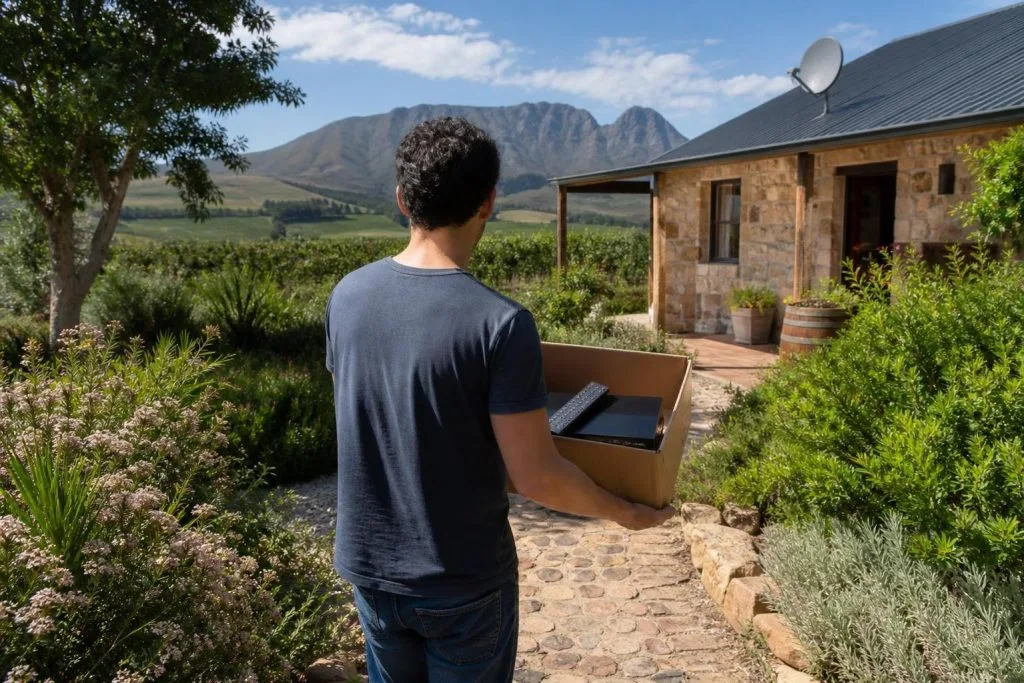
You can physically move many DStv decoders, but whether the decoder will work correctly at another house depends on the satellite installation waiting there. The subscription travels with the decoder and account; the dish, LNB, cabling and decoder configuration at the destination still need to be compatible.
What the other house must already have
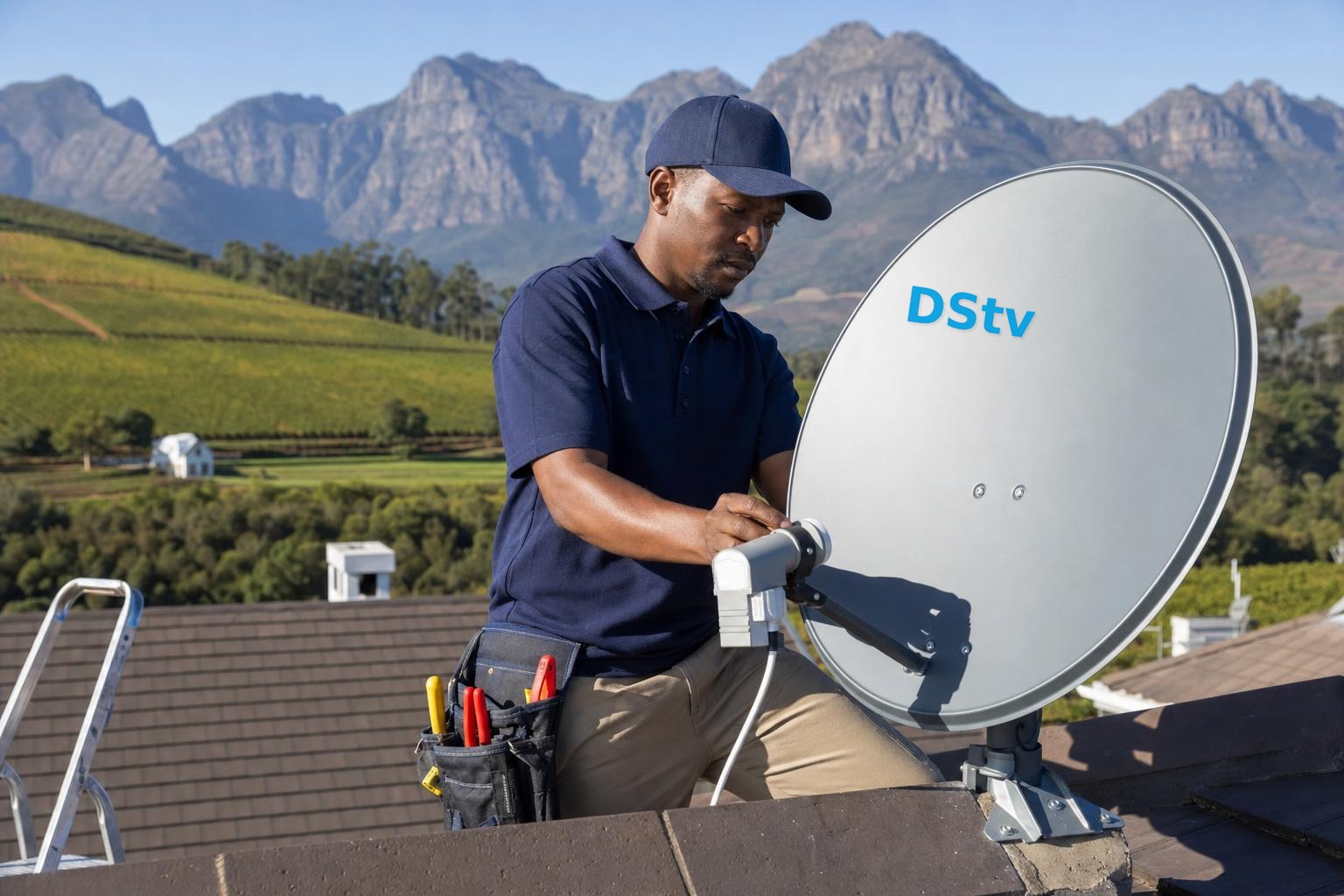
The destination needs a correctly aligned satellite dish, a suitable LNB and a working cable feed to the room. The installation type must match what the decoder expects. A basic decoder may not use the same configuration as an Explora, and a cable that worked with an older arrangement does not automatically support every newer setup.
If the property has no tested system, arrange a DStv installation assessment rather than travelling with the decoder and hoping for a signal.
Moving an Explora
An Explora is normally installed with an 80cm dish and Smart LNB. At another property, the decoder needs a compatible Unicable feed and the correct settings. Connecting it to an unsuitable legacy output may produce no signal or incomplete service.
Before disconnecting the decoder at home, photograph the cables and power arrangement. Transport it securely, keep ventilation slots protected from dirt and reconnect only after the destination equipment has been checked.
What changes when the decoder is part of XtraView
XtraView links decoders on one subscription and relies on primary and secondary roles plus heartbeat communication. Taking one linked decoder to a separate holiday house can break that communication. Official DStv FAQs specifically treat holiday-home use and faulty linked decoders as XtraView questions because the answer depends on the arrangement and current service rules.
Do not assume a secondary decoder will behave like a standalone unit at another property. Confirm the account implications and installation requirements before moving it. Our XtraView combinations guide explains the roles in more detail.
Can you keep a dish at both properties?
It is possible to have compatible receiving equipment installed at more than one property and move a suitable decoder between them, subject to current DStv account and service rules. Each dish must be aligned and maintained independently. A working home system says nothing about the condition of a holiday-home dish after months of wind, rain or disuse.
Label the cable at the second property and protect it when disconnected. An exposed F-connector can corrode or allow moisture into the cable, creating a fault before the next visit.
Account, pairing and location considerations
Keep the decoder paired to the correct smartcard and account. If an error relates to subscription, pairing or authorisation, dish adjustment will not fix it. Use official DStv self-service or support for account matters. For physical no-signal faults, test the destination dish and cable.
Service conditions can change, particularly for linked decoders and streaming limits, so check current official rules rather than relying on advice written for older decoder models.
Plan the move instead of troubleshooting on arrival
- Confirm the decoder model and whether it is standalone or linked.
- Check the destination dish, LNB and cable type.
- Protect the decoder during transport.
- Carry the correct remote, power supply and HDMI lead.
- Test the holiday-home installation before an important event.
If you are relocating permanently, our DStv relocation service in Franschhoek can disconnect, assess and reconnect the system. Call 079 754 5527 with both property locations and the decoder model. Our DStv relocation checklist covers what to sort out at both ends before moving day.
A practical holiday-home checklist
Test the second property several days before travel where possible. Confirm the dish is still secure, the cable end is dry, power is available and the TV has a suitable HDMI input. Take photos of the home connections before unplugging anything. If the destination is occupied by guests, leave a simple labelled connection guide so cables are not moved between visits.
Frequently asked questions
Will my subscription work automatically?
The decoder remains linked to its account, but account status, pairing and the destination installation must all be correct.
Can I move only the smartcard?
Smartcards are paired to compatible decoders. Moving a card alone is not a reliable substitute for moving the paired equipment.
Can I take a secondary XtraView decoder?
It may lose heartbeat communication away from the primary installation. Confirm current rules and configuration first.
Why does it say no signal at the second house?
The destination dish may be misaligned, use an incompatible LNB output or have damaged cable. The decoder cannot correct a physical signal fault.
Moving a decoder to a Winelands holiday home? Our DStv installation service in Franschhoek handles relocations and second-home setups.
For second homes and moves, our DStv relocation service handles both ends.
Moving a decoder between houses is straightforward. Getting the dish right at the other end is the part worth paying for, and that is what our Franschhoek relocation service does.
Need a DSTV technician?
Same-day DSTV installation, signal repair and Explora setup across Franschhoek and the Cape Winelands.