Mon–Sat · Same-day available Franschhoek & the Cape Winelands
Home/DSTV Explora Installation

DSTV Explora Installation in Franschhoek

Get the full Explora experience, record while you watch, pause live TV, Catch Up, BoxOffice, Showmax and Extra View linking with two other decoders. We supply and fit the Smart LNB, configure internet pairing and test every recording feature before we leave.

DSTV Explora Installation

DSTV Explora and Explora Ultra unlock a different level of home entertainment: recording, pause live TV, Catch Up, BoxOffice, Showmax, apps and Extra View linking with up to two other decoders. We install and configure them properly across Franschhoek, Stellenbosch and the rest of the Cape Winelands so every feature actually works.

Why Explora installation needs a Smart LNB

DSTV Explora decoders are designed to record one channel while you watch another, and Explora Ultra can record up to four channels at once. To do that, the dish has to be feeding the decoder with multiple satellite frequencies on a single cable, and that requires a Smart LNB, which is a different unit to the standard universal LNB used on older HD installations.

If your existing dish has a universal LNB and you've just bought an Explora, your recordings will fail and Extra View won't pair properly until the LNB is swapped. We bring a new Smart LNB on every Explora job and replace the old unit if needed, then align it precisely for the Eutelsat 36B and Astra 4A satellites that DSTV uses: see our satellite dish installation & alignment service for the full alignment process.
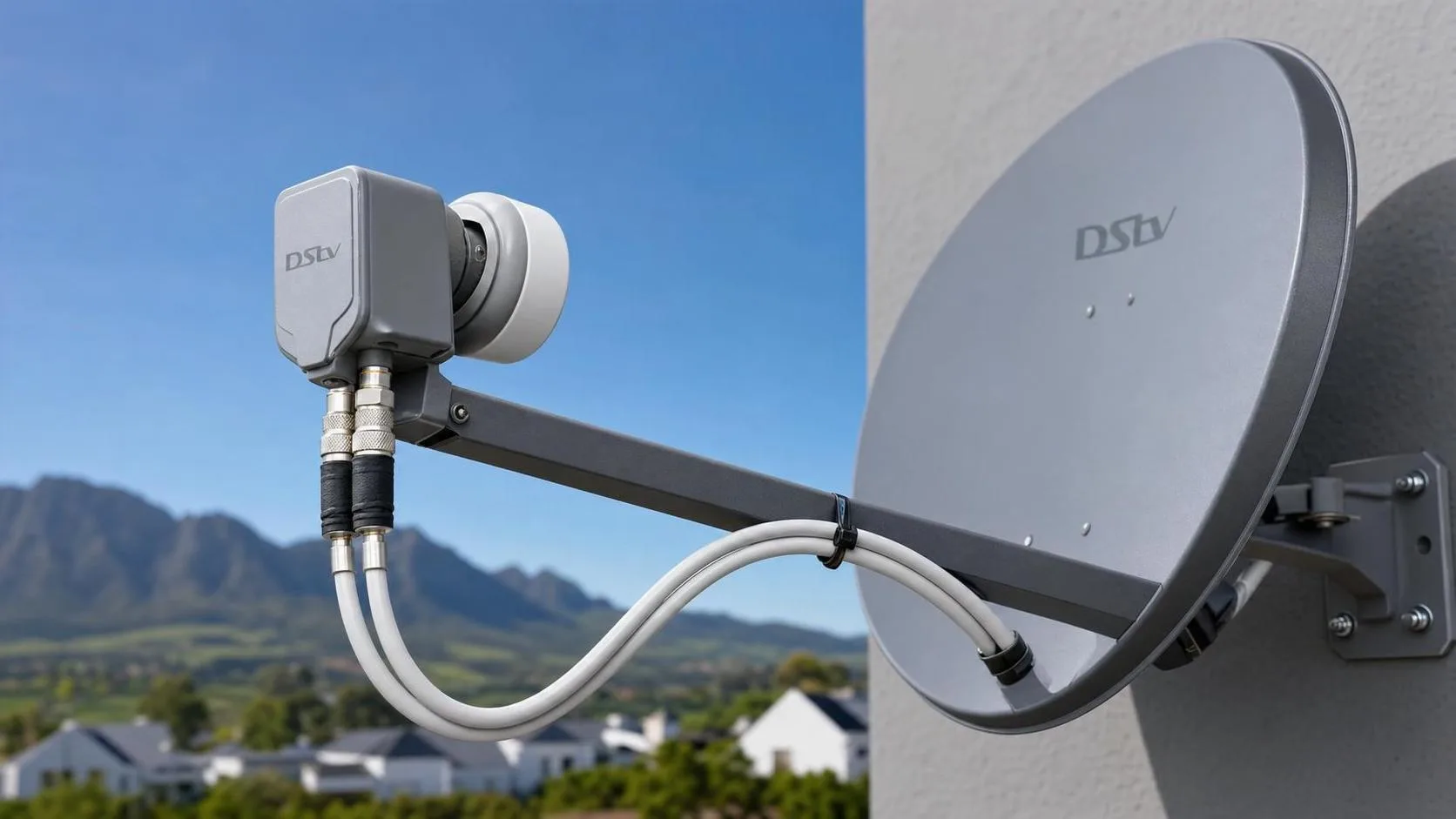
Smart LNB mounted on a satellite dish for Explora and Extra View

What we configure on an Explora install

A complete Explora installation includes the Smart LNB swap (if needed), running the single-cable from the LNB to the decoder, mounting and powering the decoder, pairing the remote, activating the smartcard, internet pairing for Explora Ultra (for Showmax, Catch Up Plus and apps), Extra View linking to any existing HD or Explora decoders in the home, and configuring the EPG, audio, parental controls and recording schedule.

We then take you through the menu so you understand how to record series, set reminders, browse Catch Up, navigate the BoxOffice store and use the Explora's voice search if applicable. If you want the TV cleanly mounted to the wall at the same visit, we offer TV wall mounting & cable management.
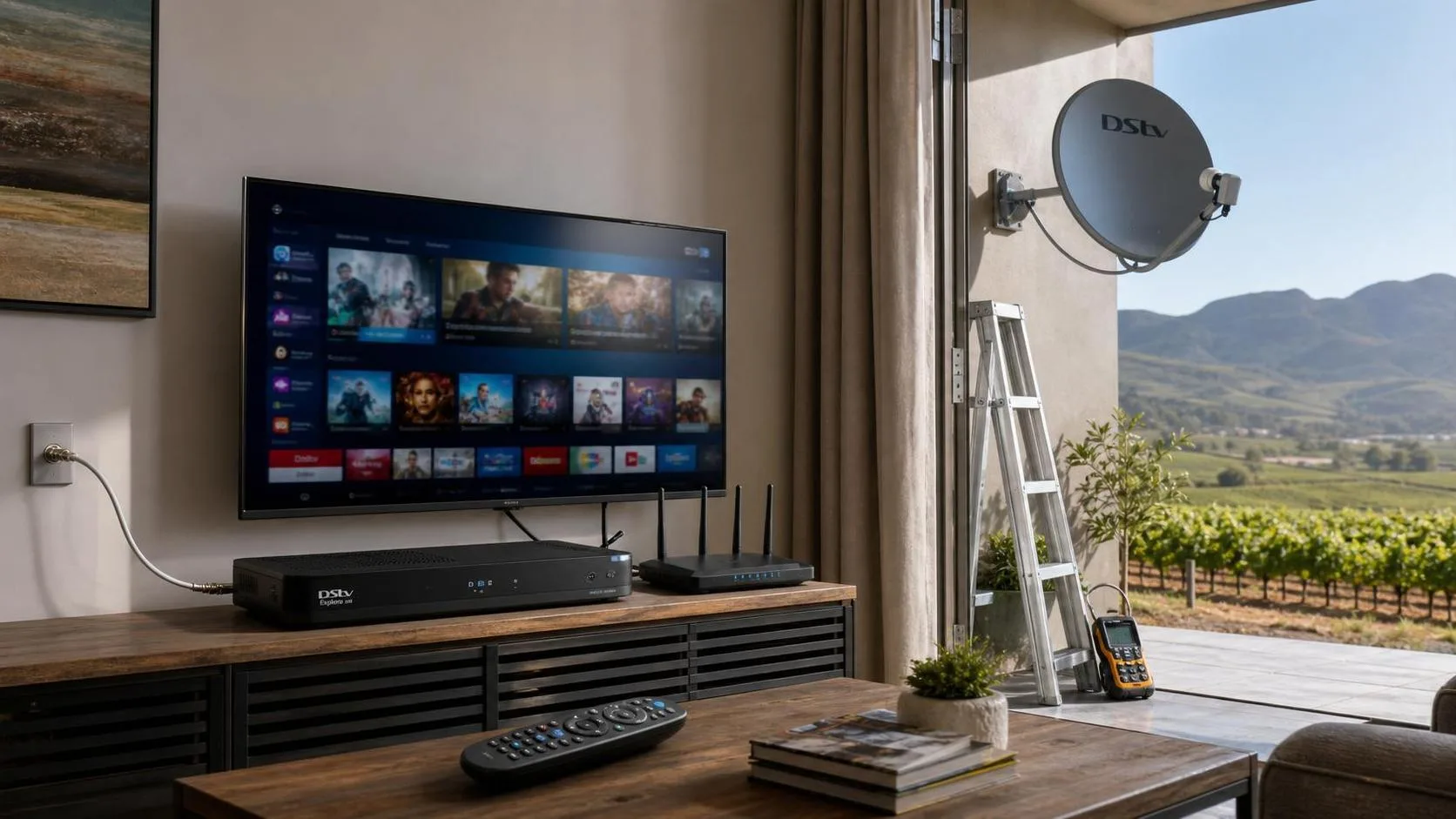
Explora Ultra connected to home Wi-Fi for Catch Up and Showmax

Upgrading from HD to Explora

If you're upgrading an existing HD decoder to an Explora or Explora Ultra, we handle the full swap, collect the old decoder, transfer the subscription to the new smartcard, replace the LNB on the dish, configure the new decoder, and link any other decoders in the house under Extra View. You keep all your channels, recordings transfer if you have a USB drive, and the upgrade is usually done in one visit.

If you're setting up DSTV in a brand-new home, see our full new DSTV installation service which includes the dish, cabling and Explora setup as one job. For quotes, request a free quote or WhatsApp 079 754 5527.
Family enjoying DSTV Explora recordings on a living room TV

What's included

Every job is tested and signed off before we leave.

Explora decoder installation
Smart LNB installation
Internet connection setup where needed
Extra View compatibility setup
Signal quality testing

Get a free quote

Prices depend on equipment, TV points, cabling & access, we'll quote upfront.

Request A Free Quote

What affects the cost of an Explora installation

There is no single Explora installation price, because what is already on your roof matters more than the decoder itself. These are the things that actually move the number when we quote.

Your existing dish

An Explora needs a correctly sized, properly aligned dish. If yours is undersized, badly sited or shaded by trees that have grown since it went up, it has to be moved or replaced before the decoder will hold a stable picture.

Smart LNB or not

Explora and Explora Ultra need a Smart LNB. If your dish still carries an older twin or quad LNB it has to be swapped, and any existing multi-room wiring reworked around it.

Cable condition and length

Sun-perished coax, corroded F-connectors, or a run that was never long enough for the room you now want the decoder in, all add time and materials.

Single room or linked

Linking the Explora to a second decoder for XtraView is extra work: pairing, heartbeat checks and sometimes a second cable run to the other room.

Internet connection

Catch Up, Showmax and on-demand only work if the Explora is online. If WiFi does not reach the lounge cleanly, we may need an ethernet run or an access point.

Access and mounting

Double-storey homes, steep tile roofs, heritage walls and awkward ladder access all add labour to the job.

We quote up front after a site walk, so you know the number before we start. For a national picture of what the hardware itself costs, see our DStv Explora price guide.

Explora problems we get called out for

A large share of our Explora work is not new installations at all, it is fixing setups that were rushed. These are the faults we see most often across the Winelands.

  • Explora boots but sits on “searching for signal” after the dish has shifted in the wind
  • Catch Up and Showmax missing because the decoder was never connected to the internet
  • A linked XtraView decoder losing its heartbeat and dropping back to a single view
  • Recordings failing because the drive was never managed or the decoder never sleeps properly
  • Smart LNB failure after a lightning strike or surge event
  • Picture freezing on HD channels only, which is nearly always signal quality rather than the decoder

What to expect on the day

  1. Signal and dish check first. Before anything is unboxed we meter the existing dish. There is no point installing an Explora onto a dish that cannot feed it properly.
  2. Smart LNB fitted if needed. If the LNB has to change we swap it and re-run the alignment to peak signal, not just to a working picture.
  3. Decoder connected and activated. Explora connected to the dish input and to the TV over HDMI, smartcard activated on your account, full channel scan run.
  4. Internet set up. We get the Explora onto your network so Catch Up, Showmax and on-demand actually work rather than sitting greyed out.
  5. XtraView linked if you want it. Second decoder paired and the heartbeat confirmed from both ends before we call it done.
  6. Tested and handed over. Signal strength and quality checked across transponders, a recording tested, and a quick walkthrough of the interface with you.

Typical time on site: most Explora installations run 1.5 to 3 hours. Add roughly an hour if the dish or LNB has to be replaced, and a little more again if you are linking a second decoder for XtraView.

Good to know

DSTV Explora Installation FAQs

What is the difference between DSTV Explora and Explora Ultra?+

The Explora records one channel while you watch another, while the Explora Ultra records up to four channels at once, has a faster interface, built-in streaming apps and voice search. We install and configure both across the Franschhoek Winelands.

Do I need a Smart LNB for a DSTV Explora?+

Yes. Recording and Extra View need multiple satellite frequencies down a single cable, which only a Smart LNB provides. We bring and fit a Smart LNB on every Explora job if your dish still has an older universal LNB.

Can you connect my Explora to the internet for Showmax and Catch Up?+

Yes. We pair your Explora or Explora Ultra to your Wi-Fi so Showmax, Catch Up Plus, BoxOffice and the streaming apps all work.

Can I upgrade my old HD decoder to an Explora?+

Yes. We do the full swap in one visit: transfer your subscription to the new smartcard, replace the LNB if needed, configure the decoder and link any other decoders under Extra View.

How long does an Explora installation take?+

Most Explora installations take 1.5–3 hours, depending on whether the LNB needs swapping, cable runs and the number of TV points.

Do you install DSTV Explora across the whole Franschhoek area?+

Yes, Franschhoek, Pniel, Groot Drakenstein, Paarl, Stellenbosch and Wellington. If you are not sure we cover you, just call or WhatsApp.

Ready to book your Explora Installation?