DStv Stream vs Decoder: The Honest Short Answer
There isn’t a single right answer here, and anyone who tells you there is hasn’t installed both in as many different houses as we have. DStv Stream wins on flexibility and upfront cost: no dish, no technician, watch anywhere your login works. A satellite decoder wins on reliability: it doesn’t care about your Wi-Fi, your data cap, or whether Openserve has finished the fibre rollout on your road yet. Which one suits you depends less on which is “better” and more on your internet connection, your power backup situation, and how much sport you watch on a Saturday.
If you haven’t already compared the actual monthly rates, our DStv Stream packages and 2026 prices guide lays out every tier. This post is about the practical differences once you’re actually using each one day to day.
Data Usage: The Cost Streaming Doesn’t Advertise
A satellite decoder uses zero home internet data, the signal comes straight from the dish, full stop. DStv Stream, on the other hand, runs entirely on your internet connection, and HD viewing typically uses somewhere between 1.5GB and 2GB per hour. Watch three hours of rugby on a Saturday and that’s 4.5GB to 6GB gone on one device alone. If two or three people in the house are streaming different things at once, a capped 100GB fibre line can vanish well before the month is out.
This is where the maths quietly shifts in the decoder’s favour for heavy viewers. Uncapped fibre makes the point moot, but plenty of properties around Franschhoek: especially further out toward the farms, are still on capped lines or LTE, where the data cost of streaming becomes a real monthly expense that doesn’t show up on the DStv Stream price tag itself.
Load Shedding: Which One Actually Keeps Working
Both options need power to reach your TV screen, that part’s unavoidable. But they differ in what else has to stay up. A satellite decoder needs the decoder and TV powered; that’s it. Once those are running off an inverter or UPS, the picture is exactly as good as it was before the power cut, because the signal itself never touched your internet connection.
DStv Stream needs more of the chain alive: your router, your fibre ONT or LTE modem, and the streaming device, on top of the TV. If your fibre provider’s local exchange or your ISP’s upstream infrastructure loses power even when your own house has backup, you lose the picture too: something entirely outside your control. For households that already run a decent inverter setup, this gap narrows considerably. For those relying on a small UPS that only covers the router, streaming through a load shedding stage 4 evening is usually a losing battle.
Sport: Where It Actually Matters Most
Live sport is the single biggest reason people complain about streaming reliability, and it’s worth being upfront about why. Big match days push enormous concurrent load onto streaming platforms nationwide, and even a perfectly good home connection can suffer buffering during the exact moment you don’t want it: kickoff, a Springboks try, the last over of a T20. Satellite decoders don’t share this problem; every subscriber pulls the same broadcast signal independently, so a million people watching the same rugby match doesn’t slow yours down even slightly. If Saturday sport is the main event in your house, that’s a real point in the decoder’s favour, not just marketing spin.
Real Cost Over 24 Months
Here’s where it gets interesting, because the cheaper-looking option on day one isn’t always cheaper by month 24. Using the mid-tier Compact package as a fair comparison point, and using typical 2026 pricing for hardware and installation from our own installation jobs:
| DStv Stream | Satellite Decoder (HD) | |
|---|---|---|
| Upfront hardware & installation | R0 (uses your existing TV/device) | ~R1,400 – R2,200 (decoder + standard install) |
| Monthly subscription (Compact tier) | ~R299 – R399 | ~R299 – R469 |
| 24-month subscription total | ~R7,176 – R9,576 | ~R7,176 – R11,256 |
| 24-month total incl. hardware | ~R7,176 – R9,576 | ~R8,576 – R13,456 |
| Extra ongoing cost not in the sticker price | Data usage (can be significant on capped lines) | None: signal doesn’t use home internet |
Those are realistic planning ranges, not a quote, confirm exact current pricing with your installer or on your DStv account before budgeting, since MultiChoice adjusts rates during the year. For every package and tier priced out in full, see our DStv packages and price list. The honest takeaway is that streaming often edges ahead on pure subscription cost, but the gap narrows or disappears once you factor in extra data spend for anyone not on uncapped fibre. If you’re after an Explora Ultra rather than a basic HD decoder, expect the hardware line to sit closer to R3,300–R5,000, which changes the maths further in streaming’s favour for lighter-data households.
Who Should Choose DStv Stream
Streaming makes the most sense if you’re on uncapped fibre, you live somewhere renting or short-term where installing a dish isn’t practical, or you want the flexibility of watching on a laptop while travelling. If you’re setting up a smart TV for the first time, our DStv Stream TV code linking guide walks through the whole process. It’s also the obvious top-up if you already have a decoder and just want a second screen or a way to keep watching when you’re away from home: most mid-tier and higher packages already include this at no extra cost.
Who Should Choose a Decoder
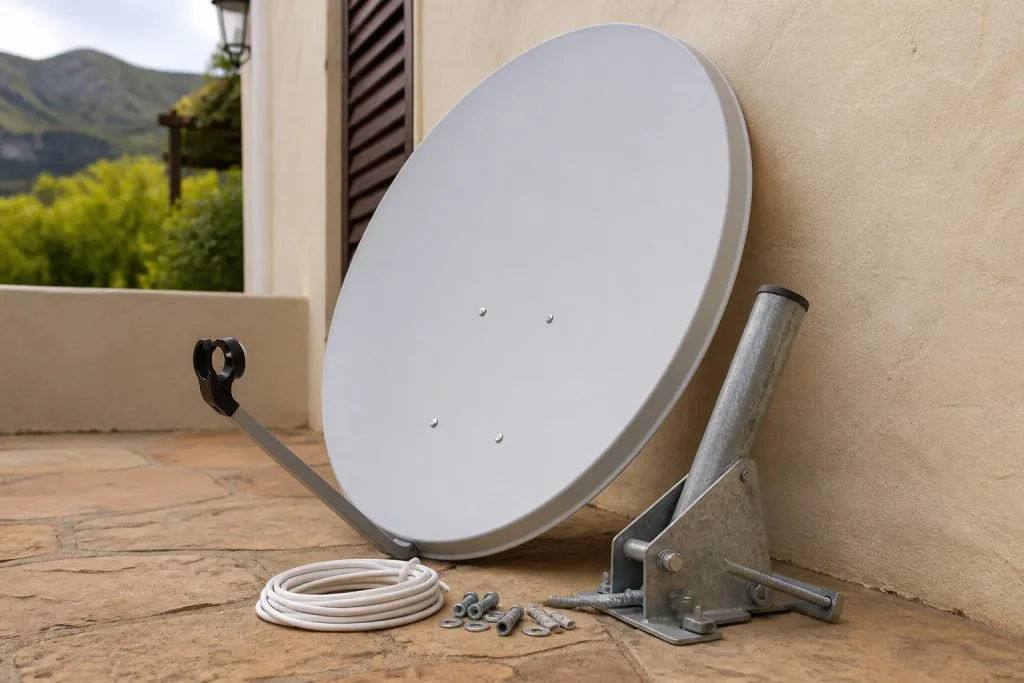
A decoder is the safer bet if your internet is capped, patchy, or simply doesn’t exist yet, which still describes a fair number of properties on the outskirts of Franschhoek and across the wider wine farms. It’s also the right call if live sport is non-negotiable in your household, if load shedding backup only stretches to a small UPS, or if you’d rather set it up once and never think about app updates, device compatibility or account logins again.
The Hybrid Setup: Why Most of Our Clients Actually Run Both
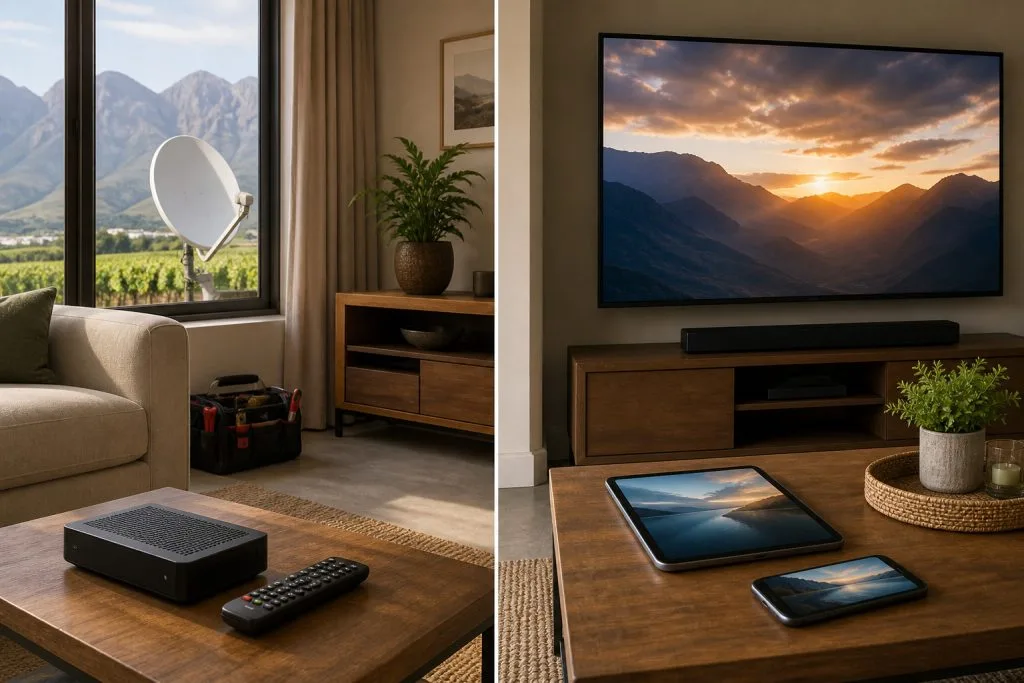
In practice, the “versus” framing is a bit misleading, because you don’t have to pick one and abandon the other. A decoder as the reliable backbone in the lounge, with the DStv Stream app running on phones, a second TV, or a laptop for the kids’ room: that’s what a large share of our installs end up looking like, and it’s exactly what DStv’s own packages are built to support. You get the dependability of satellite for the main screen and the sport-during-load-shedding certainty, plus the convenience of streaming everywhere else in the house.
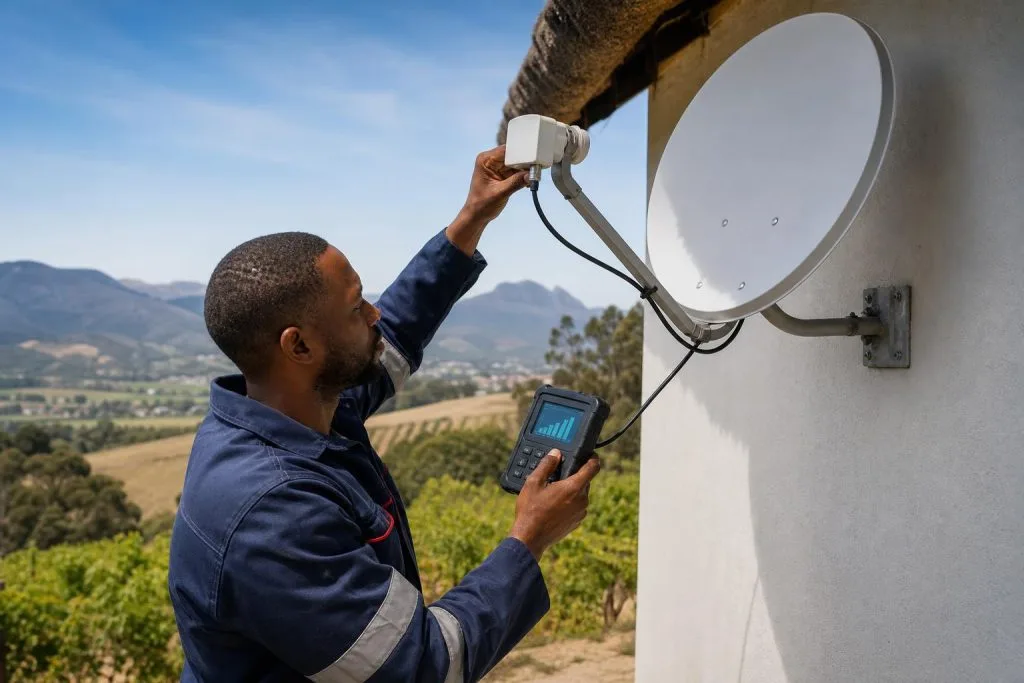
We install and set up both: decoders, dishes, and DStv Stream configuration on smart TVs and other devices, so you’re not stuck choosing blind. If you’re weighing this up for your own home, book a proper Explora or decoder installation and we’ll walk you through what actually makes sense for your specific internet connection and viewing habits, rather than a one-size-fits-all answer.
Still not sure which way to go? DSTV Franschhoek is your local DStv installer in Franschhoek, and we set up both satellite and streaming across Franschhoek and the greater Winelands with same-day installs available. Call or WhatsApp 079 754 5527 for honest advice, not a sales pitch.
Need a DSTV technician?
Same-day DSTV installation, signal repair and Explora setup across Franschhoek and the Cape Winelands.