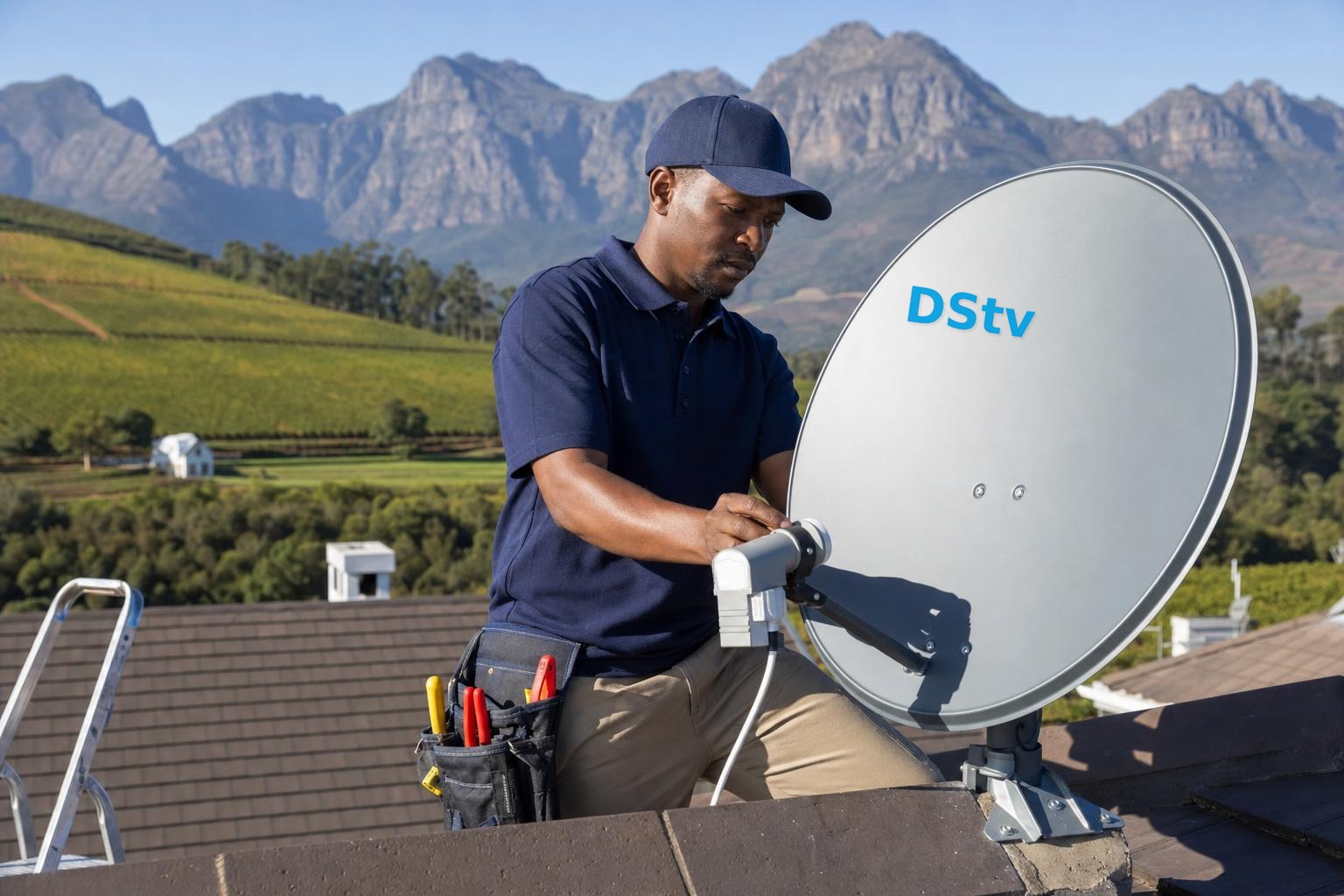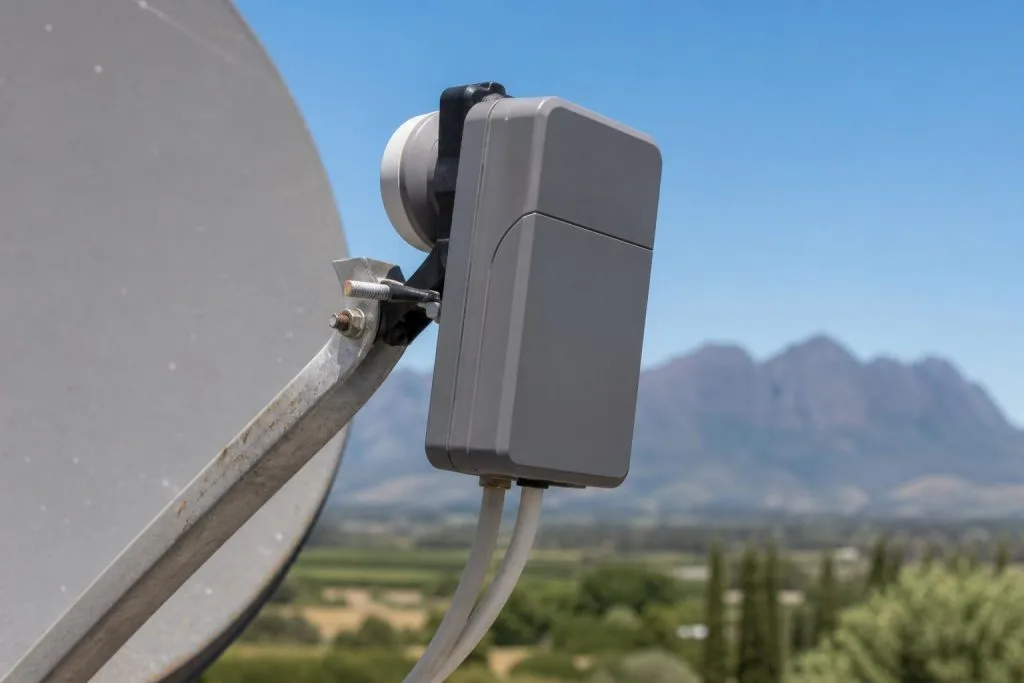
The DStv Smart LNB is the component mounted at the end of the dish arm. It receives the signal reflected by the dish and converts it into a form the decoder can use. Because it sits outdoors through heat, rain and wind, it is also one of the first components people suspect when channels disappear. Sometimes that suspicion is correct; often the real cause is alignment, cable or a connector.
What a Smart LNB does
An LNB receives a very high-frequency satellite signal and converts it to a lower frequency that can travel through coaxial cable. The Smart LNB provides outputs designed for compatible DStv installations, including the Unicable feed commonly used by Explora and certain XtraView arrangements.
It is not an internet device and it does not store channels. Its job is to supply a clean, correctly configured satellite feed. Decoder activation, subscription status and internet-connected features are separate parts of the system.
Smart LNB outputs and correct connections
Different outputs serve different purposes. Connecting a decoder to the wrong output or configuring the decoder for the wrong installation type can produce missing services or setup errors. In a multi-decoder system, the available outputs and decoder compatibility must be planned before cables are moved.
Take a clear photo or label cables before disconnecting an existing working setup. Swapping leads at random can turn one fault into several and make diagnosis harder.
Symptoms that may indicate an LNB fault
- All channels disappear even though the dish has not obviously moved.
- Some channel groups are missing while others remain stable.
- Signal becomes intermittent as the outdoor equipment warms or cools.
- Visible cracking, corrosion or water entry is present at the LNB or connector.
- One output fails while another tested output remains functional.
These symptoms are clues, not proof. A misaligned dish, corroded F-connector, damaged cable or decoder configuration can create almost identical behaviour.
Why water damage causes recurring faults
If an outdoor connector is poorly sealed, water can enter the cable and travel along the braid. The picture may return after the connector is remade, then fail again because the contaminated cable remains. A proper repair removes or replaces the affected section and weather-protects the new connection.
Franschhoek’s winter rain and exposed farm or estate roofs make secure connectors especially important. Cable should form a sensible drip path rather than directing water toward an entry point.
Test alignment and cabling before replacing the LNB
A technician should measure signal at the dish and compare it with the reading at the decoder end. This helps separate an LNB or alignment problem from loss through the cable. Visual inspection alone cannot show whether signal quality has enough margin for poor weather.
Our dish alignment service checks the mount, dish, LNB and accessible cable path as a system. This is more reliable than fitting parts until the picture returns.
When replacement is sensible
Replacement is appropriate when testing isolates the LNB, physical damage is clear, required outputs have failed, or the current component is incompatible with the planned decoder arrangement. The replacement must suit the decoder and be installed with clean connectors and accurate alignment.
If your system uses an Explora or multiple decoders, review the Explora installation requirements and XtraView service before choosing hardware. For diagnosis in Franschhoek, call 079 754 5527 and describe which channels or decoders are affected.
Maintenance that protects the signal path
Do not rotate the LNB or bend the dish arm during casual cleaning. Instead, inspect the visible connector seal, cable support and dish mount after severe weather. Trim vegetation only where it actually obstructs line of sight, and arrange meter testing if reception changes. Painting the LNB face or covering it with improvised plastic can interfere with drainage and create new problems.
Frequently asked questions
How long does a Smart LNB last?
There is no reliable fixed lifespan. Exposure, connector sealing and electrical events affect it, so replace based on condition and testing.
Can I replace it myself?
The part can be physically changed, but rotation, alignment, port choice and connector quality affect performance. A meter-based check is safer.
Does every decoder need a Smart LNB?
Requirements depend on the decoder and installation. Confirm compatibility before changing a working system.
Can lightning damage the LNB?
Electrical surges and nearby strikes can damage several parts of a satellite system. Test the LNB, cable and decoder rather than assuming only one failed.
Suspect the LNB is on its way out? Our DStv dish and LNB installers in Franschhoek test and replace them same-day.
Need the LNB swapped? Our dish and LNB service tests, replaces and realigns in one visit.
Need a DSTV technician?
Same-day DSTV installation, signal repair and Explora setup across Franschhoek and the Cape Winelands.