What you should budget in 2026
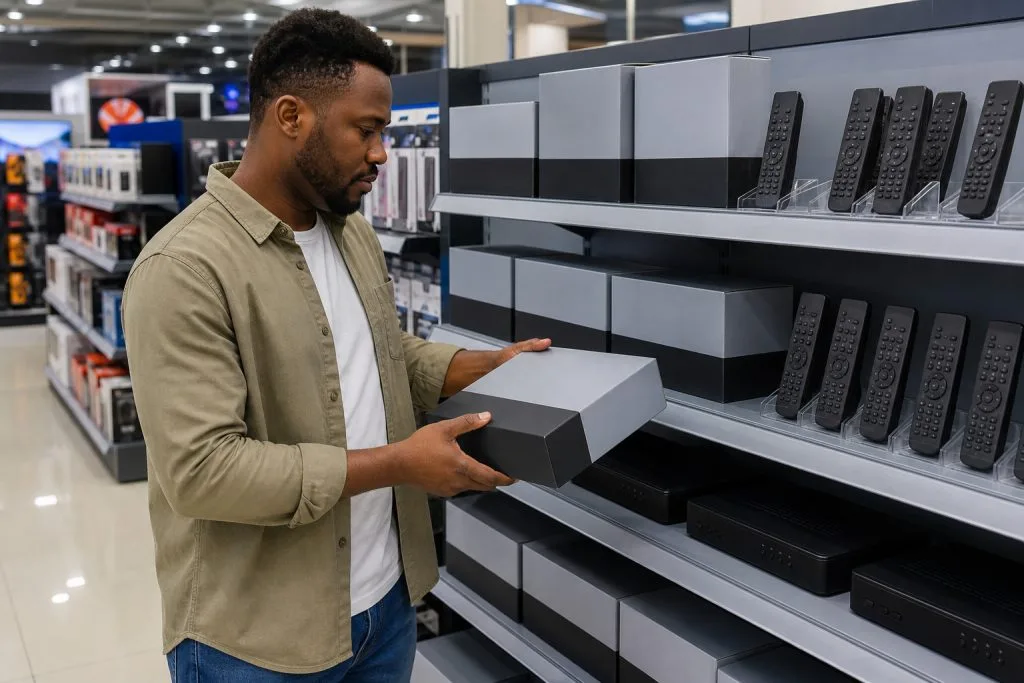
A new DStv Explora Ultra in South Africa generally costs about R2,499 to R3,499 for the decoder. A supplied-and-installed package can reach roughly R3,300 to R5,000, depending on the dish, smart LNB, cable route and roof access. Specials appear, but a surprisingly low advert often excludes installation.
The older Explora 3A is no longer the obvious new-retail choice. Remaining new stock, refurbished units and private sales vary widely, commonly from about R800 to R2,000. Condition and account transfer matter more than a neat national price.
Why the Ultra costs more than an HD decoder
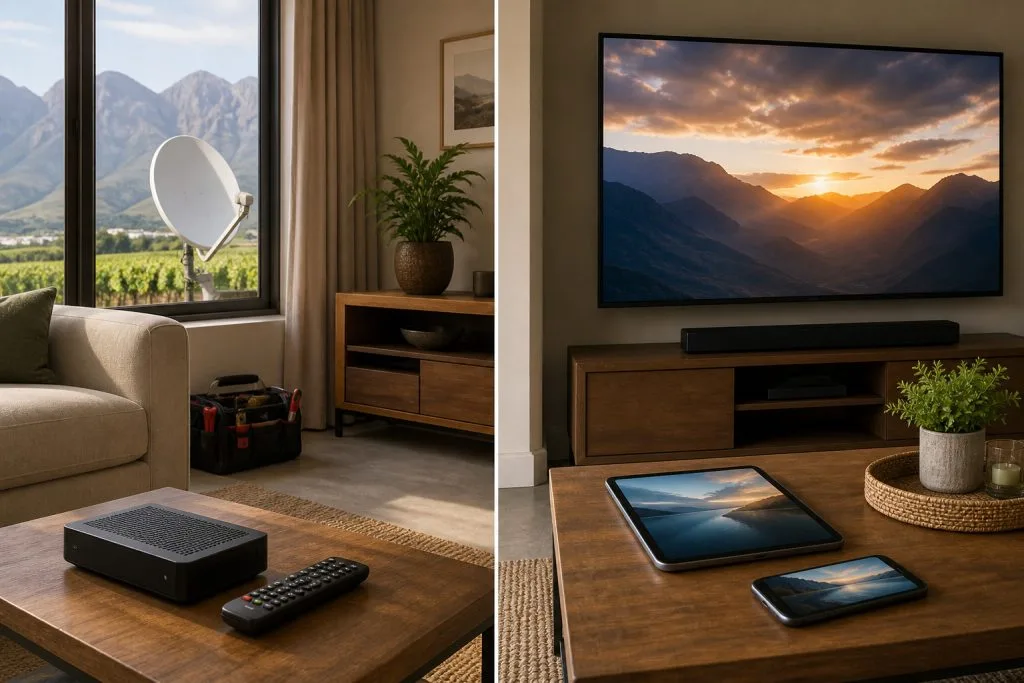
The Ultra combines satellite viewing and recording with connected entertainment features. It supports Catch Up, BoxOffice and selected streaming apps, provided the account, subscription and internet connection support them. That is a different job from the compact HD decoder, which is aimed mainly at straightforward live viewing.
The additional cost buys convenience, not a monthly package. Your DStv subscription is still billed separately. The full DStv packages and price list shows the ongoing viewing fees so you can calculate the first-year total.
Explora Ultra price: decoder-only versus installed
A decoder-only price covers the unit, remote and standard in-box items. It does not automatically cover a satellite dish, smart LNB, external coaxial cable, connectors, wall entry, labour or activation assistance. Retail bundles vary, so ask for a written contents list.
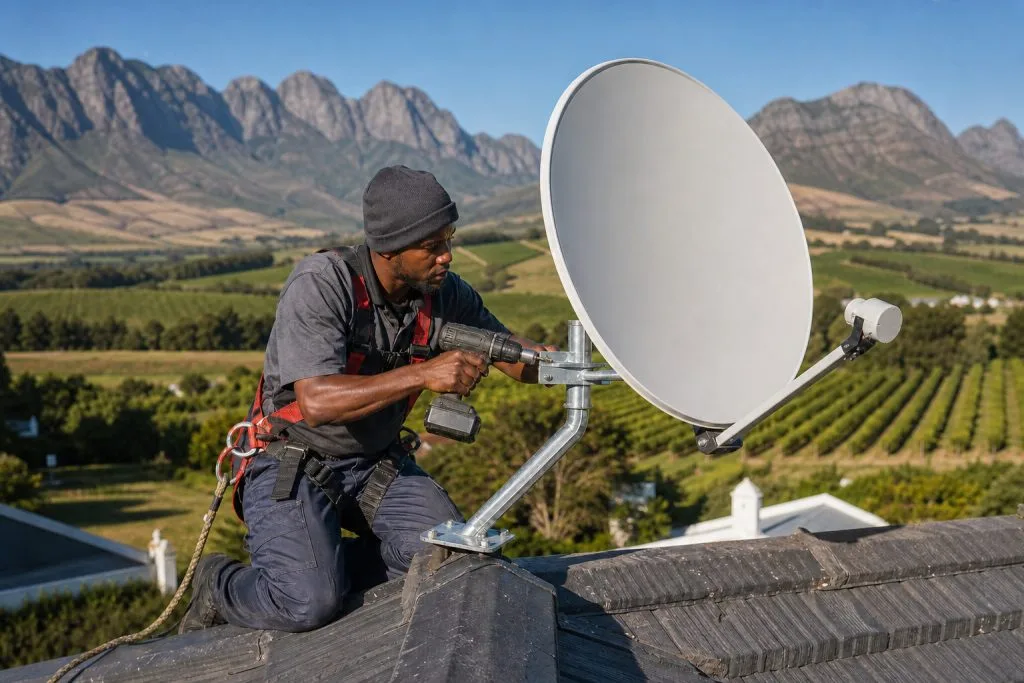
For a standard installation, labour and basic materials commonly add R650-R1,200. More demanding properties cost more. Franschhoek has everything from compact village homes to farms with long cable routes; distance, roof height and existing infrastructure change the job considerably.
If an old single-view setup uses unsuitable cabling or LNB hardware, the installer may recommend an upgrade. Get an itemised quote from an Explora installation specialist rather than discovering the extras after the decoder has been opened.
Where does the Explora 3A fit now?
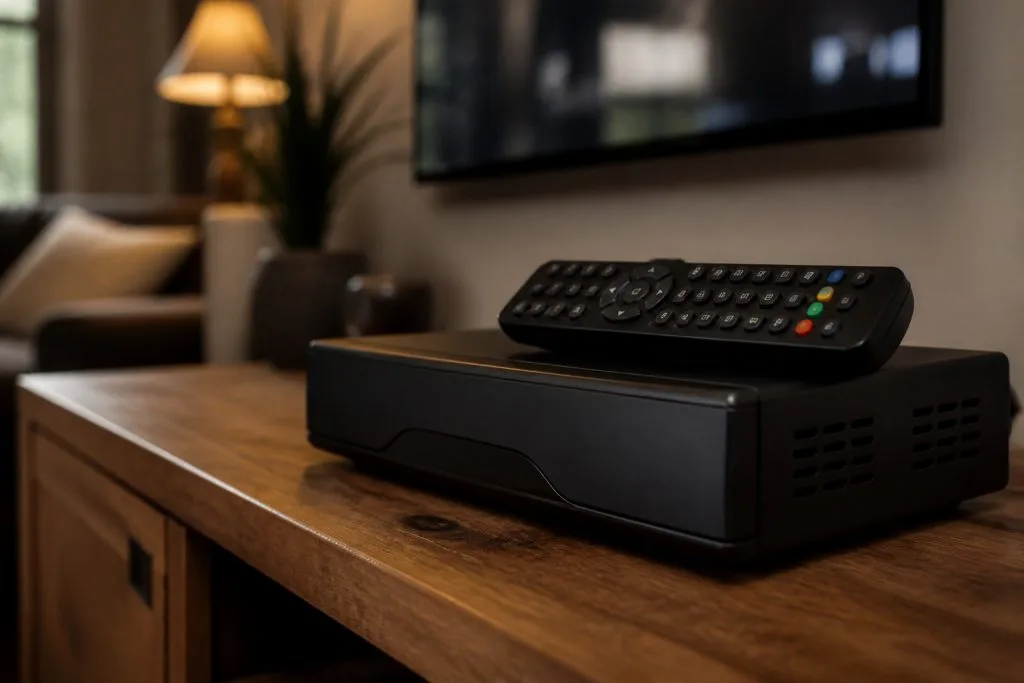
The Explora 3A remains useful in many homes, especially when it is already installed and working. It records television and provides familiar Explora functions, but it does not offer the same integrated streaming-app experience as the Ultra. Buying one used can be economical if the hard drive is healthy and the decoder can legally move to your account.
Before paying a private seller, get the decoder and smartcard numbers. Ask DStv to confirm that the unit is transferable, not insurance-blocked, not reported stolen and not trapped on an account with unresolved ownership. Test recording, playback, HDMI, the remote and both signal feeds where relevant.
Refurbished stock from a reputable dealer is safer than an anonymous marketplace sale because you have somewhere to return a faulty unit. A failed hard drive can erase the saving immediately.
Internet and load-shedding costs people forget
The Ultra can work as a satellite decoder without turning every app into a streaming service, but its connected features need reliable internet. Data use depends on picture quality and viewing time. If your home Wi-Fi is weak at the television, budget for a cable, mesh point or network adjustment.
During load-shedding, the TV, Ultra and router all need power. A router UPS keeps the internet alive but does not run the decoder. Use correctly rated backup equipment and allow ventilation; packing an inverter, decoder and router into a closed cabinet causes heat trouble.
Is the Ultra worth it?
It makes sense for a household that records programmes, uses Catch Up regularly and wants compatible apps through one box. It is also handy when family viewing happens on different schedules. If you only watch live channels on one television, the much cheaper HD decoder may be enough.
- Choose Ultra for recording and connected convenience.
- Keep a working 3A if it meets your needs and passes signal tests.
- Choose HD when upfront cost matters more than recording.
- Do not buy any model until compatibility with the existing installation is clear.
How to compare quotes properly
Put decoder model, dish, LNB, cable allowance, brackets, labour, activation help, travel and warranty on the same page. One quote may be R500 higher because it includes a smart LNB and new cable; another may leave those as on-site extras.
Ask what happens if the existing dish fails its signal test. Also ask whether difficult roof access is included. A proper quote protects both customer and installer and makes the final DStv Explora price far easier to understand.
Explora questions answered
How much is an Explora Ultra in South Africa?
Plan on roughly R2,499-R3,499 decoder-only in 2026. Installed packages commonly start around R3,300 and can exceed R5,000 when extra equipment or difficult labour is needed.
Can I still use an Explora 3A?
Yes, supported working units remain useful. Confirm account status, installation compatibility and hard-drive health before buying second-hand.
Does an Explora Ultra include Netflix or Showmax subscriptions?
No. The apps may be available on the device, but their subscriptions and data charges are separate unless your specific DStv offer says otherwise.
Can the Ultra work during load-shedding?
Yes, with properly sized backup power for the television, decoder and networking equipment. Check wattage and safe runtime before buying a UPS or inverter.
Remember the warranty and account setup
Keep the invoice and serial-number label after installation. Hardware warranties and installer workmanship cover different things, so ask who handles a decoder fault and who returns for a signal or cabling fault. Registration should be completed against the correct customer account. If the unit is replacing another Explora, confirm what happens to recordings and decoder insurance; recordings normally stay on the old box and cannot simply be copied to the new one.
Based in Franschhoek or the surrounding Winelands? We install and configure Explora and Explora Ultra decoders, including the Smart LNB swap most upgrades turn out to need. See our Explora installation service, or start at our DStv installation service in Franschhoek for everything we cover across the valley. Call 079 754 5527 or request a free quote.
Need a DSTV technician?
Same-day DSTV installation, signal repair and Explora setup across Franschhoek and the Cape Winelands.